CowtownHorn
Burnt Ends
-
Joined
Everything posted by CowtownHorn
-
 I think last we heard QE was hog hunting somewhere today. Brenen Thompson liked his instagram post or some such.
CFS, Casey Anthony vs Jodi Arias, roast beef looking pics, video games. Good?
FullSizeRender.mov
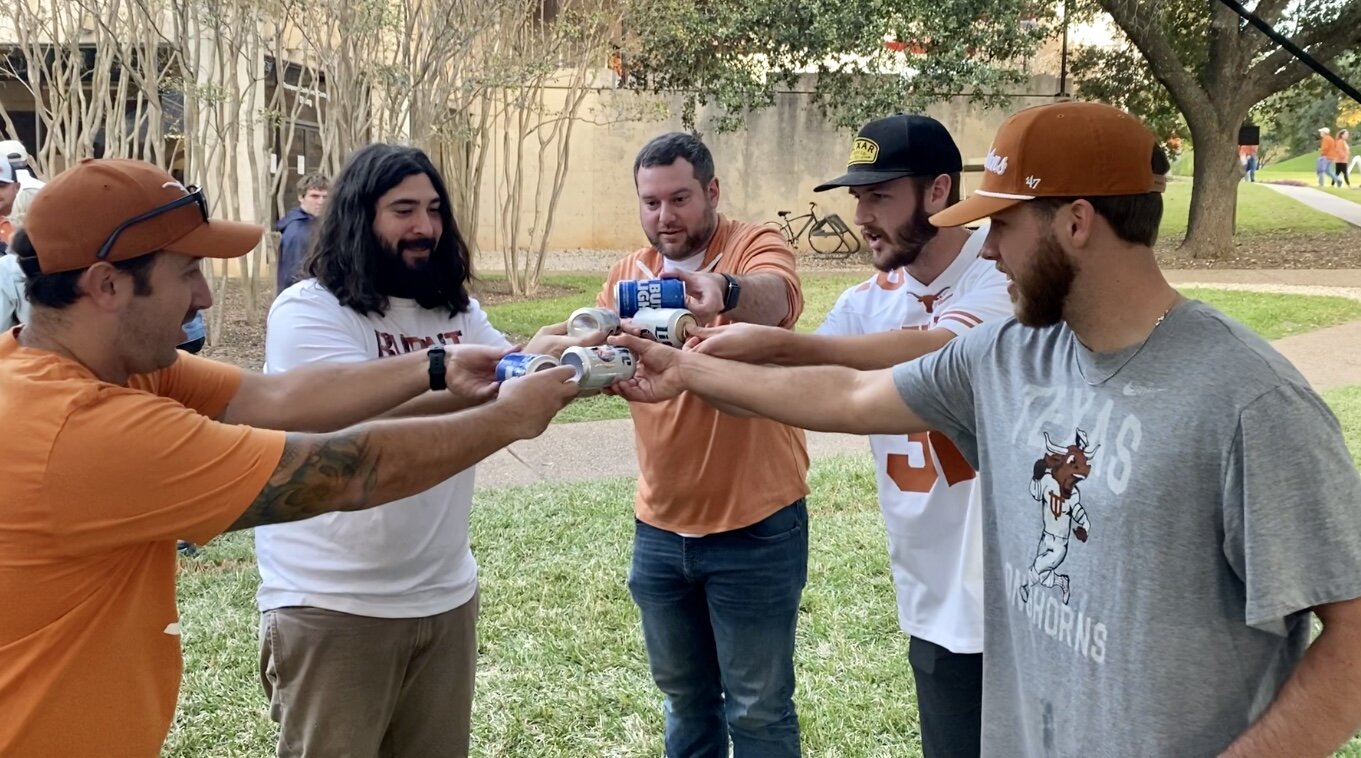
Come to a Surly tailgate and you’ll find out. Some of us already know. 🤫
Damn straight.
I think last we heard QE was hog hunting somewhere today. Brenen Thompson liked his instagram post or some such.
CFS, Casey Anthony vs Jodi Arias, roast beef looking pics, video games. Good?
FullSizeRender.mov
Come to a Surly tailgate and you’ll find out. Some of us already know. 🤫
Damn straight.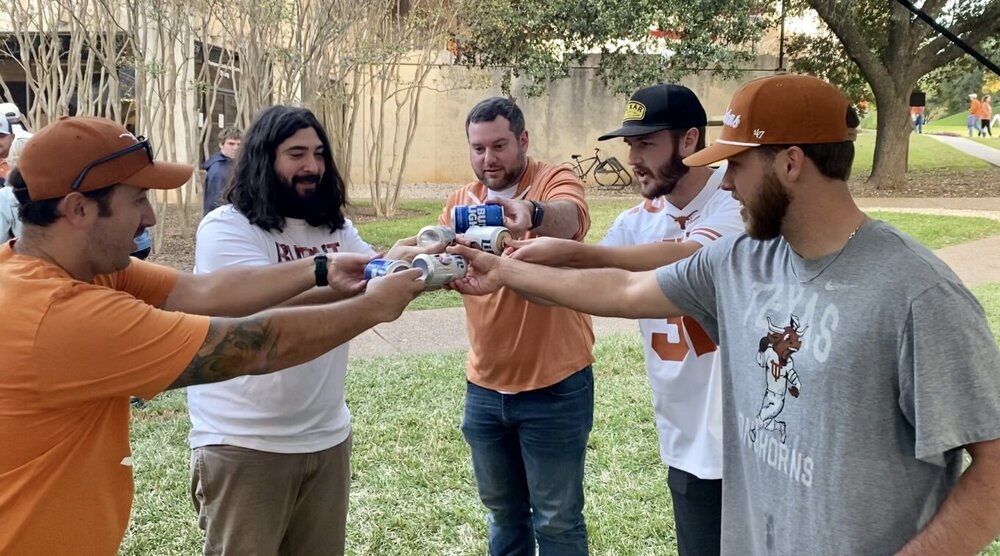 Queso at No Frills up here near FW slaps.
@Nicole44 is cool people. Can confirm.
Dragon’s Lair
Anyone that grew up in the Fort Worth area probably remembers this place. Was always one of my dad’s favorites. Been closed for about 10 years, so sad. CFS was their main dish.
Queso at No Frills up here near FW slaps.
@Nicole44 is cool people. Can confirm.
Dragon’s Lair
Anyone that grew up in the Fort Worth area probably remembers this place. Was always one of my dad’s favorites. Been closed for about 10 years, so sad. CFS was their main dish. I just wish CDC would ban all of those MFers. Sabotage of the program, intentional or unintentional, should be met with a stiff penalty. Jesus.
Football ... Basketball ... Baseball ... Other Sports ... Futbol ... 🤫995🤫 ... Gambling ... Movies & TV ... Music ... Hobbies ... Lulz ... Food & Travel ... Daily Texan ... Business & Markets ... Cloak Room ... Help ... For Sale ... Board Discussion ... Advertise... Tailgate Donations
I just wish CDC would ban all of those MFers. Sabotage of the program, intentional or unintentional, should be met with a stiff penalty. Jesus.
Football ... Basketball ... Baseball ... Other Sports ... Futbol ... 🤫995🤫 ... Gambling ... Movies & TV ... Music ... Hobbies ... Lulz ... Food & Travel ... Daily Texan ... Business & Markets ... Cloak Room ... Help ... For Sale ... Board Discussion ... Advertise... Tailgate DonationsAccount
Search
Configure browser push notifications
Chrome (Android)
- Tap the lock icon next to the address bar.
- Tap Permissions → Notifications.
- Adjust your preference.
Chrome (Desktop)
- Click the padlock icon in the address bar.
- Select Site settings.
- Find Notifications and adjust your preference.
Safari (iOS 16.4+)
- Ensure the site is installed via Add to Home Screen.
- Open Settings App → Notifications.
- Find your app name and adjust your preference.
Safari (macOS)
- Go to Safari → Preferences.
- Click the Websites tab.
- Select Notifications in the sidebar.
- Find this website and adjust your preference.
Edge (Android)
- Tap the lock icon next to the address bar.
- Tap Permissions.
- Find Notifications and adjust your preference.
Edge (Desktop)
- Click the padlock icon in the address bar.
- Click Permissions for this site.
- Find Notifications and adjust your preference.
Firefox (Android)
- Go to Settings → Site permissions.
- Tap Notifications.
- Find this site in the list and adjust your preference.
Firefox (Desktop)
- Open Firefox Settings.
- Search for Notifications.
- Find this site in the list and adjust your preference.