
Jump to content
View in the app

A better way to browse. Learn more.

Surly Horns

A full-screen app on your home screen with push notifications, badges and more.

To install this app on iOS and iPadOS
  1. Tap the Share icon in Safari
  2. Scroll the menu and tap Add to Home Screen.
  3. Tap Add in the top-right corner.
To install this app on Android
  1. Tap the 3-dot menu (â‹®) in the top-right corner of the browser.
  2. Tap Add to Home screen or Install app.
  3. Confirm by tapping Install.
Football ... Basketball ... Baseball ... Other Sports ... Futbol ... 🤫995🤫 ... Gambling ... Movies & TV ... Music ... Hobbies ... Lulz ... Food & Travel ... Daily Texan ... Business & Markets ... Cloak Room ... Help ... For Sale ... Board Discussion ... Advertise... Tailgate Donations

CanadianHornslong

New Members
  • Joined

  • Last visited

Everything posted by CanadianHornslong

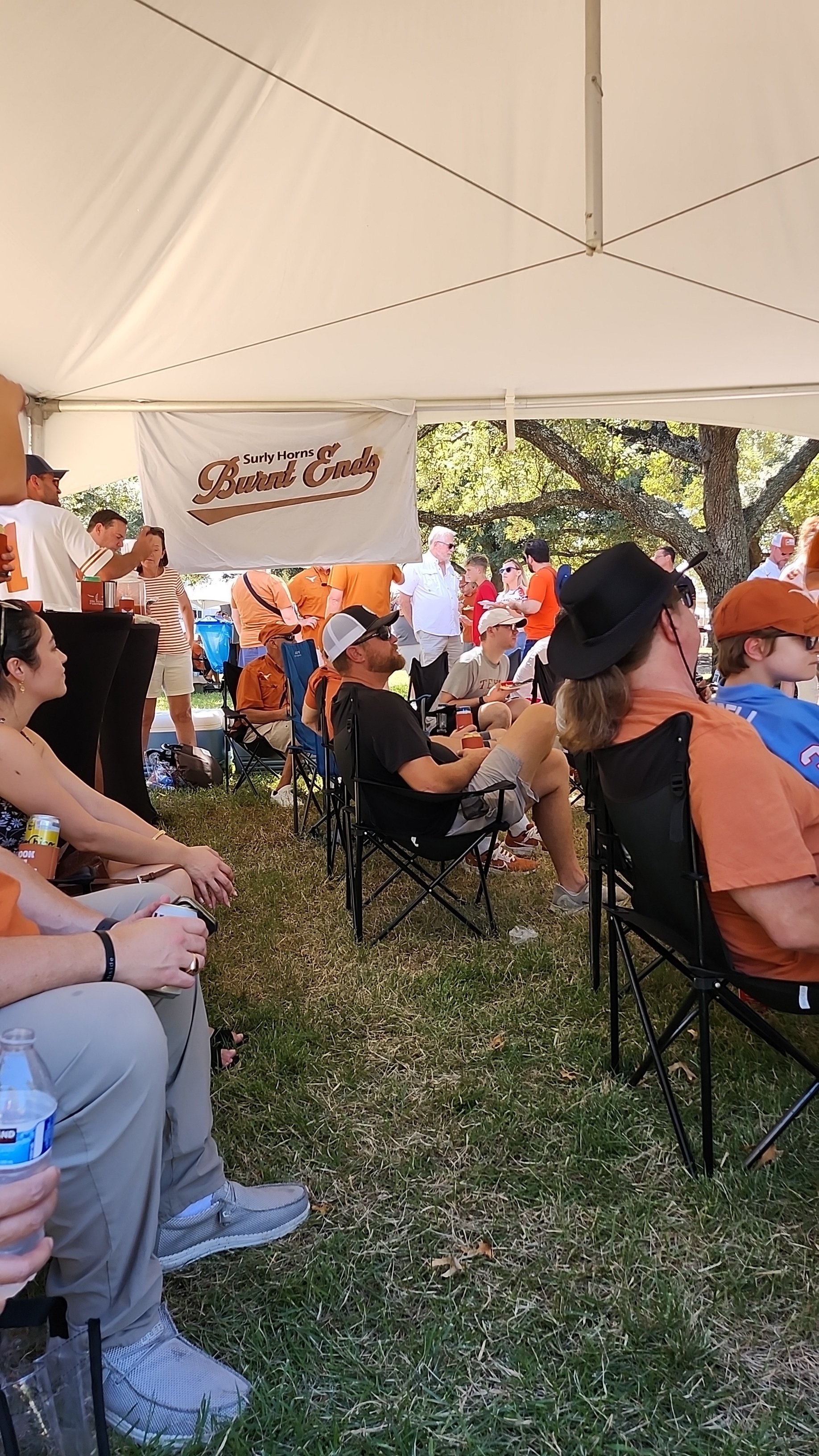
  1. Thank you for the awesome tailgate and good food was super fun to meet you all. Surly horns treated this Canadian very well and i hope in the future i can make a trip back down.
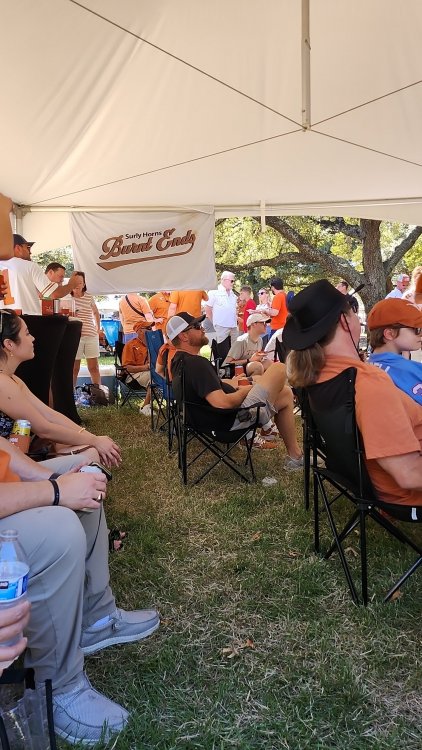

  2. Ooh my god that sounds amazing would love to chip in and have a good time please let me know where to go.
  3. September 26 to October 2 and unfortunately I have no idea what burnt ends is. I was told this site Is awesome and should follow it by another longhorns fan🤘🤘
  4. Going down to Texas for the Mississippi state game September 28th anyone know a tailgate I could possibly attend or fun things to do? This guy's dream is finally becoming a reality so I'm pumped.
Football ... Basketball ... Baseball ... Other Sports ... Futbol ... 🤫995🤫 ... Gambling ... Movies & TV ... Music ... Hobbies ... Lulz ... Food & Travel ... Daily Texan ... Business & Markets ... Cloak Room ... Help ... For Sale ... Board Discussion ... Advertise... Tailgate Donations

Configure browser push notifications

Chrome (Android)
  1. Tap the lock icon next to the address bar.
  2. Tap Permissions → Notifications.
  3. Adjust your preference.
Chrome (Desktop)
  1. Click the padlock icon in the address bar.
  2. Select Site settings.
  3. Find Notifications and adjust your preference.