

Armybrat
-
Joined
Posts posted by Armybrat
-
-
-
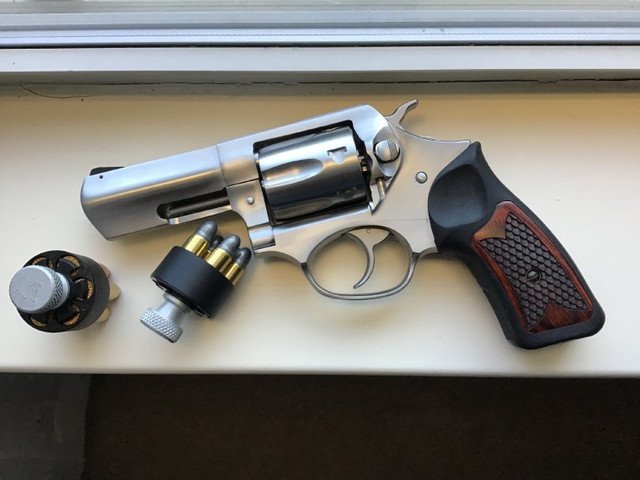
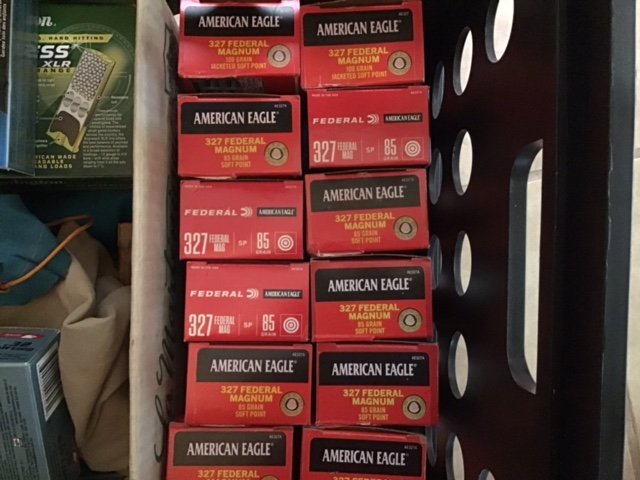
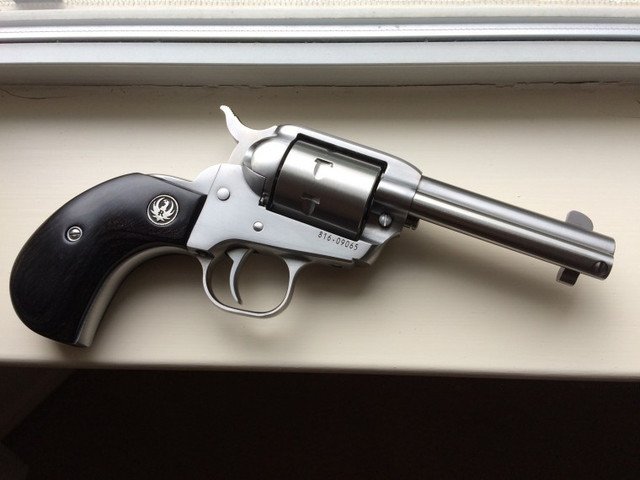
I stocked up on the .327 and .32 S&W Long prior to the pandemic for my two Rugers …haven’t used any of it yet, but probably will just gift it all to my grandkids.
-
 3
3
-
-
14 hours ago, Hairy Biped said: FYI FCS teams are still Division I and were previously referred to as DI-AA and FBS teams DI-A. Division II teams are an entirely different level. For the most part, the primary difference between FCS and FBS is the number of scholarships the schools give out and amount of money the schools commit to their football budgets.
In other words….the poors & inconsequential.
-
-
-
-
10 minutes ago, nineliveslost said: sigh
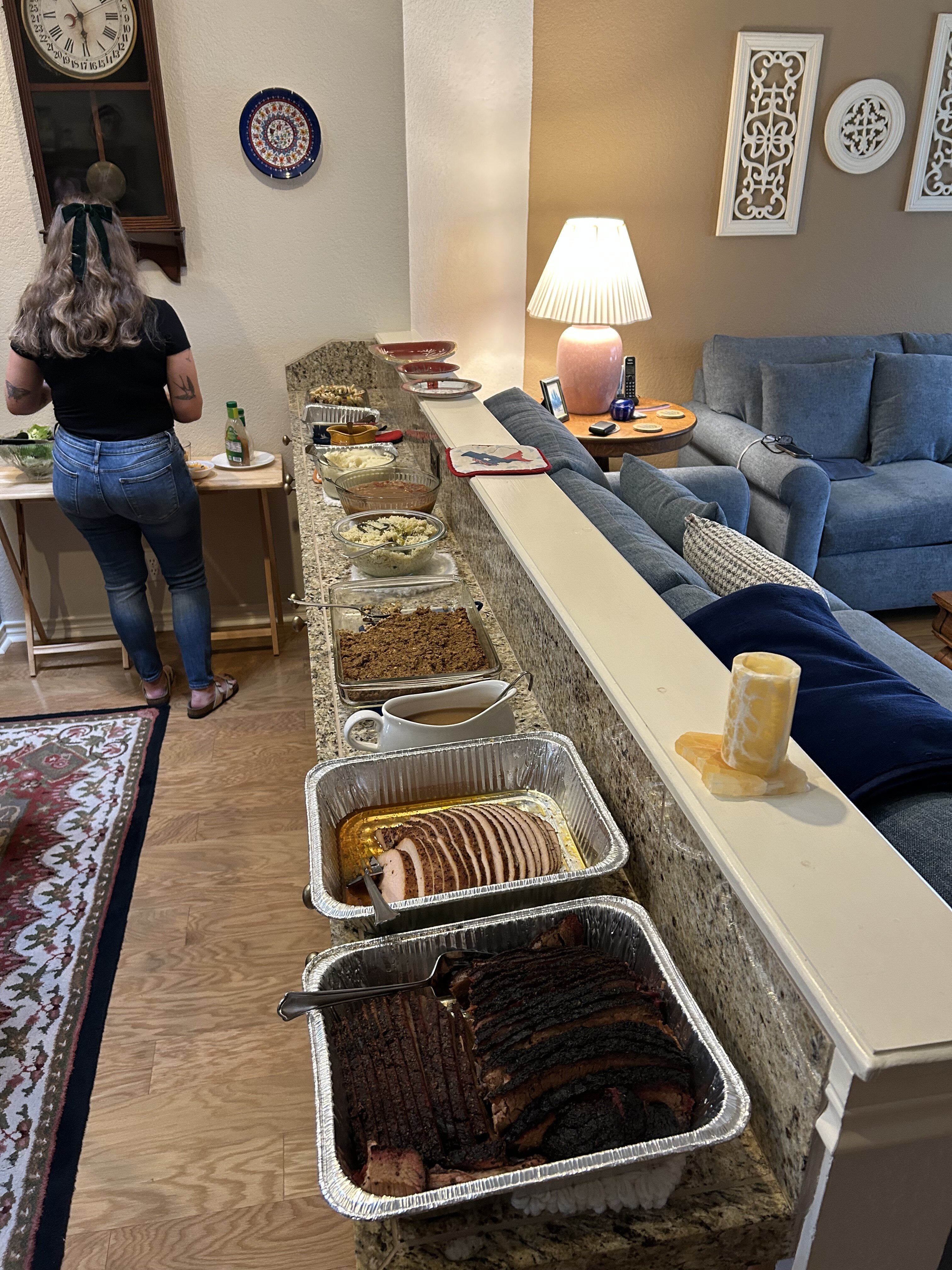
Mankind didn't climb to the top of the food chain to have a salad
To each their own though
Grandpa’s carnivorous ways balance it all out.
-
1
-
 1
1
-
-
7 minutes ago, Kennythetiger said: Them chickens better keep their heads down.
No worries, grandson is a lifelong vegan.
-
1
-
-
-
7 hours ago, Prepuce of Doom said: Doomlet's big ticket Christmas present this year was a 3D printer.
The first thing he wanted to print with it?
A human leg.
Amirite?

-
1
-
 1
1
-
-
-
-
-
3
-
1
-
8
-
 1
1
-
-
52 minutes ago, deter said:
A day late but viagra refill cost dropped 25%
If there ever was a username that fit the bill……..
-
1
-
2
-
-
Attempting to look at a restaurant menu online prior to driving there to dine in, but it won’t list the prices of the food.
Instead it says ‘Start order now”.
I do not want to order carryout or doordash, I want to see the complete menu with prices before leaving the house.Plus, why do some restaurants make it so difficult to find their happy hour menus online?
-
1
-
1
-
 4
4
-
-
-
1
-
-
-
-
-
On 12/21/2025 at 8:19 AM, Chopper said:
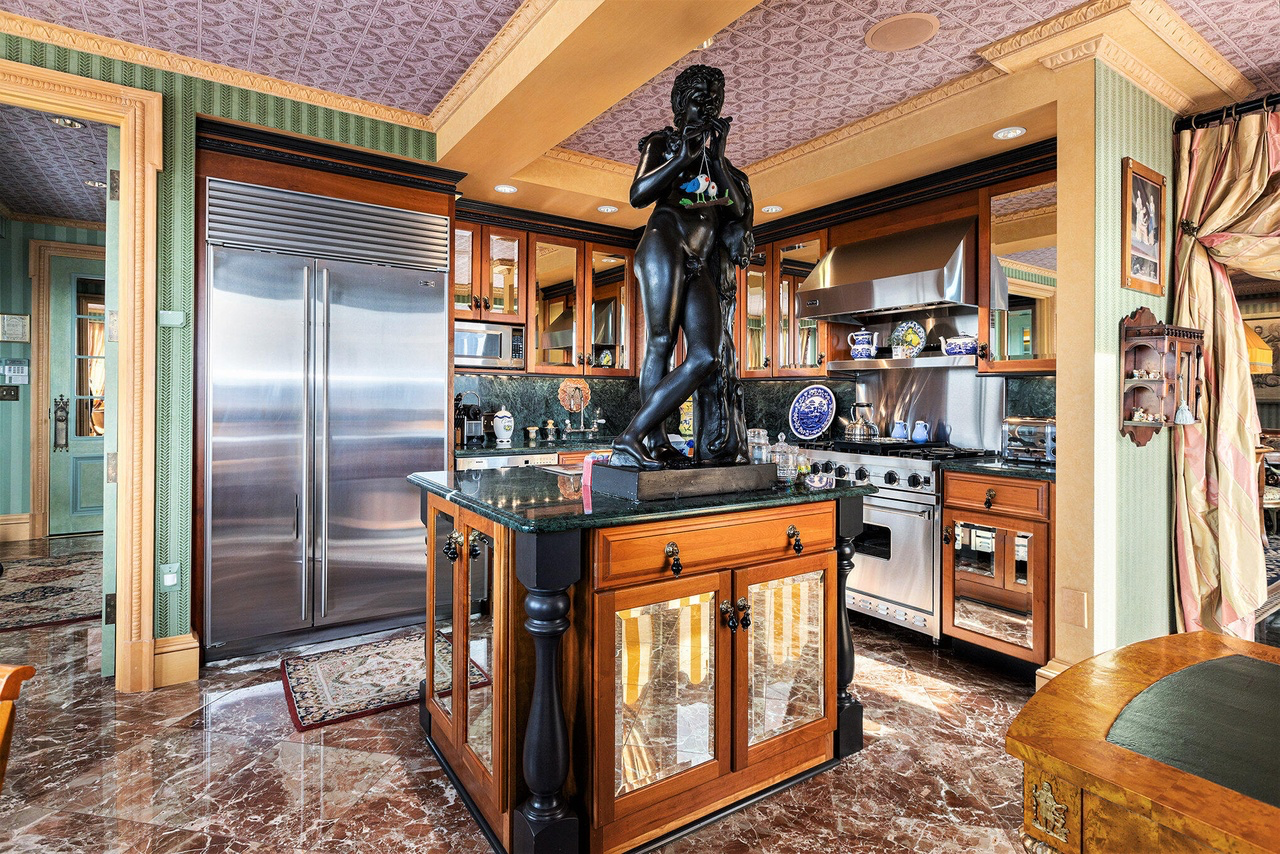
Ignore this post unless you want to laugh at the horrific taste of some insanely wealthy fuck from Ann Arbor https://www.redfin.com/MI/Ann-Arbor/414-S-Main-St-48104/unit-10/home/99381131

AI has a sense of humor?
-
-
1
-
1
-
 2
2
-
-
-
-
4
-
-







Bijan Robinson is special
in Football
Wowzaa!
93 yards to score!