
MFEU93MK9S8IW6K6FV0X
Certifiably Surly
-
Joined
-
-
Saw him live in Austin, at og emos, in between a bunch of totally different/heavy bands. Awesome show. RIP Jimmy Cliff.
-
This is the Iron Gwazi of aggy coasters.
-
That stiff arm hahah
-
Bahahaha
-
It's not that hard to remember; have a Disaronno.
-
Back in the day I had a neighbor that was a forest firefighter turned insurance saleslady that moved here to sell fire insurance to the people in West Travis County. Said it's not a matter of time before something LA style happens. Anyway probably too non sequitur.
-
In for tailgate $ fund.
-
I was thinking this too, but that's like a two day museum.
-
Yesterday was national overdose awareness day, but I don't think it's possible to overdose on aggy misery.
-
Fiji is just toying with USA
-
-
Did y'all know surly had a dark mode? That's crazy.
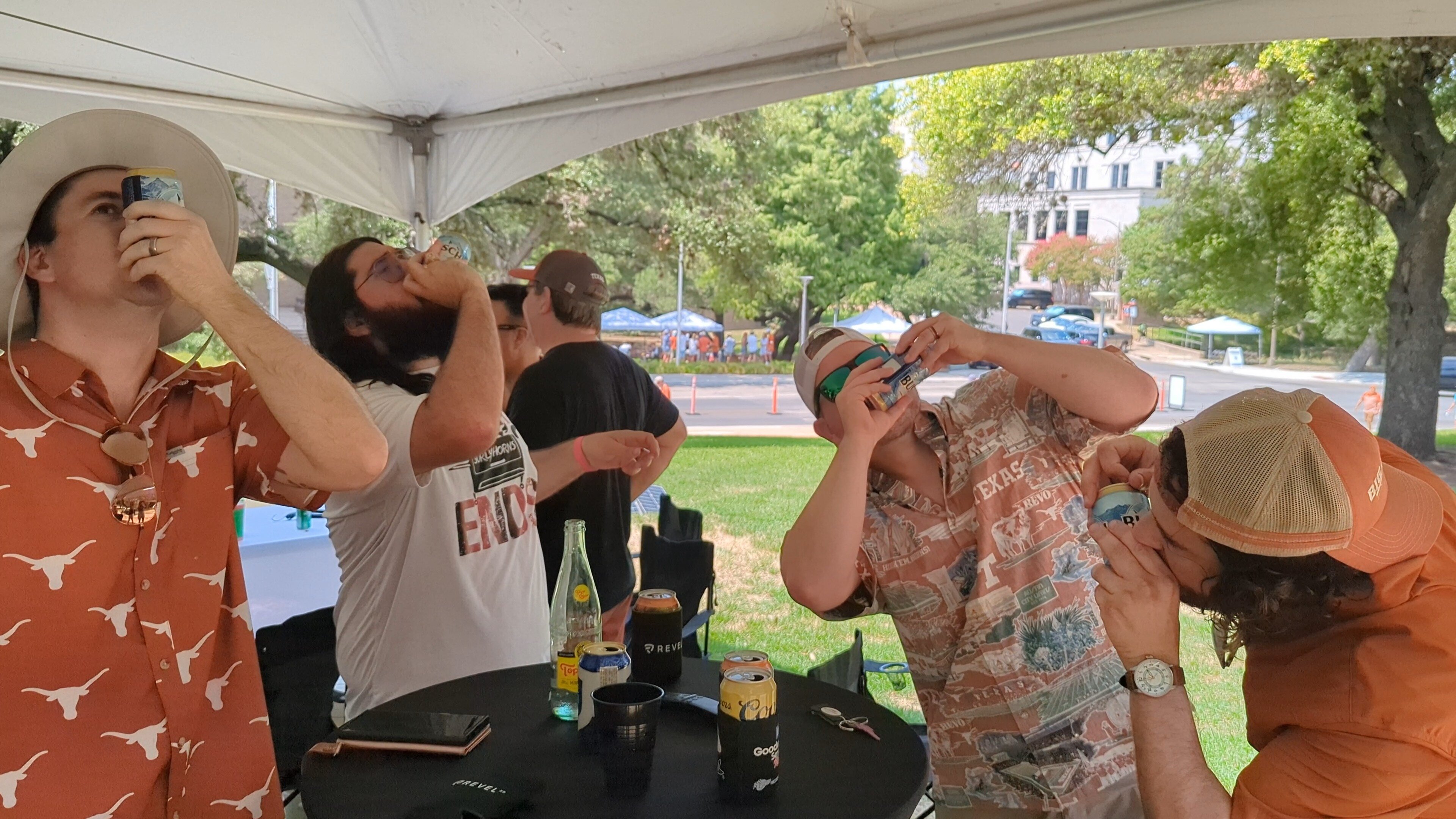
PXL_20221015_153615709.TS~2.mp4 I forgot how to shotgun a beer. Good game & tailgate, assholes.


Football ...
Basketball ...
Baseball ...
Other Sports ...
Futbol ...
🤫995🤫 ...
Gambling ...
Movies & TV ...
Music ...
Hobbies ...
Lulz ...
Food & Travel
...
Daily Texan ...
Business & Markets ...
Cloak Room ...
Help ...
For Sale ...
Board Discussion ...
Advertise...
Tailgate Donations