

Mittens
-
Joined
Posts posted by Mittens
-
-
-
-
-
-
 1
1
-
-
The Sweeney stuff was immediately idiotic. Crazy what the public will believe.
Capt America continues his domination of Italy. A modern day General Clark.
-
4
-
-
-
35 minutes ago, Ghost of NMAS said: Costco pumps are designed to allow you to do that.
Society adjusting for idiots instead of making them adjust is why we have so many fucking idiots.
-
2
-
 1
1
-
-
9 hours ago, pops said: So...talk to me like I'm 5. Isn't that a big deal? Is this a precursor to Max to merc or no?
It's not not a big deal. Could be a precursor of Max to Merc, but wouldn't call it a leading indicator or anything.
Now, if in these new cars RBR shits the bed and produces a dog, while Merc knocks it out of the park from the get go? Then that relationship would mean a hell of a lot more. But if it's the other way around, then it's a massive nothing burger.
-
1
-
-
-
-
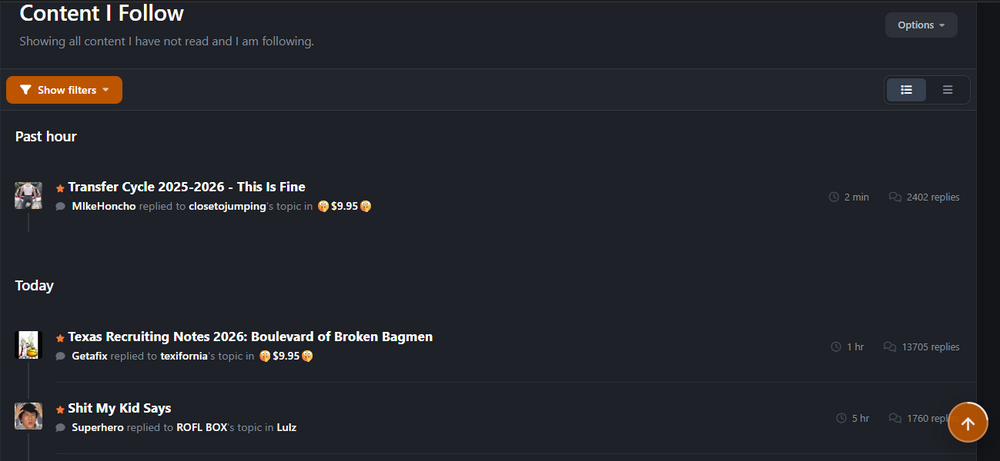
Agreed w/ some other posters about all the blank space being annoying. Any way to remove the "Past Hour" or "Today" headers? idgaf when it was posted.
-
1
-
-
7 minutes ago, immamac said: Should be here in the menu
OK - I never would have thought to look there, but I do see it. Now, is there a way to make that easily accessible like the default stream, or do I need to go to the menu to see that each time? I see options to make it my default stream, but there doesn't seem to be a secondary stream option. Is there a way to do that or no?
-
This is something I was never able to figure out on mobile previously, and now I don't see a way to do it on desktop either. I was hoping to figure out how to do it on desktop and try and recreate that on the new mobile.
On desktop, I have 2 bookmarks set for surly - threads I follow, and threads I don't. That way I can easily see the threads I give a shit about, and then click over to see if y'all have posted anything new and interesting after. Have never been able to do that on the phone. On mobile, how would I create a stream for "Content I Don't Follow"?
-
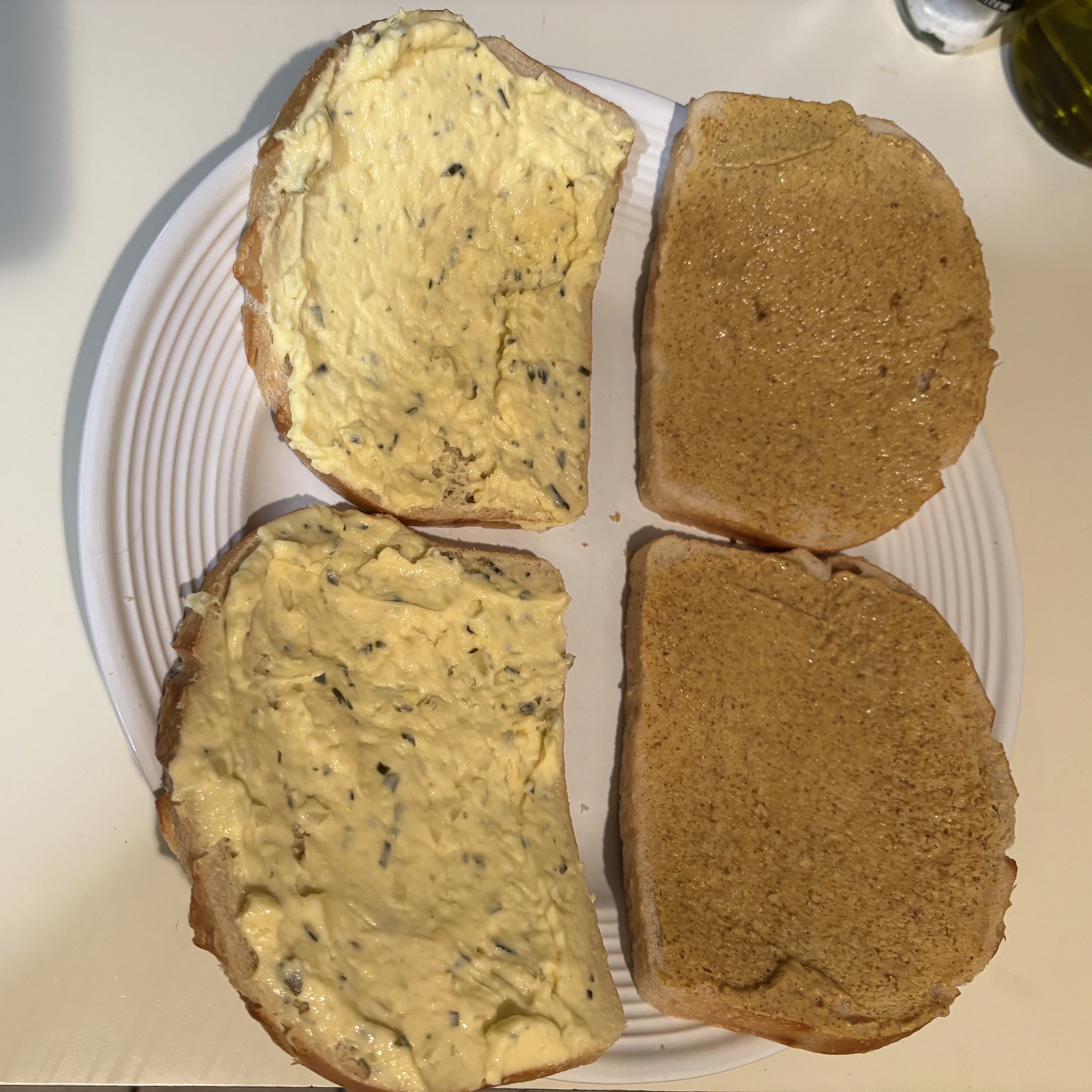
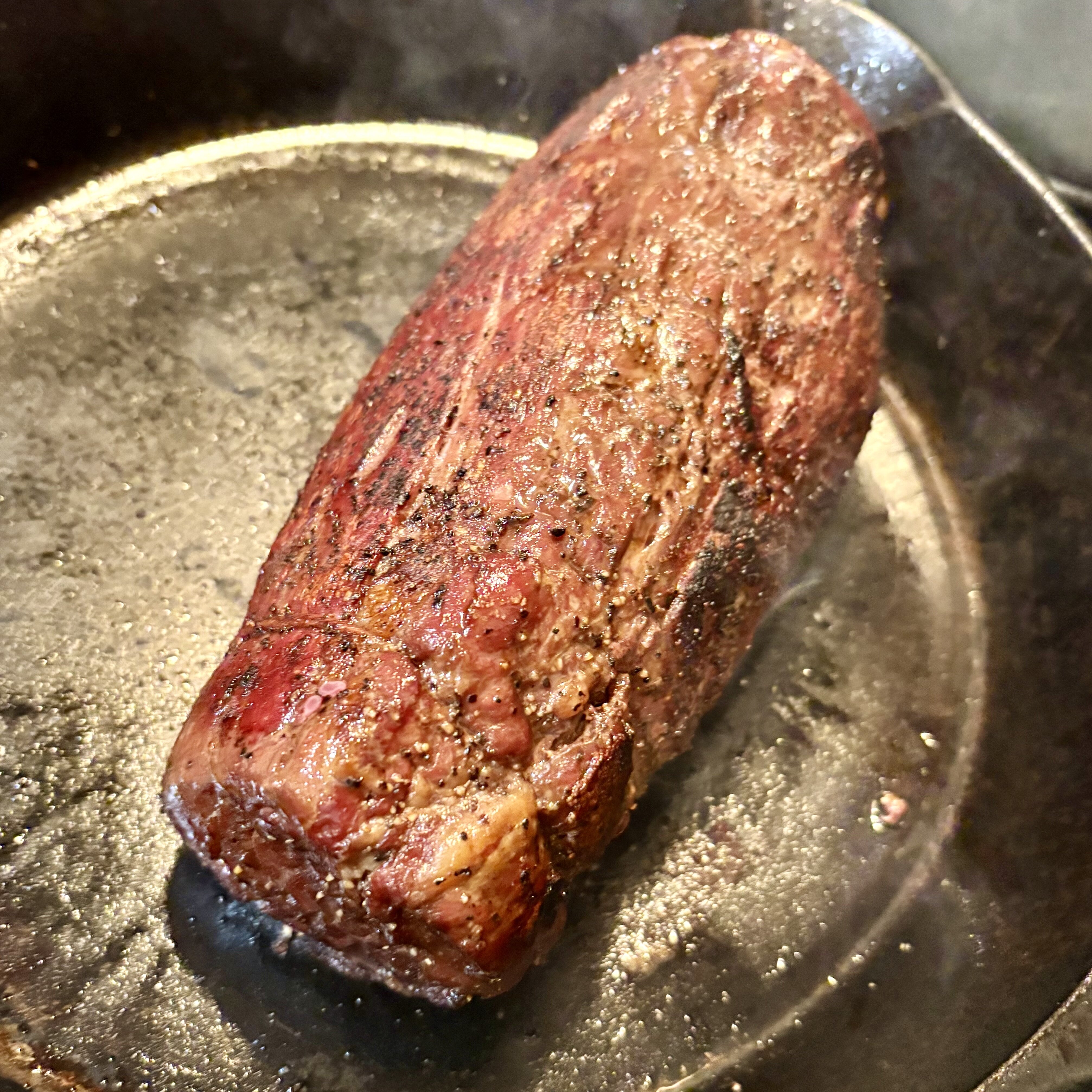
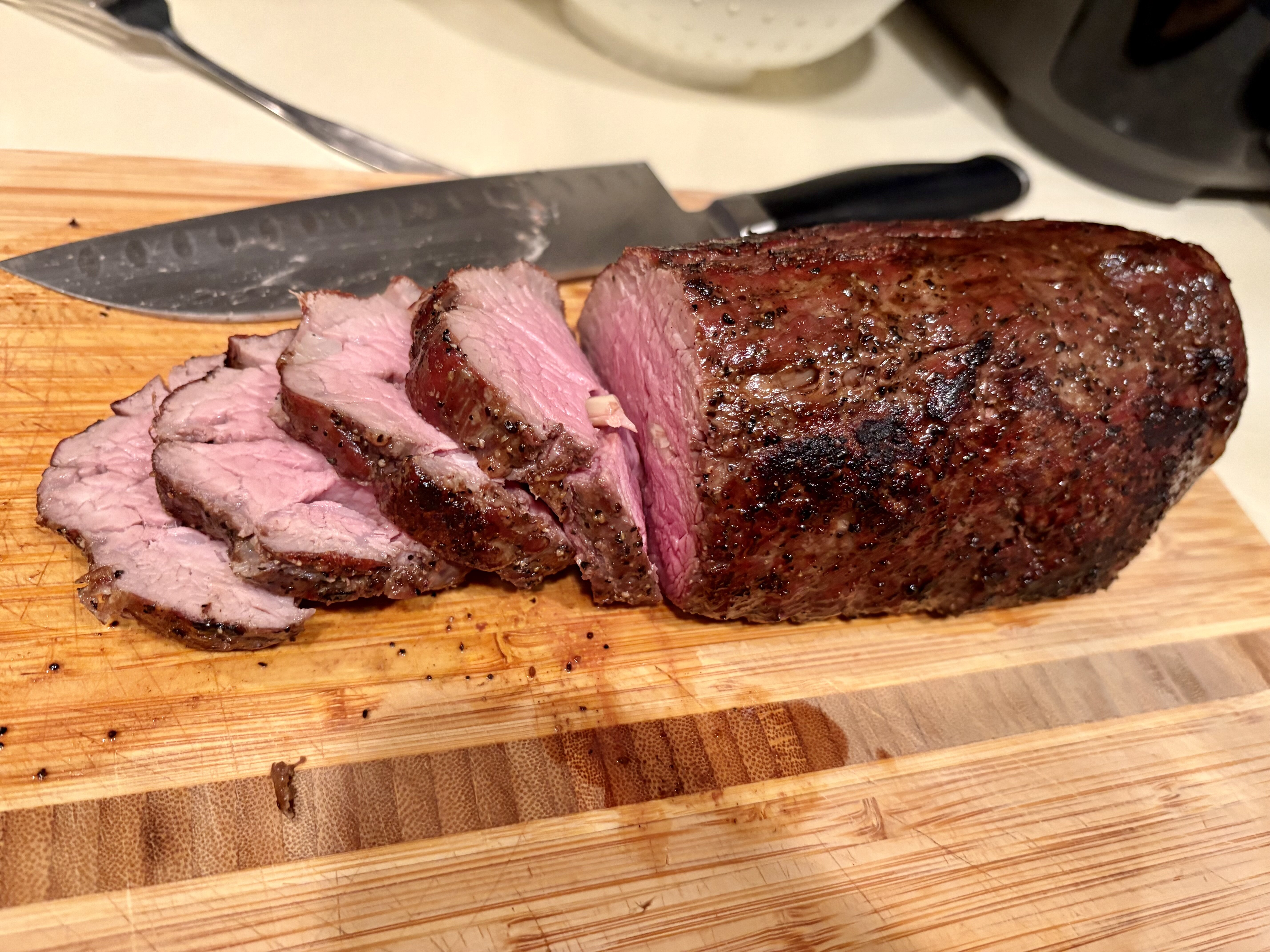
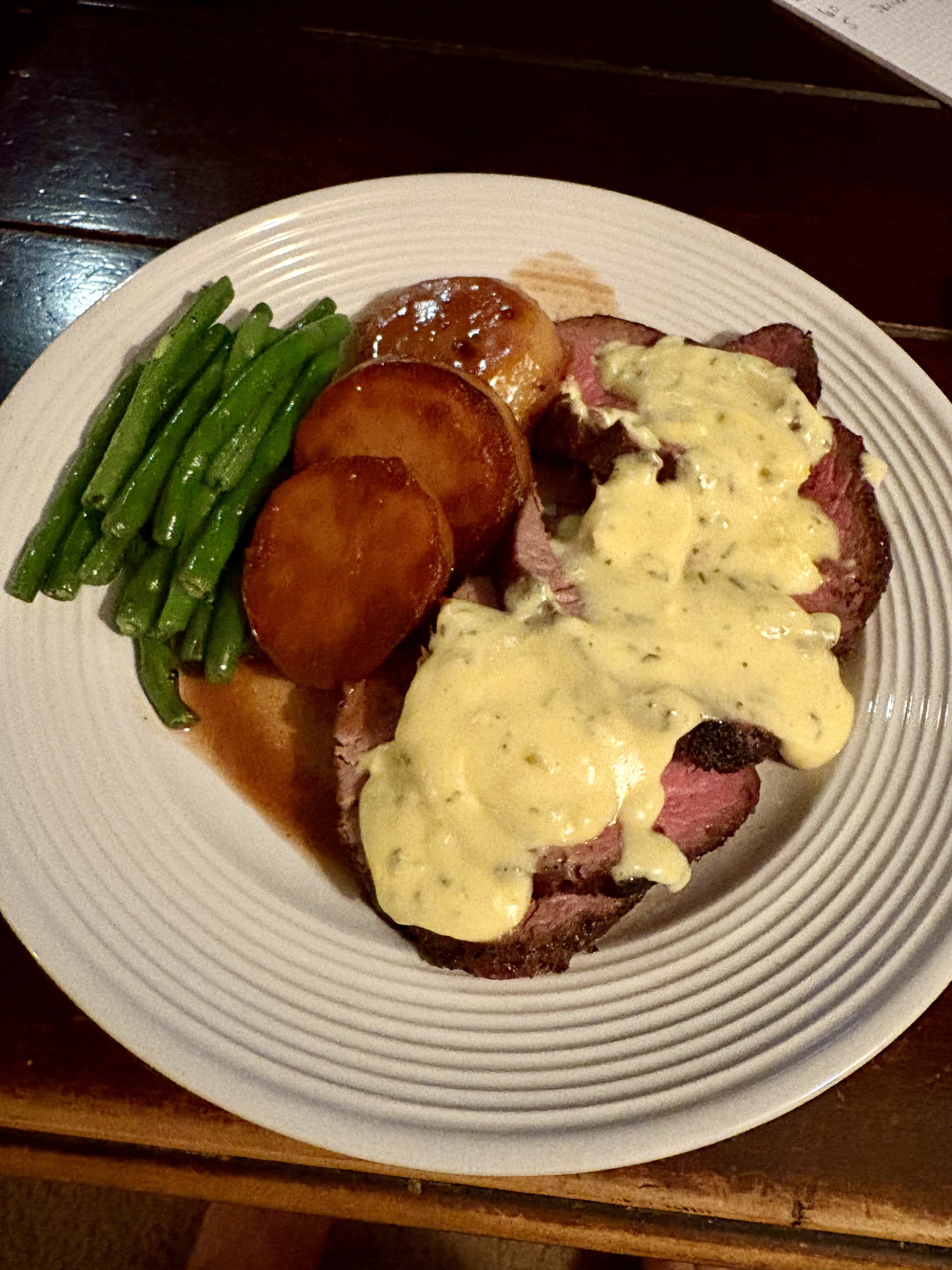
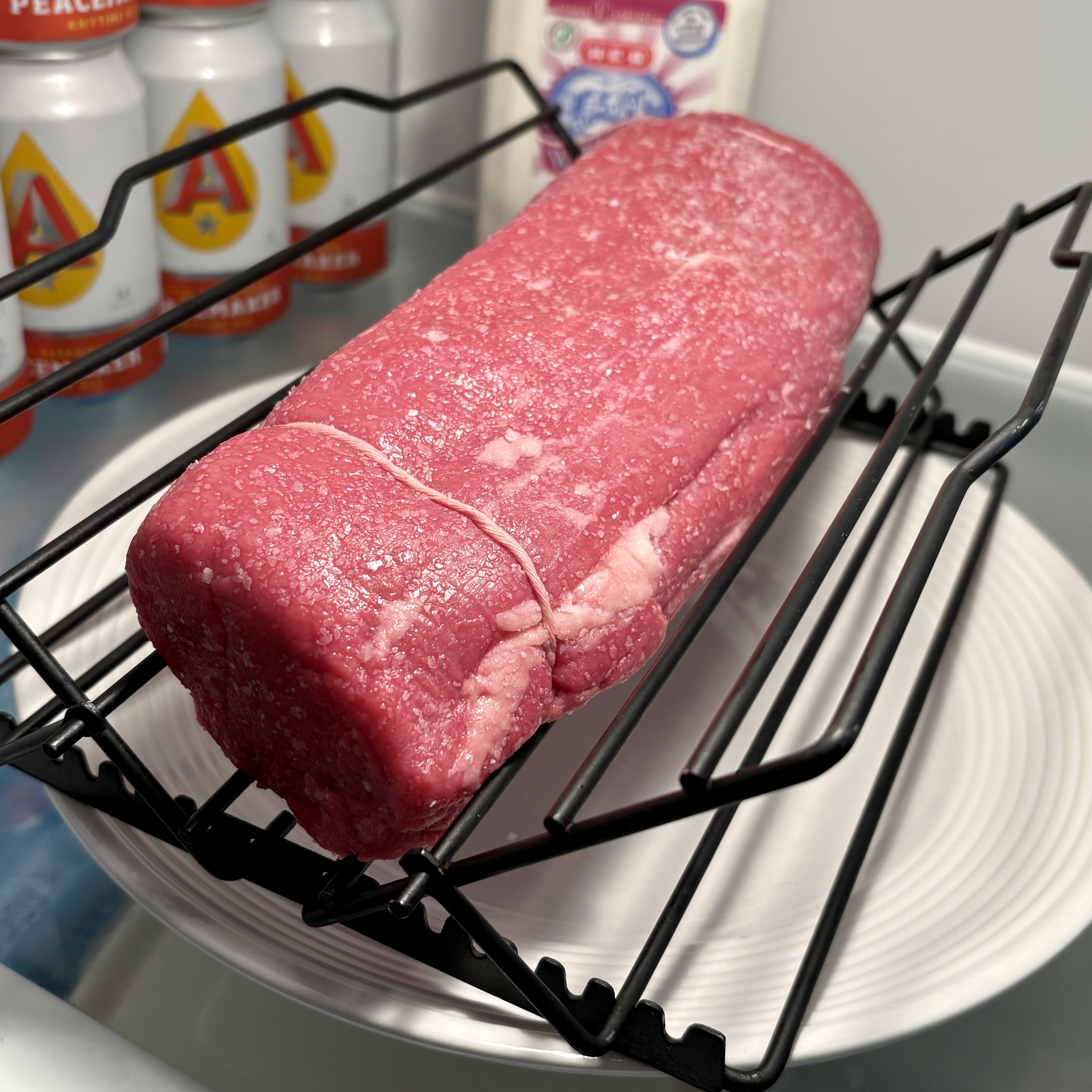
Leftover sandwiches are my jam. Tenderloin w/ Bearnaise Christmas dinner, the day after. The black truffle Brie was the star of yesterday’s charcuterie.

-
3
-
-
-
11 hours ago, Chewbacca said:
Haven't seen it confirmed, but might be the first 55/15/15 game in NBA history.
-
1
-
-
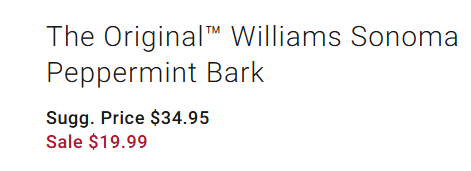
All I know is the last time I purchased Peppermint Bark it was $20 and now it's $35...and then today it's back down to $20! 😡😡😡
-
 1
1
-
-
-
-
-
-
-
-



USMNT 2025 - Easy English, hard ones Spanish
in Futbol