MichaelDicksonFanClub
Burnt Ends
-
Joined
-
Last visited
Everything posted by MichaelDicksonFanClub
-
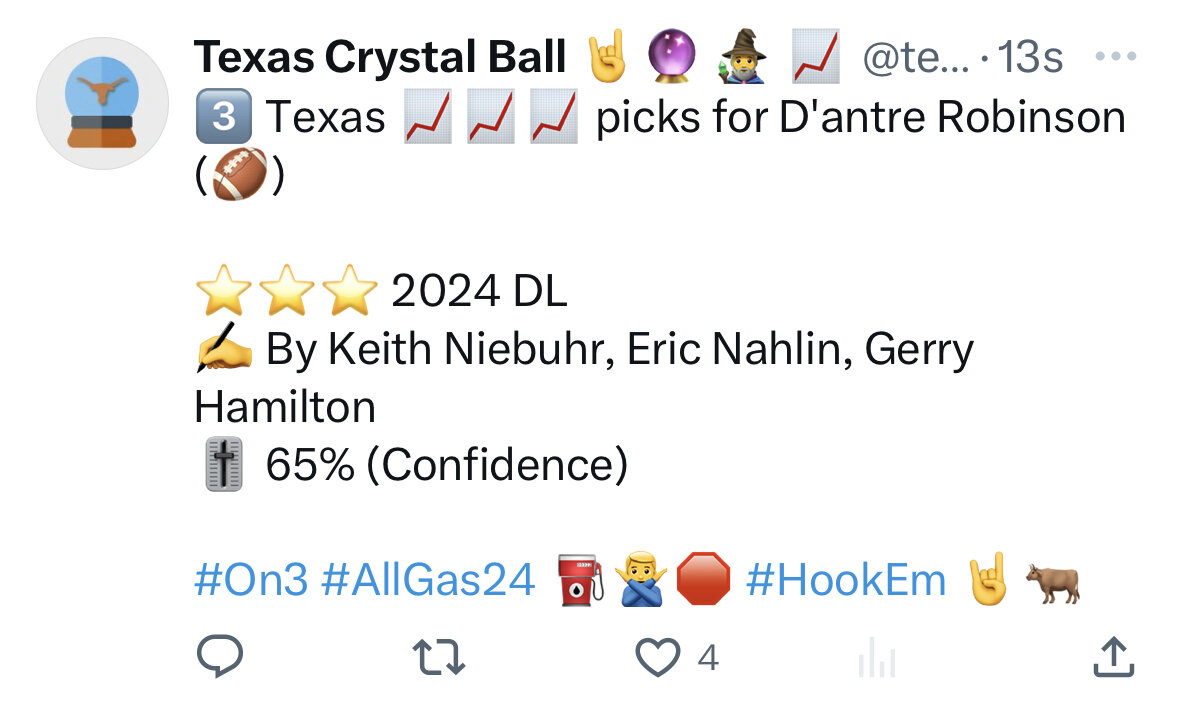
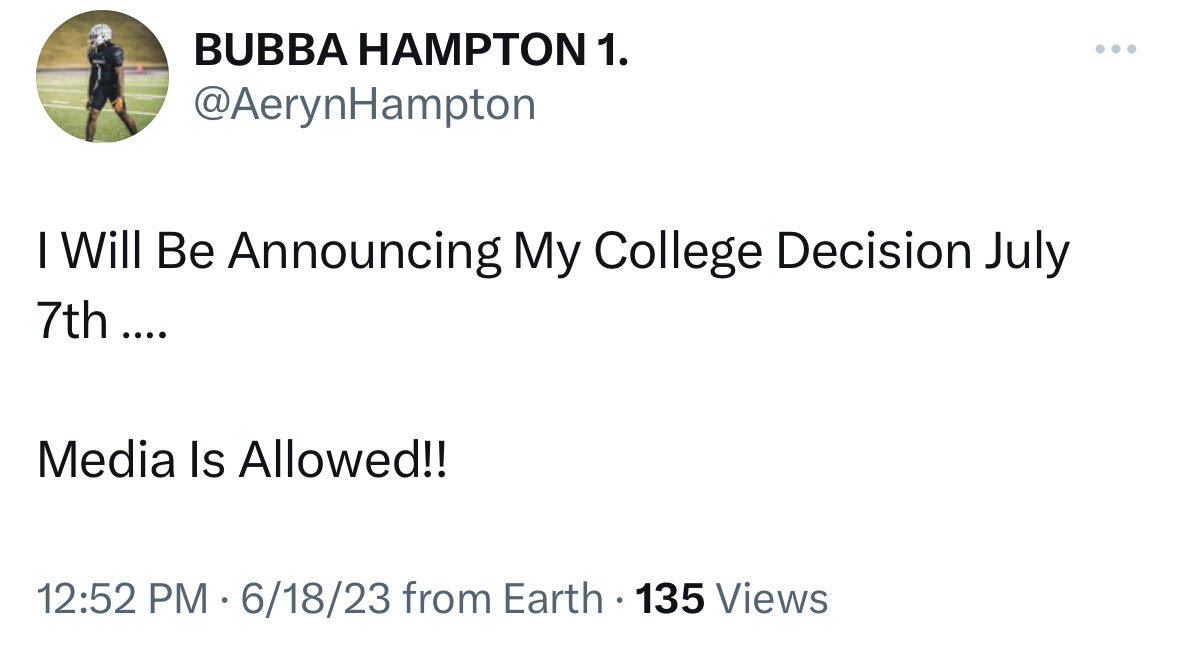
 Robinson moving his date up to the 20th at 1 pm. Related but Florida also just got another dl commit.
.
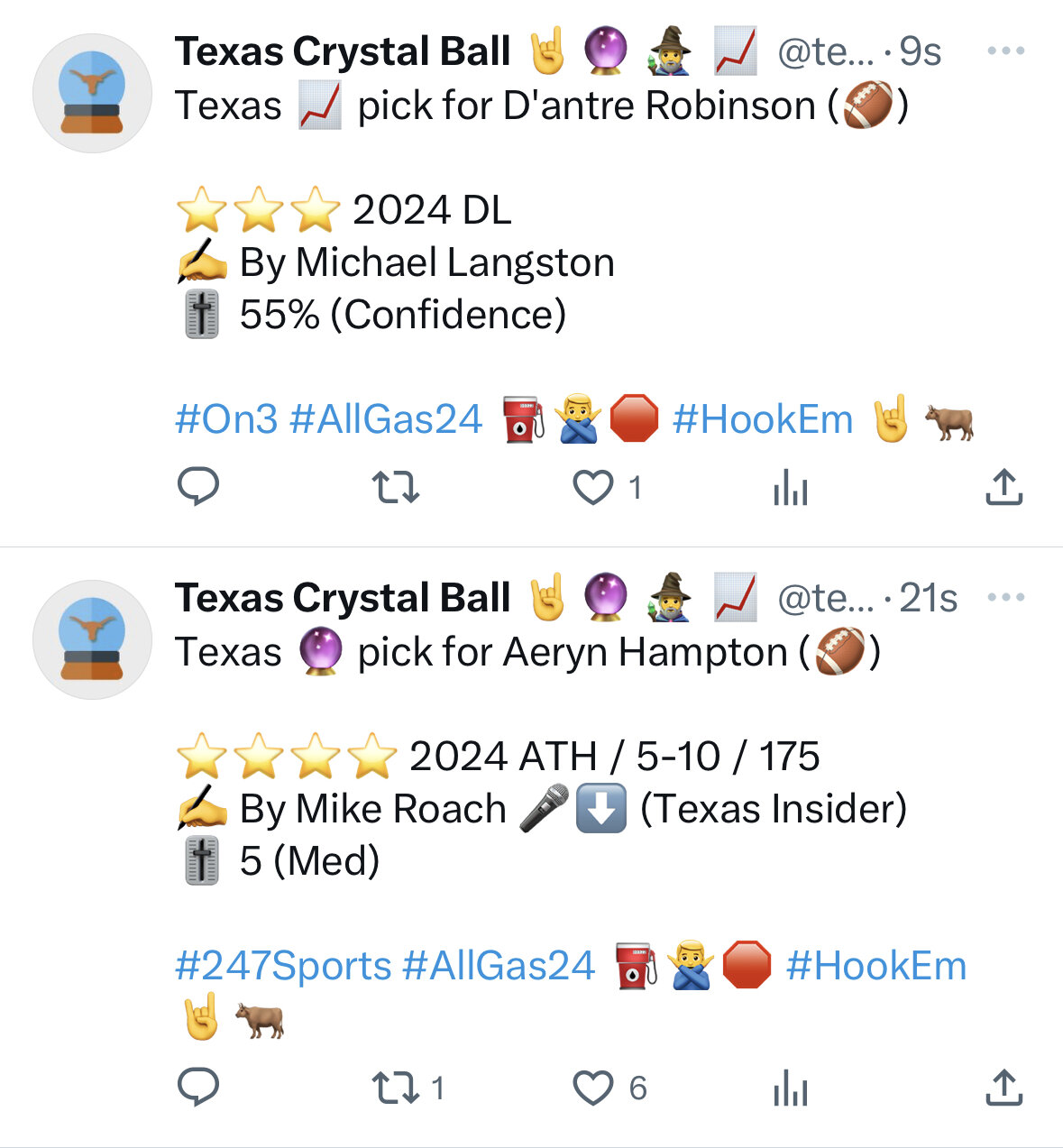
Moar, Langston is an FSU guy I believe
Robinson moving his date up to the 20th at 1 pm. Related but Florida also just got another dl commit.
.
Moar, Langston is an FSU guy I believe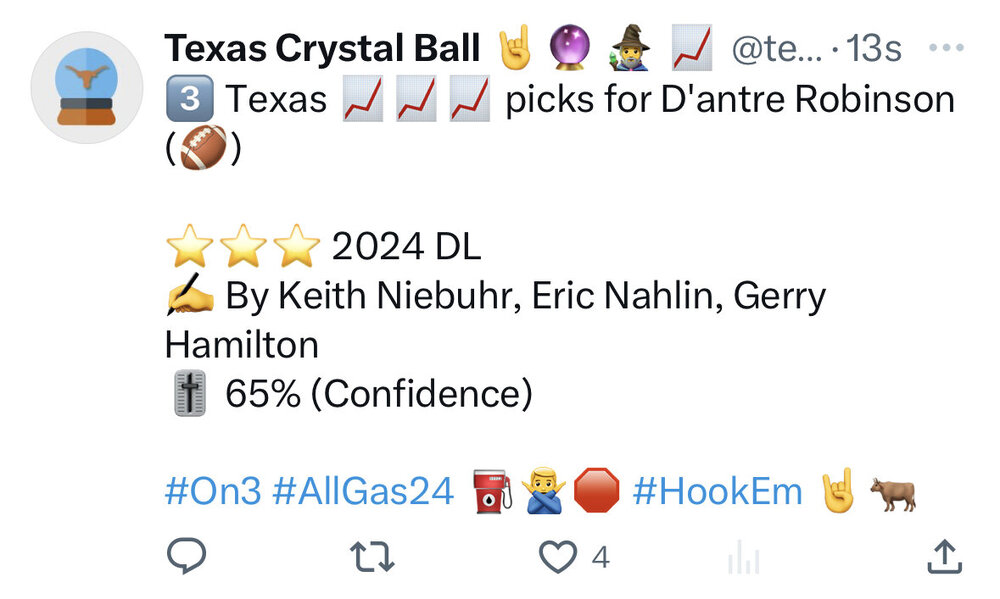
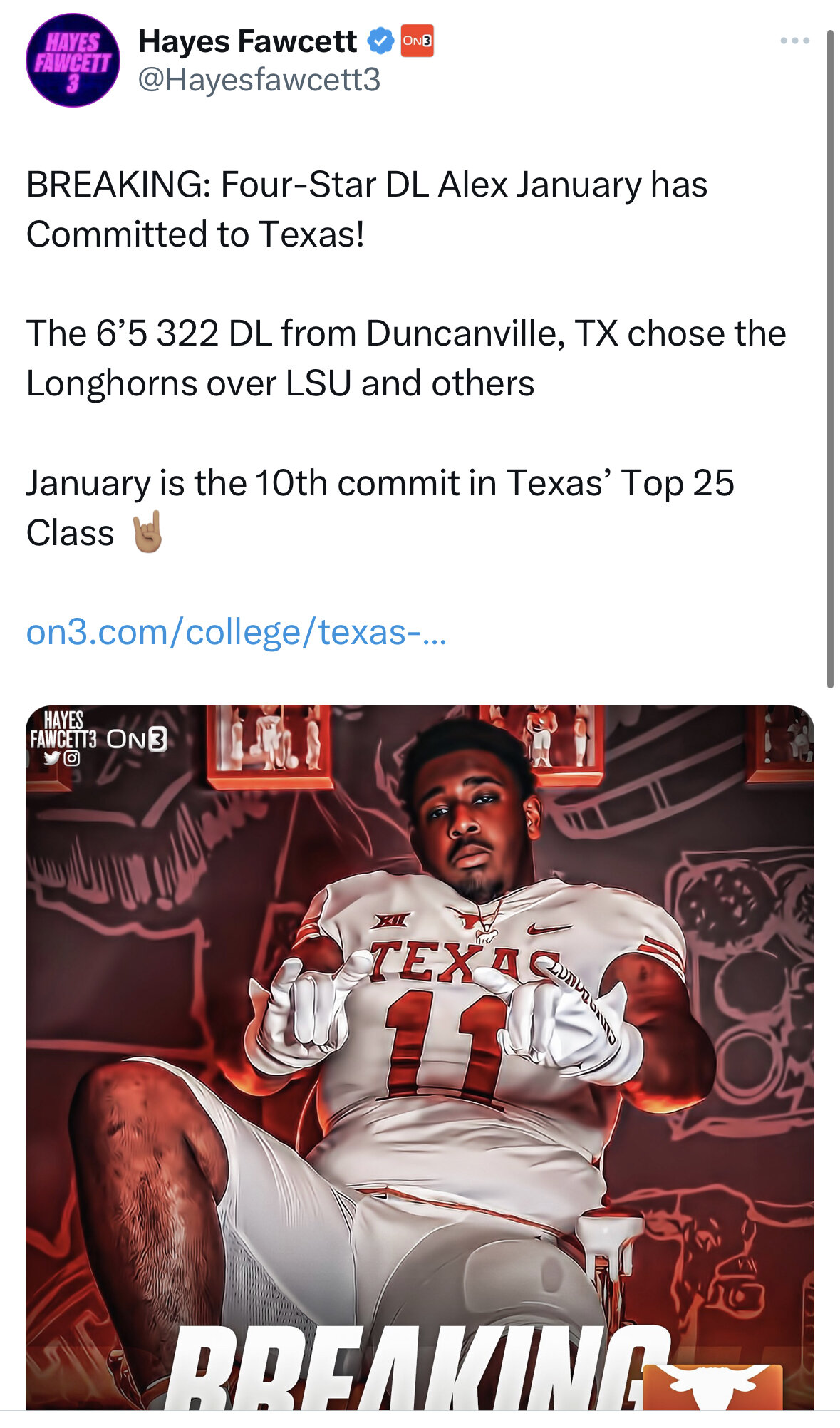
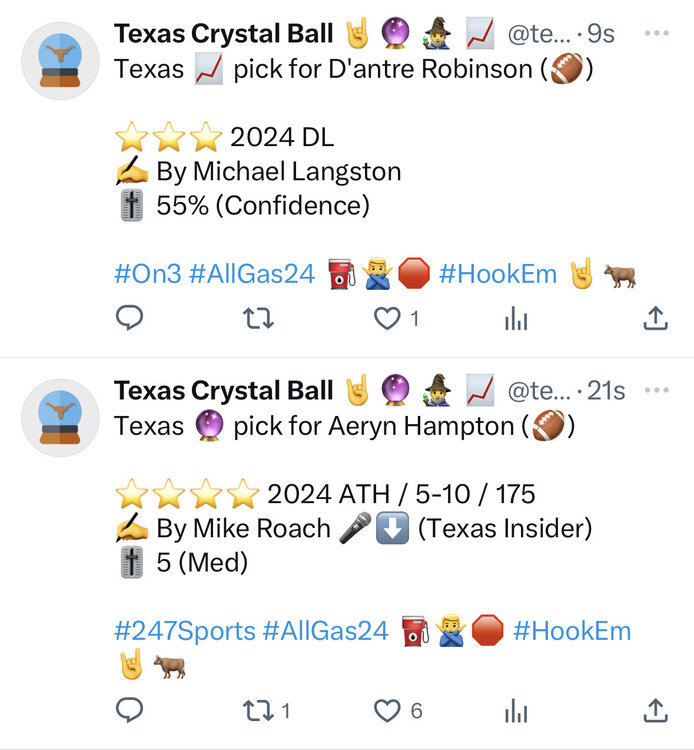 Alex January just got a Spiegelman pick
Jimbo seeing a highly rated player with character issues
Alex January just got a Spiegelman pick
Jimbo seeing a highly rated player with character issues Another
K
Another
K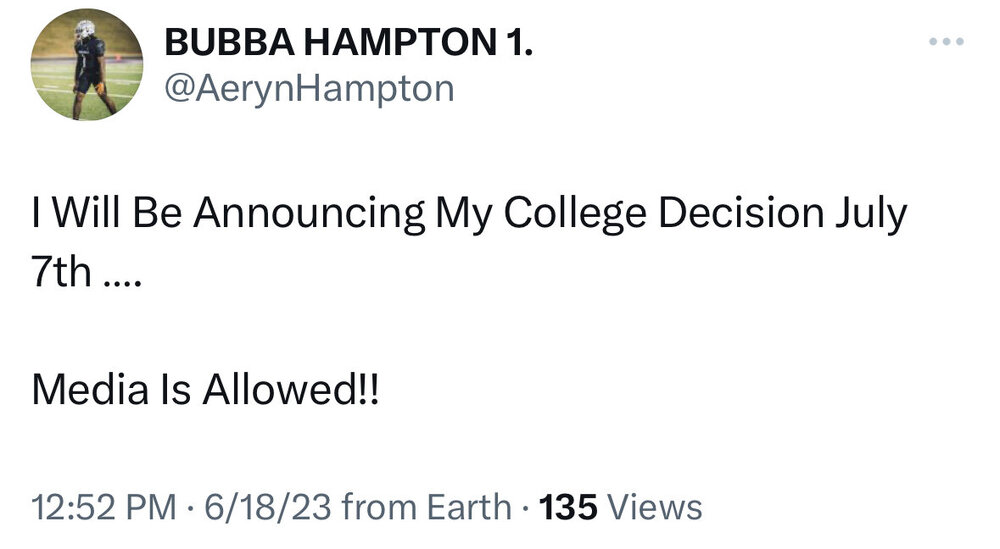 Wesco to Clemson
Wherever he goes, I’m hearing he’s already impressing with his film study
You think just any o-line coach could teach this?
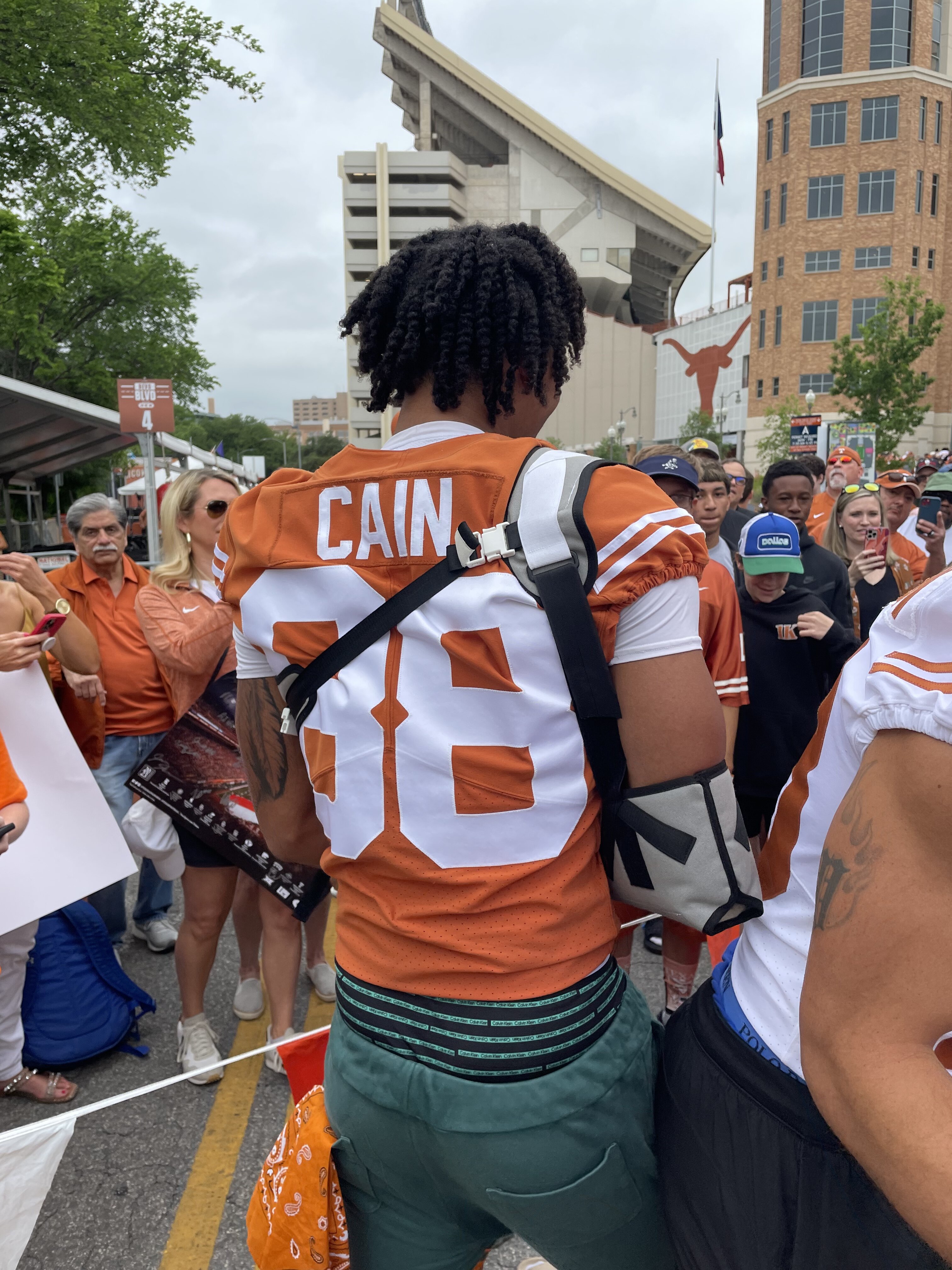
DJ and Cain in braces
Wesco to Clemson
Wherever he goes, I’m hearing he’s already impressing with his film study
You think just any o-line coach could teach this?
DJ and Cain in braces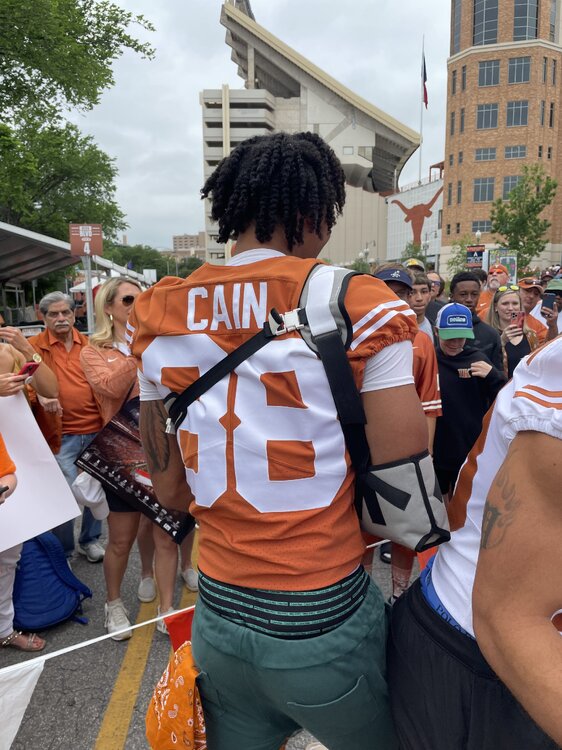 He was at the signing like 30 minutes ago lol
Watch.The.Tape.Football ... Basketball ... Baseball ... Other Sports ... Futbol ... 🤫995🤫 ... Gambling ... Movies & TV ... Music ... Hobbies ... Lulz ... Food & Travel ... Daily Texan ... Business & Markets ... Cloak Room ... Help ... For Sale ... Board Discussion ... Advertise... Tailgate Donations
He was at the signing like 30 minutes ago lol
Watch.The.Tape.Football ... Basketball ... Baseball ... Other Sports ... Futbol ... 🤫995🤫 ... Gambling ... Movies & TV ... Music ... Hobbies ... Lulz ... Food & Travel ... Daily Texan ... Business & Markets ... Cloak Room ... Help ... For Sale ... Board Discussion ... Advertise... Tailgate DonationsAccount
Search
Configure browser push notifications
Chrome (Android)
- Tap the lock icon next to the address bar.
- Tap Permissions → Notifications.
- Adjust your preference.
Chrome (Desktop)
- Click the padlock icon in the address bar.
- Select Site settings.
- Find Notifications and adjust your preference.
Safari (iOS 16.4+)
- Ensure the site is installed via Add to Home Screen.
- Open Settings App → Notifications.
- Find your app name and adjust your preference.
Safari (macOS)
- Go to Safari → Preferences.
- Click the Websites tab.
- Select Notifications in the sidebar.
- Find this website and adjust your preference.
Edge (Android)
- Tap the lock icon next to the address bar.
- Tap Permissions.
- Find Notifications and adjust your preference.
Edge (Desktop)
- Click the padlock icon in the address bar.
- Click Permissions for this site.
- Find Notifications and adjust your preference.
Firefox (Android)
- Go to Settings → Site permissions.
- Tap Notifications.
- Find this site in the list and adjust your preference.
Firefox (Desktop)
- Open Firefox Settings.
- Search for Notifications.
- Find this site in the list and adjust your preference.