

General Specific
Burnt Ends
-
Joined
-
Last visited
Posts posted by General Specific
-
-
I don't want to burst your bubble but everyone gets the free swag.
If we count South Austins mom, (and Nicole44 per her own admission), then yes, we (even the Royal We), all have received free swag!-
 1
1
-
-
-
You gotta love how even in the off-season Xavier Worthy is doing his damndest to help the team get better.
Only thing left for him to do is on Wednesday after ESD, Is write on the board, “If you want to beat Bama, be here at 7…”-
3
-
-
The most important thing when entering the portal is to pick your target and pick a good trajectory to get to that target. You have to anticipate your competition's moves, and adjust accordingly. Once you get within striking distance, you must strike quickly and decisively and wrap that opportunity up. Otherwise you will likely get burned with mud in teeth while your opportunity races past you.
/s
So, BJ is coming back!
/s -
Kudos to whichever one of you posted on Twitter regarding foster entering the portal “I hope he can find the right angle in the portal”
But the key is, will he wrap up to hold on to his new opportunity?-
 1
1
-
-
-
 1
1
-
-
No man can set foot in the same river twice. For it is not the same river and he is not the same man.
this thread is the river.
[/url] -
Pretty sure Blake strangled that person to death.
On further review, they slipped right through his hands!-
2
-
 3
3
-
-
-
-
There is a football forum thread for this topic, correct? How about we move all the bullshit conversations about socks, thirsting for Nicole, sandwiches etc. over there. I was pretty thankful there was a separate thread for all of y’all’s horseshit so I wouldn’t have to sift through crap to see actual posts, but you’ve turned this thread into a dumpster fire in the last 24 hours. Please return to y’all’s hellhole and leave us in peace.
Get in line and wait your turn like the rest of us. Mix it up, or don’t. But QE is why we are all here, making something outa nothing. And it’s good!
Hell, start a convo about your favorite character, movie or band. Introduce a new topic like, is it a gag ball or a ball gag? Interesting minds want to know.
Either way, sit back, relax, and go with the flow! -
-
-
-
Speaking of the sex...all the sex...I feel ready to date now. It has been almost two years since I had all the sex. Caveat: has to be a love thing though. Sigh. Boring.
So now you want to play “Ask the Sorority Girls Anything “ NOW!!!!
Ok Cool, Hookem!-
1
-
-
-
1
-
2
-
-
I guess day crew had a heart attack after all that artery clogging and delicious conversation, because it’s dead here.

I guess night crew will have to pick up the slack!
-
1
-
-
-
-
-
-
1
-
-
-
-

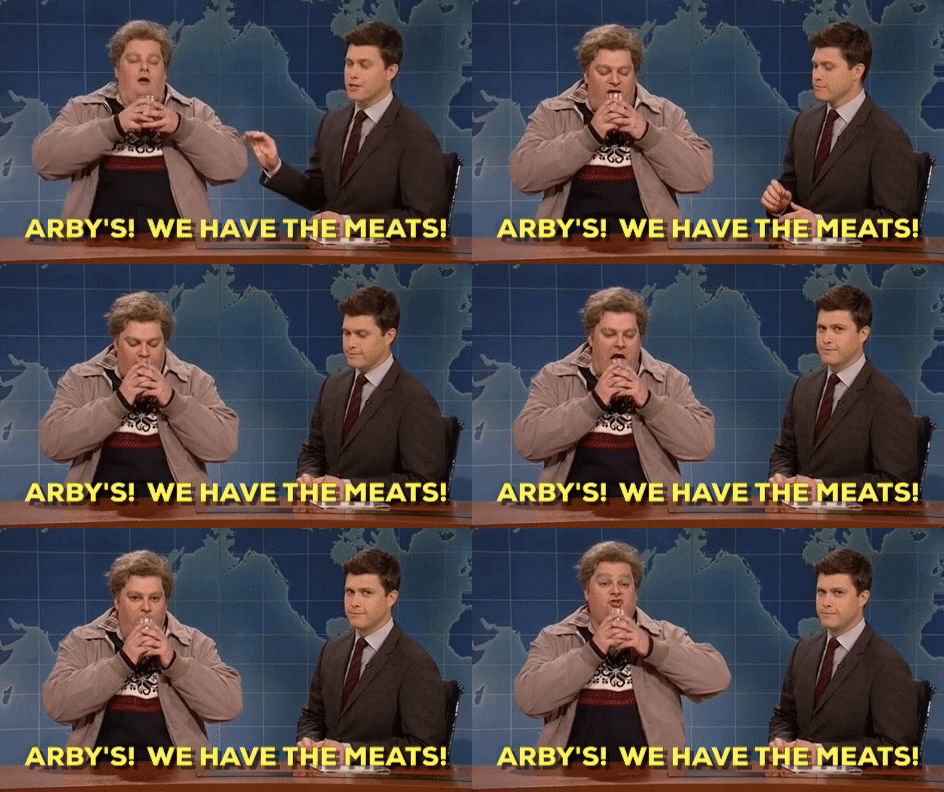
Ewers or Bust- Lord have mercy I’m bout to bust
in 🤫$9.95🤫
I'm gonna need 15 min....