


Rip76
Legacy Members
-
Joined
-
Last visited
Everything posted by Rip76
-
 Username checks out.
 -
Easy fing 1st down. Jeez
-
Well okay.
-
Straight out of 1994. Bad Ass! 2023 - But also Bad Ass Playing in Denton tomorrow night Austin on Halloween
-
Xanax? Heroin.
-
No idea, politicians suck.
-
Montego Bay Cam
-
I was just giving props to that pole.
-
I'm sure this camera won't be around long.
-
-
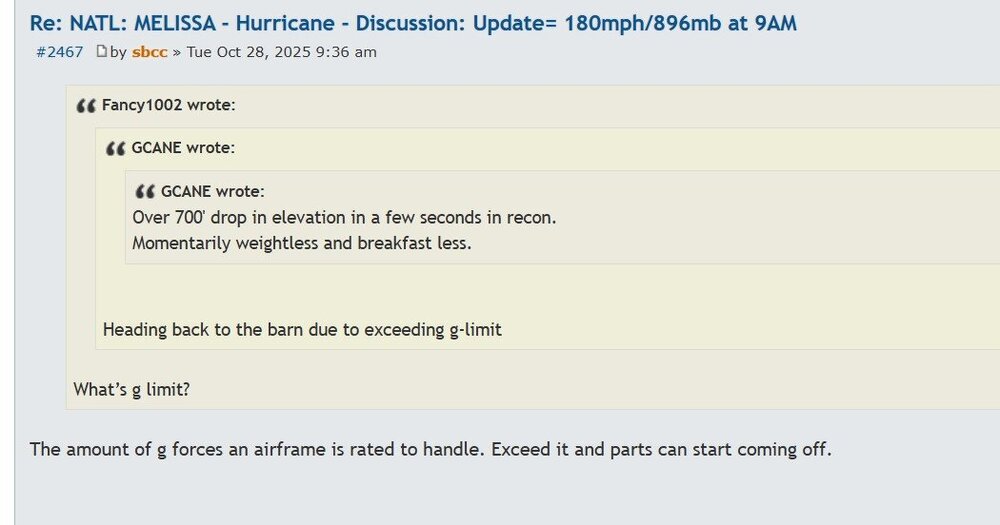
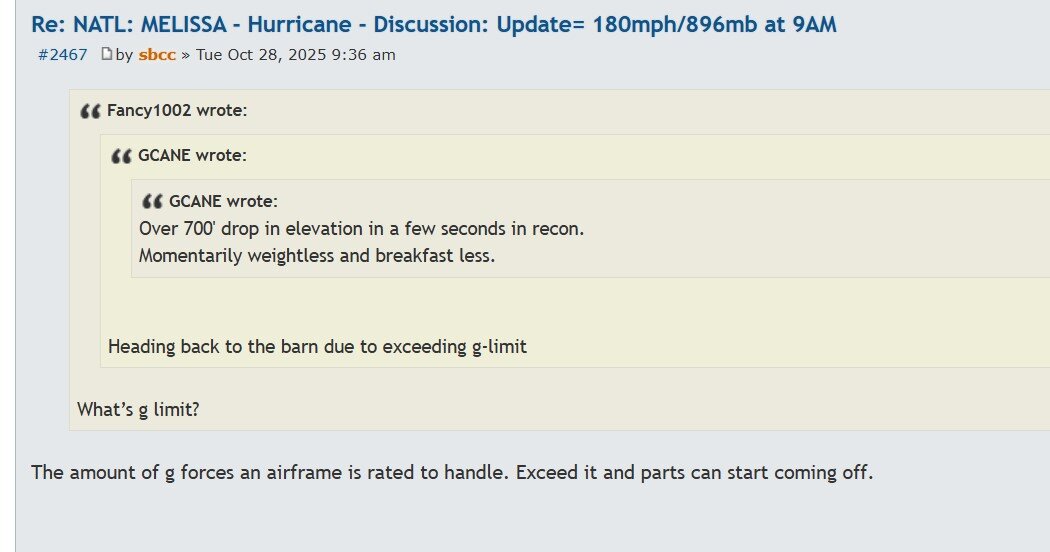
WOW! 700'. F That.
-
Follow here. https://www.storm2k.org/phpbb2/viewtopic.php?f=59&t=125056&start=2340
175 mph - 901 mb
 I wish we could just delete the thread.
XXXXXXXXXX 1XXXXXXXXX
10-4.
I’ve got questions. 1. Is Seattle that much better than San Francisco? 2. Is the offense/offensive line starting to gel? 3. Is some of what happened today, DeMeco knowing Kyle’s tendencies? I’m just baffled
I’ll take that pick now.
I was just getting ready.
We takin’ bets on who wins?
I wish we could just delete the thread.
XXXXXXXXXX 1XXXXXXXXX
10-4.
I’ve got questions. 1. Is Seattle that much better than San Francisco? 2. Is the offense/offensive line starting to gel? 3. Is some of what happened today, DeMeco knowing Kyle’s tendencies? I’m just baffled
I’ll take that pick now.
I was just getting ready.
We takin’ bets on who wins?









Football ...
Basketball ...
Baseball ...
Other Sports ...
Futbol ...
🤫995🤫 ...
Gambling ...
Movies & TV ...
Music ...
Hobbies ...
Lulz ...
Food & Travel
...
Daily Texan ...
Business & Markets ...
Cloak Room ...
Help ...
For Sale ...
Board Discussion ...
Advertise...
Tailgate Donations
Account
Search
Configure browser push notifications
Chrome (Android)
- Tap the lock icon next to the address bar.
- Tap Permissions → Notifications.
- Adjust your preference.
Chrome (Desktop)
- Click the padlock icon in the address bar.
- Select Site settings.
- Find Notifications and adjust your preference.
Safari (iOS 16.4+)
- Ensure the site is installed via Add to Home Screen.
- Open Settings App → Notifications.
- Find your app name and adjust your preference.
Safari (macOS)
- Go to Safari → Preferences.
- Click the Websites tab.
- Select Notifications in the sidebar.
- Find this website and adjust your preference.
Edge (Android)
- Tap the lock icon next to the address bar.
- Tap Permissions.
- Find Notifications and adjust your preference.
Edge (Desktop)
- Click the padlock icon in the address bar.
- Click Permissions for this site.
- Find Notifications and adjust your preference.
Firefox (Android)
- Go to Settings → Site permissions.
- Tap Notifications.
- Find this site in the list and adjust your preference.
Firefox (Desktop)
- Open Firefox Settings.
- Search for Notifications.
- Find this site in the list and adjust your preference.