
303longhorn
New Members
-
Joined
-
Last visited
-
 I don't follow unless that's initials. It was Demetric Warren
Damn bro my bad, just trying to keep surly informed
+1 CB for Texas from an Ole Miss mod
Roachie CB from tOSU to foggy just now
Wiltfong comment on 24/7 board following up on his article:
A 2nd 24/7 tOSU guy just changed his CB to foggy
Photo courtesy of a potato
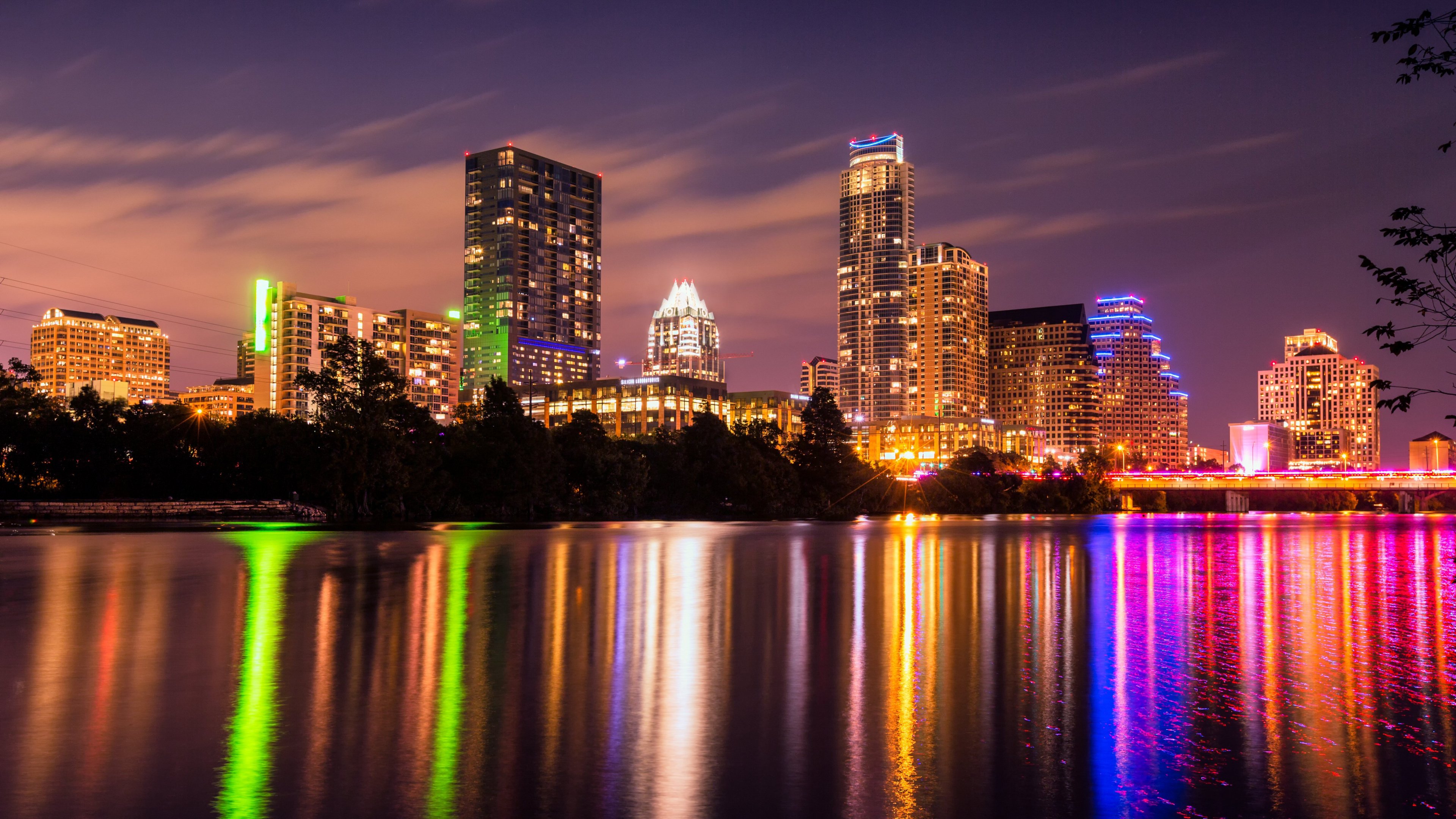
Yeah, no problem just showing a family member around town and through the campus
Those still curious about the instagram story from ATX over the weekend, via Roachie: "Also, the video wasn't filmed in Austin. It was filmed at his high school. He was never in Austin to film a video. Broughton had a family member who had never seen campus or Austin and they came in to take a look since that was going to be the pick."
As for the Instagram story/snapchat from ATX, for those still curious:
Enough pros to take a flier and trust Herman & Co to make the right judgement call
I don't follow unless that's initials. It was Demetric Warren
Damn bro my bad, just trying to keep surly informed
+1 CB for Texas from an Ole Miss mod
Roachie CB from tOSU to foggy just now
Wiltfong comment on 24/7 board following up on his article:
A 2nd 24/7 tOSU guy just changed his CB to foggy
Photo courtesy of a potato
Yeah, no problem just showing a family member around town and through the campus
Those still curious about the instagram story from ATX over the weekend, via Roachie: "Also, the video wasn't filmed in Austin. It was filmed at his high school. He was never in Austin to film a video. Broughton had a family member who had never seen campus or Austin and they came in to take a look since that was going to be the pick."
As for the Instagram story/snapchat from ATX, for those still curious:
Enough pros to take a flier and trust Herman & Co to make the right judgement call


Football ...
Basketball ...
Baseball ...
Other Sports ...
Futbol ...
🤫995🤫 ...
Gambling ...
Movies & TV ...
Music ...
Hobbies ...
Lulz ...
Food & Travel
...
Daily Texan ...
Business & Markets ...
Cloak Room ...
Help ...
For Sale ...
Board Discussion ...
Advertise...
Tailgate Donations
Account
Search
Configure browser push notifications
Chrome (Android)
- Tap the lock icon next to the address bar.
- Tap Permissions → Notifications.
- Adjust your preference.
Chrome (Desktop)
- Click the padlock icon in the address bar.
- Select Site settings.
- Find Notifications and adjust your preference.
Safari (iOS 16.4+)
- Ensure the site is installed via Add to Home Screen.
- Open Settings App → Notifications.
- Find your app name and adjust your preference.
Safari (macOS)
- Go to Safari → Preferences.
- Click the Websites tab.
- Select Notifications in the sidebar.
- Find this website and adjust your preference.
Edge (Android)
- Tap the lock icon next to the address bar.
- Tap Permissions.
- Find Notifications and adjust your preference.
Edge (Desktop)
- Click the padlock icon in the address bar.
- Click Permissions for this site.
- Find Notifications and adjust your preference.
Firefox (Android)
- Go to Settings → Site permissions.
- Tap Notifications.
- Find this site in the list and adjust your preference.
Firefox (Desktop)
- Open Firefox Settings.
- Search for Notifications.
- Find this site in the list and adjust your preference.