

Vic Mackey
Legacy Members
-
Joined
Everything posted by Vic Mackey
-
 I see some people asking if we should dangle the 2 first round picks we got from Green Bay to try and get some defensive help this season. I wouldn't do this. For one, we aren't getting some top tier talent at the trade deadline that will get us over the hump. And then we'd probably be getting an older player the trade partner's team doesn't want to extend, and he would be due a lot of money. I'd rather go find defensive help in the draft, someone who will be younger, cheaper and we get their rights longer. Really need to find a way to beat Denver this week, although not seeing it. We always lose to Denver, especially on the road. Dak plays poor vs Denver. Losing that Carolina game will probably hurt come finding a way into the playoffs. Have to find a way to win that game. This team is pretty much what we had in 2011-2013 but I think our offense is better but the defense might be worse. But the point being, defense is too bad to get us anywhere and they can't bail our offense out in the games where they aren't scoring a lot. Years where very rarely both sides of the ball are in sync.
 -
Lol Giants
People really thought Herbert had turned a corner after winning a few early games this season lol. He's the same dork as usual.
Washington is a one-year wonder. That is what sets these QBs apart. How are you once these NFL coaches have a whole year of tape to dissect all off-season? Daniels/Quinn regressed big time from last year.
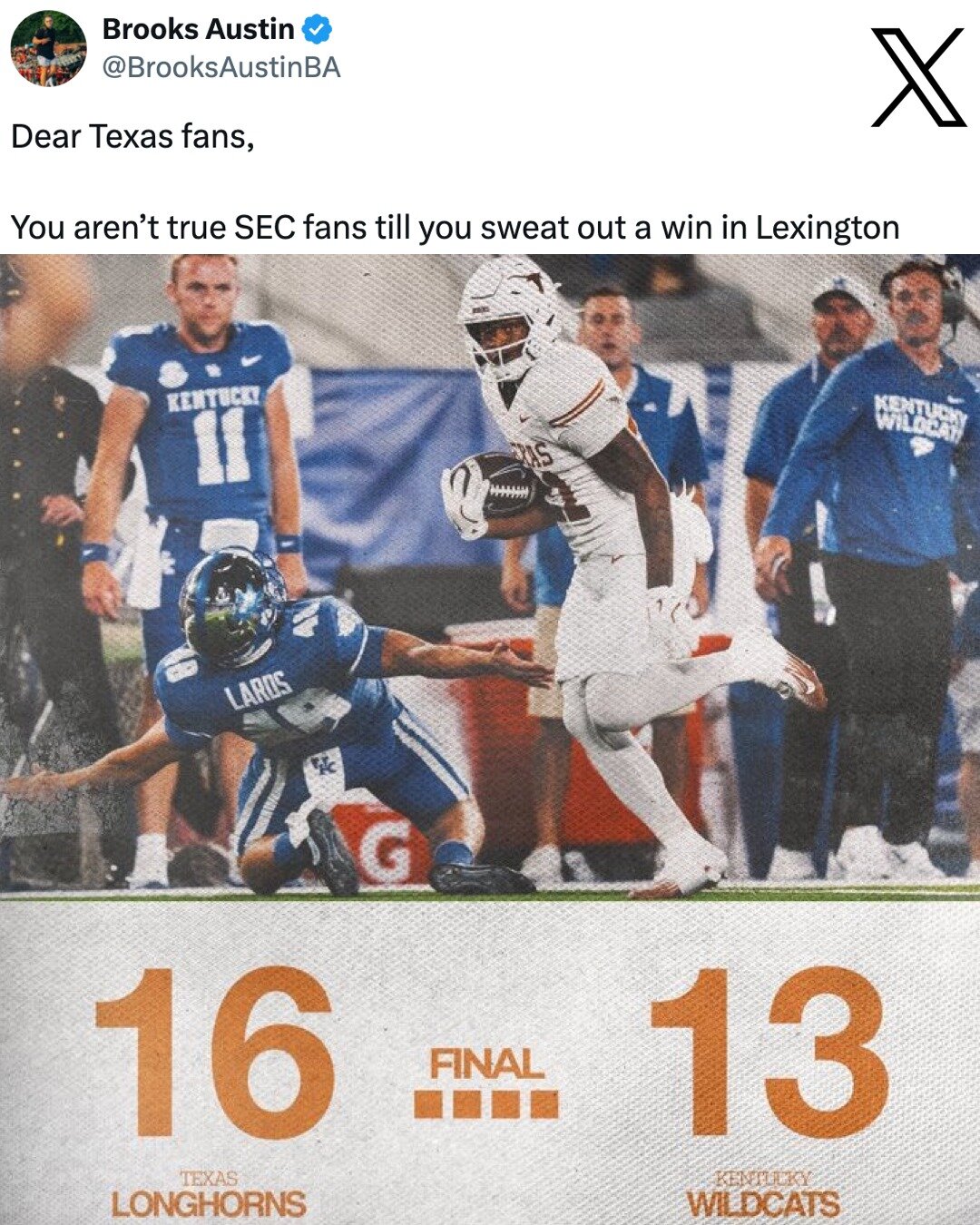
Yep, the last few years, Texas games were completely stop down, get locked in and enjoy the 3.5 hour ride. Yesterday, they were just background noise while I was organizing my laptop. I found myself not even getting worked up that they could lose to Kentucky, I am numb to this team and Sark right now. Even last week beating OU, it didn't feel like it did in the past. This team has stripped away all enjoyment.
Arch is the worst QB we have fielded since Colt left in 2010. Not even close. Had no idea I'd be saying this before the season started. He fucking blows. Case McCoy looks like Vince Young compared to this spare. He hid behind the Manning last name long enough, got the hype and got paid. Even before this season, he was a heisman hopeful and people even talking about NFL teams tanking to get him. Could he perform better with the teams we had last year, especially the OL and run game? Maybe. But even when he has time to throw, he misses the very easy throws and does so consistently.
Still have no idea why we were ranked #1 to start the year with all we lost from the last 2 years. I guess the Arch hype and to hype up the week 1 matchup between Ohio St. Texas Clemson and Penn St had no business being as high as they were. We didn't fall off as much as Clemson and Penn St but we lost to a terrible Florida team and barely escaped an even worse Kentucky team we should have beat by 3 scores. This team is boring as fuck to watch.





Football ...
Basketball ...
Baseball ...
Other Sports ...
Futbol ...
🤫995🤫 ...
Gambling ...
Movies & TV ...
Music ...
Hobbies ...
Lulz ...
Food & Travel
...
Daily Texan ...
Business & Markets ...
Cloak Room ...
Help ...
For Sale ...
Board Discussion ...
Advertise...
Tailgate Donations
Account
Search
Configure browser push notifications
Chrome (Android)
- Tap the lock icon next to the address bar.
- Tap Permissions → Notifications.
- Adjust your preference.
Chrome (Desktop)
- Click the padlock icon in the address bar.
- Select Site settings.
- Find Notifications and adjust your preference.
Safari (iOS 16.4+)
- Ensure the site is installed via Add to Home Screen.
- Open Settings App → Notifications.
- Find your app name and adjust your preference.
Safari (macOS)
- Go to Safari → Preferences.
- Click the Websites tab.
- Select Notifications in the sidebar.
- Find this website and adjust your preference.
Edge (Android)
- Tap the lock icon next to the address bar.
- Tap Permissions.
- Find Notifications and adjust your preference.
Edge (Desktop)
- Click the padlock icon in the address bar.
- Click Permissions for this site.
- Find Notifications and adjust your preference.
Firefox (Android)
- Go to Settings → Site permissions.
- Tap Notifications.
- Find this site in the list and adjust your preference.
Firefox (Desktop)
- Open Firefox Settings.
- Search for Notifications.
- Find this site in the list and adjust your preference.