
Zepol87
Legacy Members
-
Joined
Everything posted by Zepol87
-
 I took the Amtrak from Dallas to Chicago around 18 years ago. 27 hours of insane shit once you get past Little Rock and into the St. Louis area. Played spades with a dude who got out of prison after 12 years on the sightseeing car, the stop in St. Louis was early morning, and damn, the people that got on there were pretty entertaining. Had some bathroom sex with a chick that got on in Springfield, Illinois. Just a wild time
 -
On the list I just haven't started it yet. Is it bingeable or should I let it burn in between episodes?
-
liars and the biggest pussies on earth. A fucking sandwich you bitch?
-
-
Bro!! lol that’s embarrassing
-
Didn’t look good to me
-
-
I took turimex from oak cliff to Monterrey 2 times a month for 8 months back in the day. Not bad at all unless it’s holiday time at the border
-
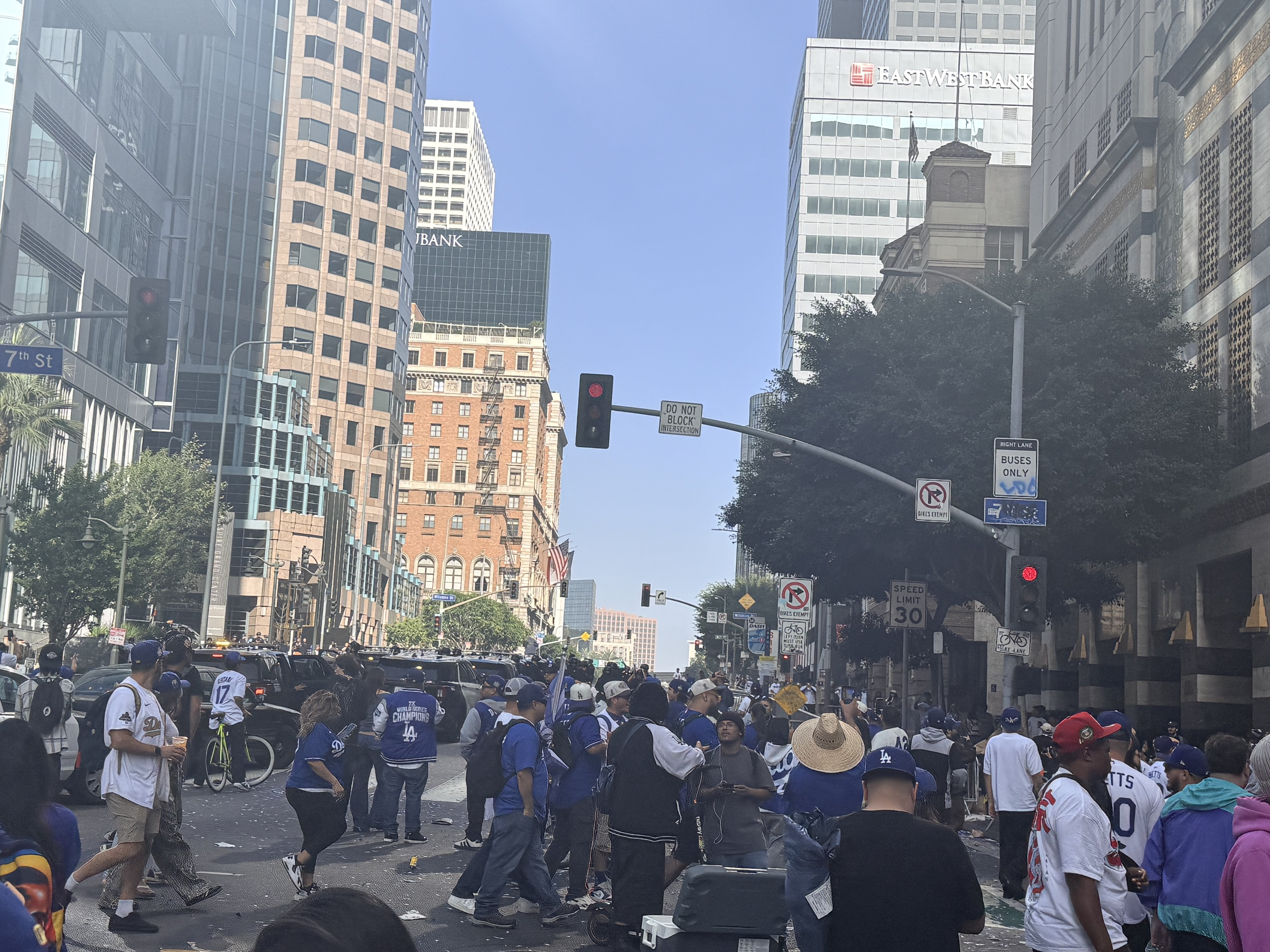
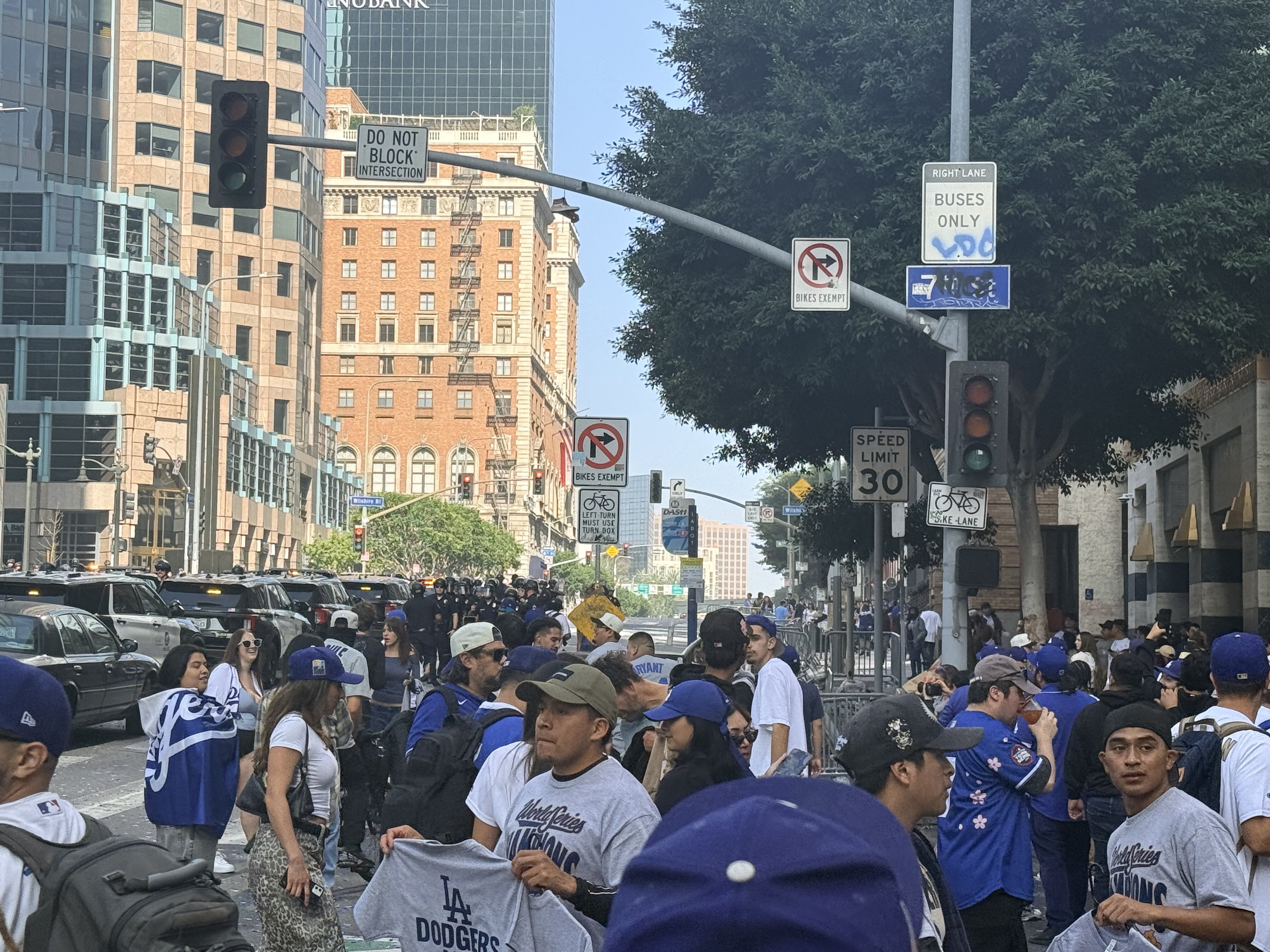
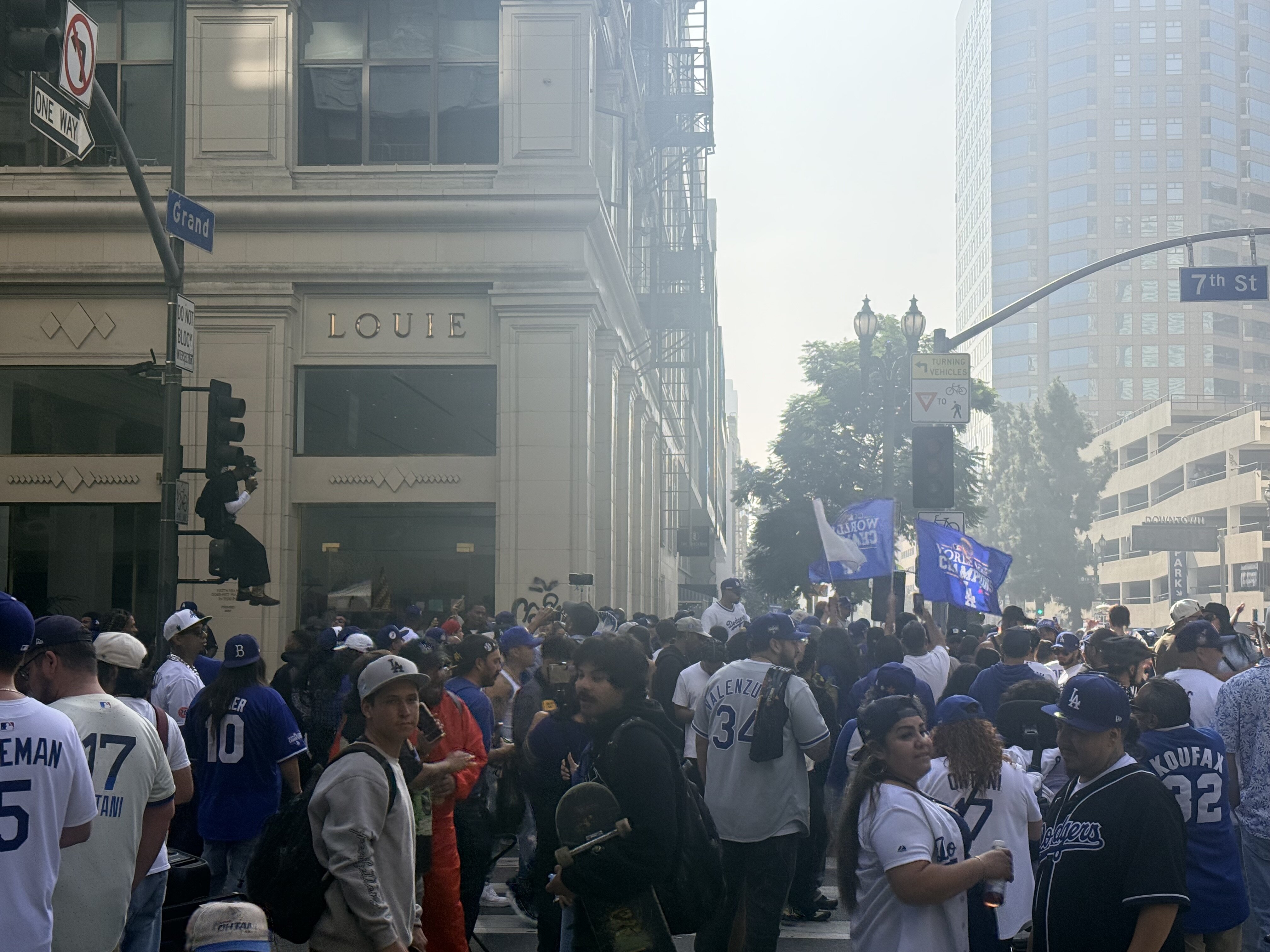
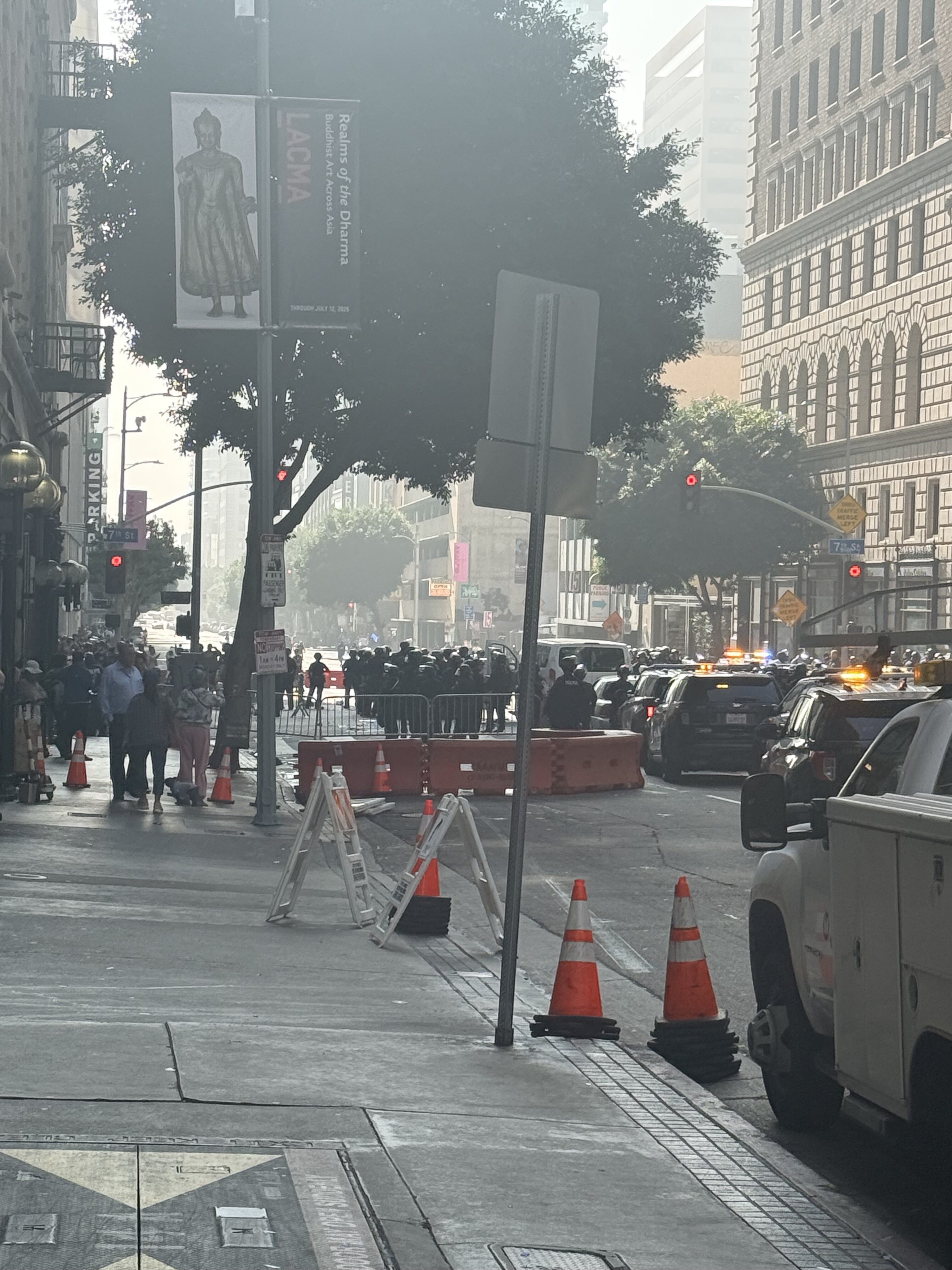
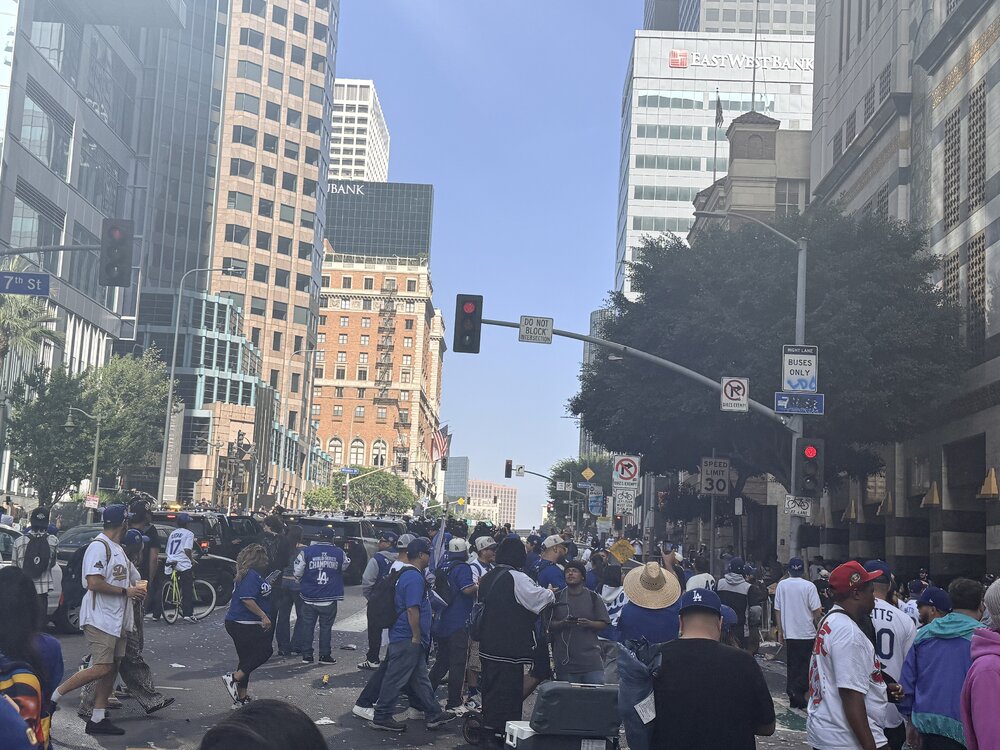
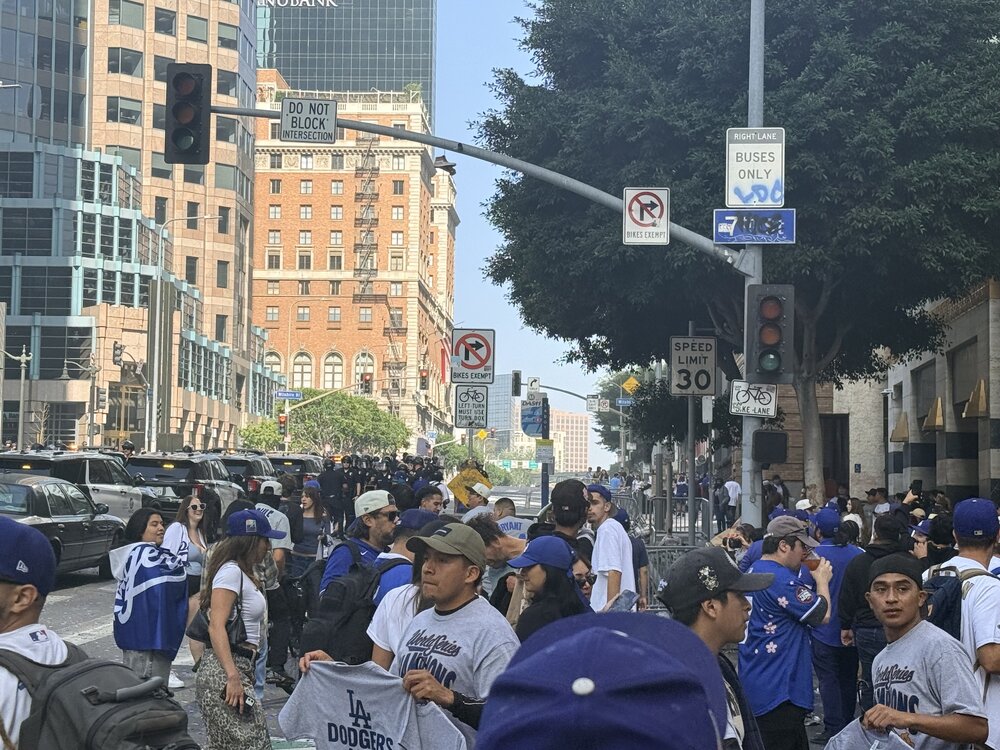
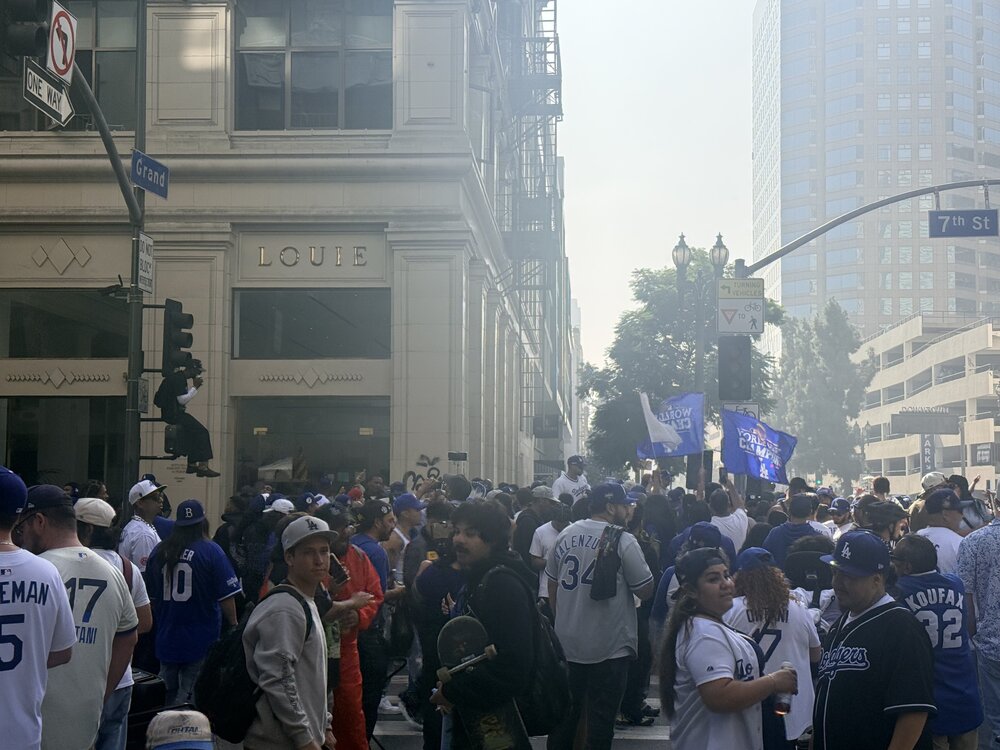
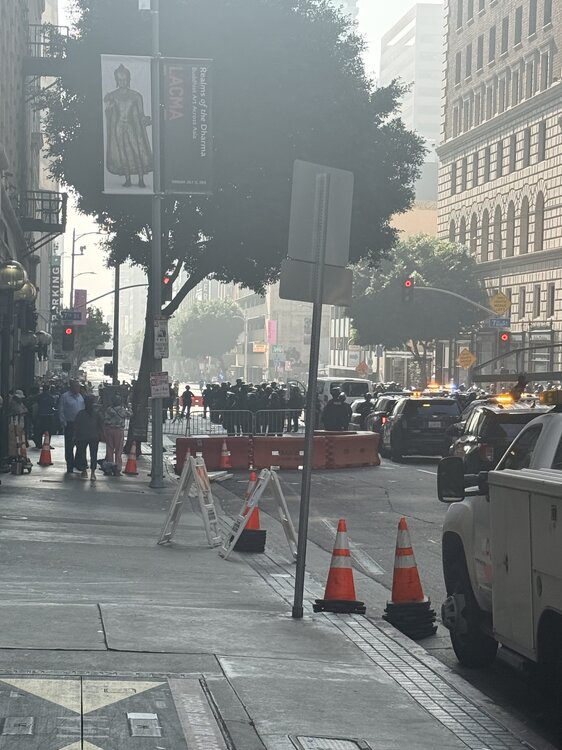
7th street is nuts, it’s a bitch to get into my building but the cholas are out. God damn CC30039C-06DC-45F0-BA23-F7792AD894F4.mov
-
Parade route was filling up at 730 when I was walking to the office off 7th. Anyone going? I will be trying to get out of here around noon I am a few blocks away from the last part of the route
-
-
-
Was gonna say that. Love this Seahawks uniform
-
-
Wow you can't review that? It was clearly tipped
-
Actually yea I think I see more Rams gear here than lakers.
-
Watched bring her back the other day. Great high movie
-
Yea that bunt was the best he could do
-
It’s getting live downtown IMG_0915.mov
-
Yea dodgers have to be #1 by a big amount in this city
-
Pretty cool stat
-
Streets are gonna be crazy tonight
-
Oh god damnit
-
Sac fly please
-
Pretty insignificant but I like when you get what the home plate ump says