Schulz2.0
Certifiably Surly
-
Joined
Everything posted by Schulz2.0
-
 Russia bombing residential buildings again.
 -
Ana is Charlie Sheen?
-
Counterpoint:
-
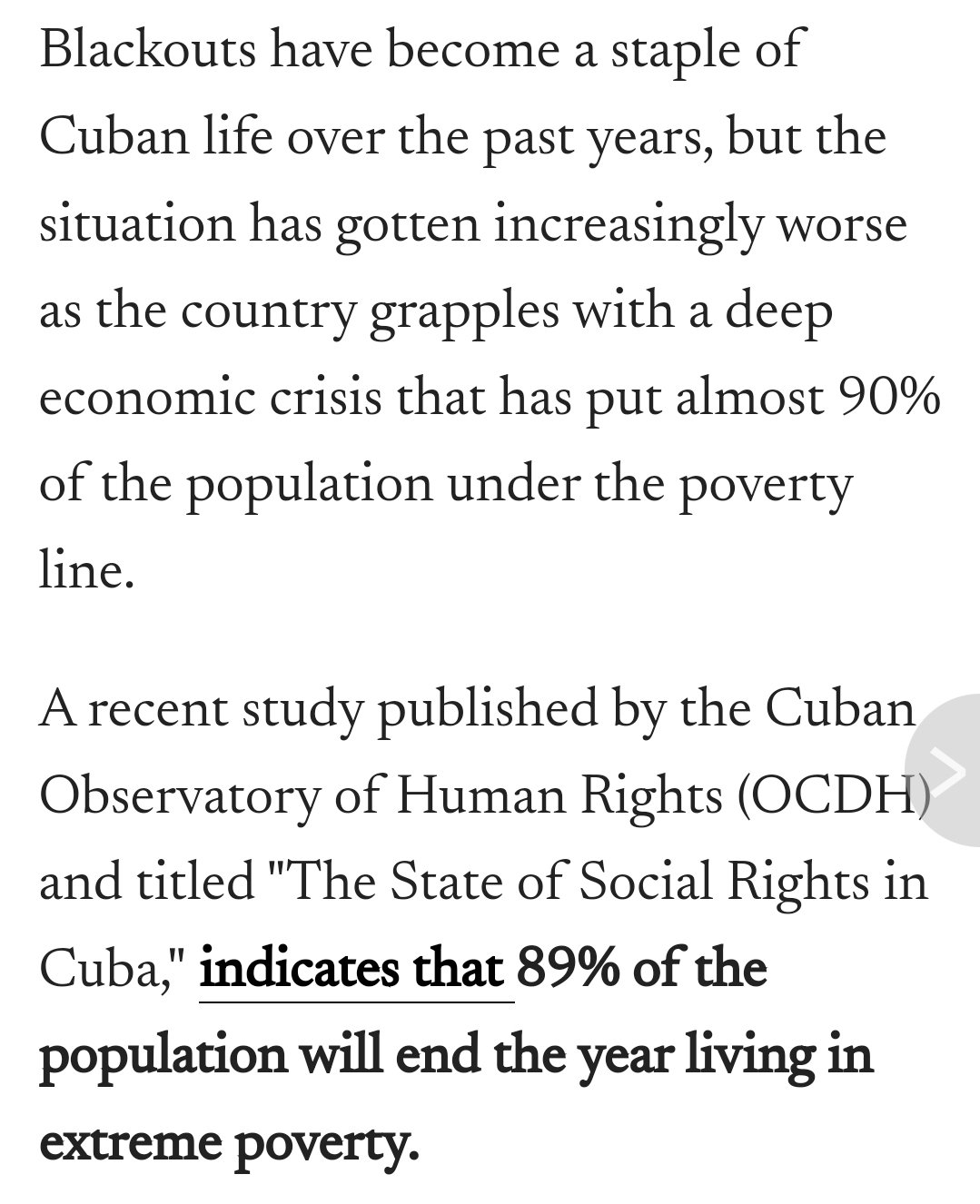
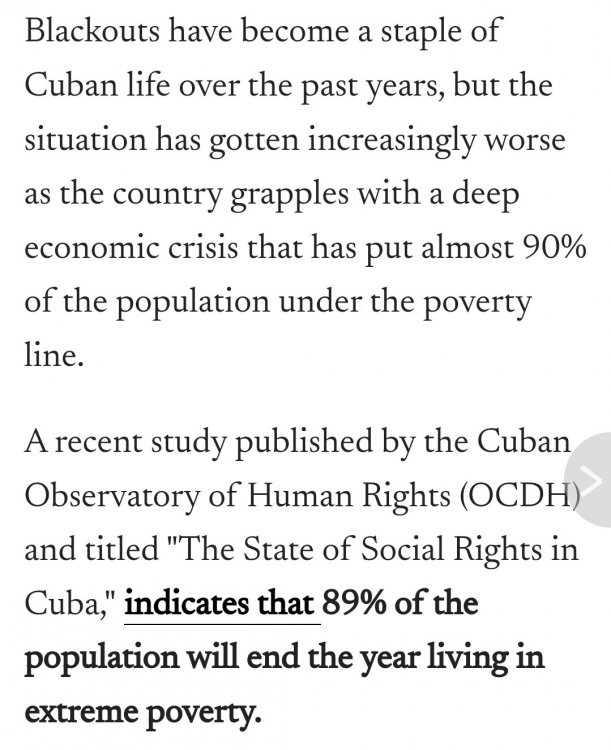
https://www.latintimes.com/cuba-sees-14-hour-long-daily-blackouts-economic-crisis-continues-deepen-558320
 Sven-Göran Eriksson https://www.theguardian.com/football/article/2024/aug/26/sven-goran-eriksson-englands-first-overseas-manager-dies-aged-76
Should be pretty obvious that Snowden was a recruited Russian asset.
I think those are the bad guys in Ernest Goes to Camp.
Weirdest fleshlight I've ever used.
Or they see seizing more of the Donbas as more important than defending part of Kursk.
How much energy do you think a refinery uses?
Michael Kofman's new War on the Rocks podcast is out. https://warontherocks.com/2024/08/how-ukraine-re-introduced-dynamism-into-the-war/
Football ... Basketball ... Baseball ... Other Sports ... Futbol ... 🤫995🤫 ... Gambling ... Movies & TV ... Music ... Hobbies ... Lulz ... Food & Travel ... Daily Texan ... Business & Markets ... Cloak Room ... Help ... For Sale ... Board Discussion ... Advertise... Tailgate Donations
Sven-Göran Eriksson https://www.theguardian.com/football/article/2024/aug/26/sven-goran-eriksson-englands-first-overseas-manager-dies-aged-76
Should be pretty obvious that Snowden was a recruited Russian asset.
I think those are the bad guys in Ernest Goes to Camp.
Weirdest fleshlight I've ever used.
Or they see seizing more of the Donbas as more important than defending part of Kursk.
How much energy do you think a refinery uses?
Michael Kofman's new War on the Rocks podcast is out. https://warontherocks.com/2024/08/how-ukraine-re-introduced-dynamism-into-the-war/
Football ... Basketball ... Baseball ... Other Sports ... Futbol ... 🤫995🤫 ... Gambling ... Movies & TV ... Music ... Hobbies ... Lulz ... Food & Travel ... Daily Texan ... Business & Markets ... Cloak Room ... Help ... For Sale ... Board Discussion ... Advertise... Tailgate DonationsAccount
Search
Configure browser push notifications
Chrome (Android)
- Tap the lock icon next to the address bar.
- Tap Permissions → Notifications.
- Adjust your preference.
Chrome (Desktop)
- Click the padlock icon in the address bar.
- Select Site settings.
- Find Notifications and adjust your preference.
Safari (iOS 16.4+)
- Ensure the site is installed via Add to Home Screen.
- Open Settings App → Notifications.
- Find your app name and adjust your preference.
Safari (macOS)
- Go to Safari → Preferences.
- Click the Websites tab.
- Select Notifications in the sidebar.
- Find this website and adjust your preference.
Edge (Android)
- Tap the lock icon next to the address bar.
- Tap Permissions.
- Find Notifications and adjust your preference.
Edge (Desktop)
- Click the padlock icon in the address bar.
- Click Permissions for this site.
- Find Notifications and adjust your preference.
Firefox (Android)
- Go to Settings → Site permissions.
- Tap Notifications.
- Find this site in the list and adjust your preference.
Firefox (Desktop)
- Open Firefox Settings.
- Search for Notifications.
- Find this site in the list and adjust your preference.