
Jump to content
View in the app

A better way to browse. Learn more.

Surly Horns

A full-screen app on your home screen with push notifications, badges and more.

To install this app on iOS and iPadOS
  1. Tap the Share icon in Safari
  2. Scroll the menu and tap Add to Home Screen.
  3. Tap Add in the top-right corner.
To install this app on Android
  1. Tap the 3-dot menu (⋮) in the top-right corner of the browser.
  2. Tap Add to Home screen or Install app.
  3. Confirm by tapping Install.
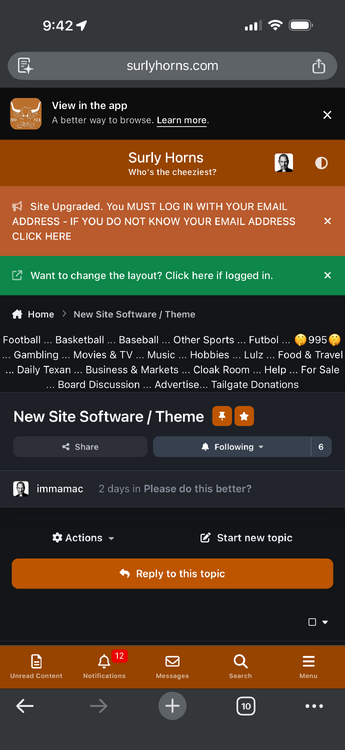
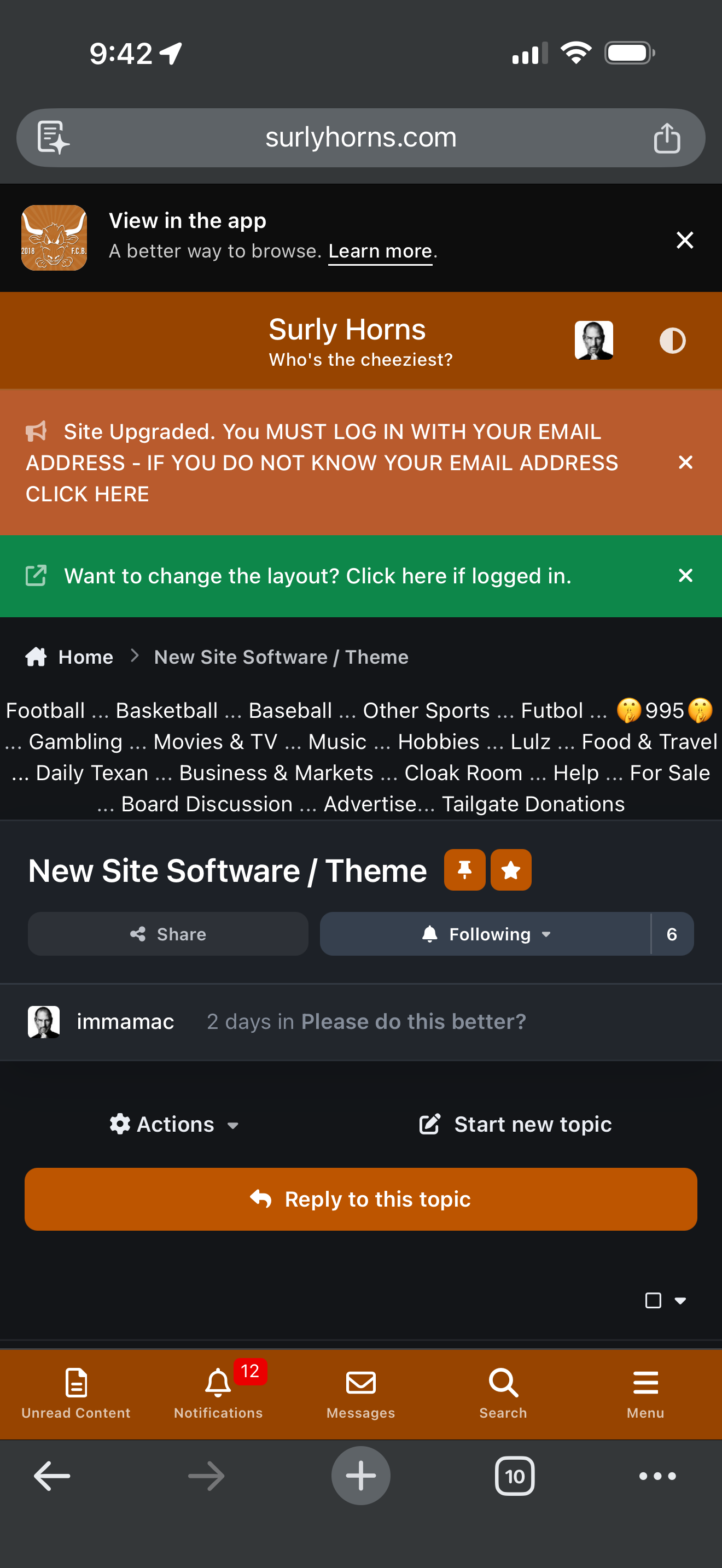
Football ... Basketball ... Baseball ... Other Sports ... Futbol ... 🤫995🤫 ... Gambling ... Movies & TV ... Music ... Hobbies ... Lulz ... Food & Travel ... Daily Texan ... Business & Markets ... Cloak Room ... Help ... For Sale ... Board Discussion ... Advertise... Tailgate Donations

immamac

Administrators
  1. Send me a DM or email rick@surlyhorns.com
  2. Should be here in the menu
  3. I am missing the number post thing already. It’s very very bad.
  4. I need as specific as possible feedback. Site is flying. Bro
  5. Sucks to be me.
  6. You don’t see these?
  7. What do you hate? Oh shit. My bad.
  8. I'm working on the numbered posts.
  9. Go to content settings in your profile.
  10. No. Maybe for the next few days.
  11. Do you use fluid mode? I can kill the header orange for the section separators and make the bottom bar black if that is better? I think the bottom bar black would actually look good. I'm gonna do that now and we will play with the other stuff this weekend.
  12. You need the cash? That's a nice rig. 2k?
  13. Too much orange where?
Football ... Basketball ... Baseball ... Other Sports ... Futbol ... 🤫995🤫 ... Gambling ... Movies & TV ... Music ... Hobbies ... Lulz ... Food & Travel ... Daily Texan ... Business & Markets ... Cloak Room ... Help ... For Sale ... Board Discussion ... Advertise... Tailgate Donations

Configure browser push notifications

Chrome (Android)
  1. Tap the lock icon next to the address bar.
  2. Tap Permissions → Notifications.
  3. Adjust your preference.
Chrome (Desktop)
  1. Click the padlock icon in the address bar.
  2. Select Site settings.
  3. Find Notifications and adjust your preference.