butthurt
Certifiably Surly
-
Joined
-
Last visited
-
Currently
Viewing Topic: 2026 CFP Quarterfinals Sugar Bowl - #3 Georgia vs. #6 Ole Miss
Everything posted by butthurt
-
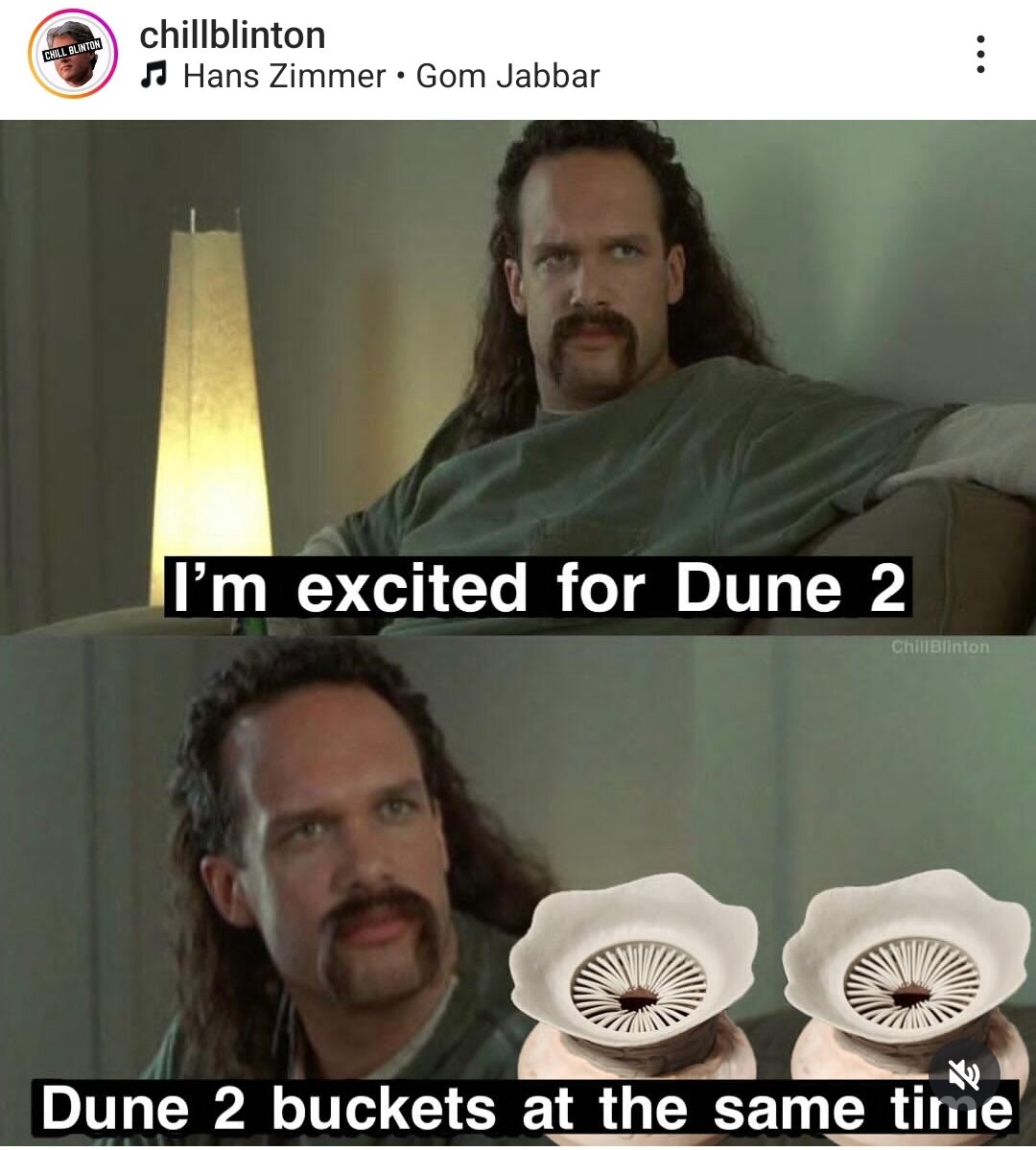
Seems appropriate to post again
 https://www.instagram.com/reel/C5hCOGoP1E9/?igsh=Mmo5NXFpOXk3ODNi
We did both the veterans memorial and rainbow. Drive over memorial to Bridge City, turn around, drive over the rainbow, then pulled into Esther's and switch drivers. Did it in a mid to late nineties Prizm.
May have been mentioned before but to lazy to look.
https://www.instagram.com/reel/C5hCOGoP1E9/?igsh=Mmo5NXFpOXk3ODNi
We did both the veterans memorial and rainbow. Drive over memorial to Bridge City, turn around, drive over the rainbow, then pulled into Esther's and switch drivers. Did it in a mid to late nineties Prizm.
May have been mentioned before but to lazy to look.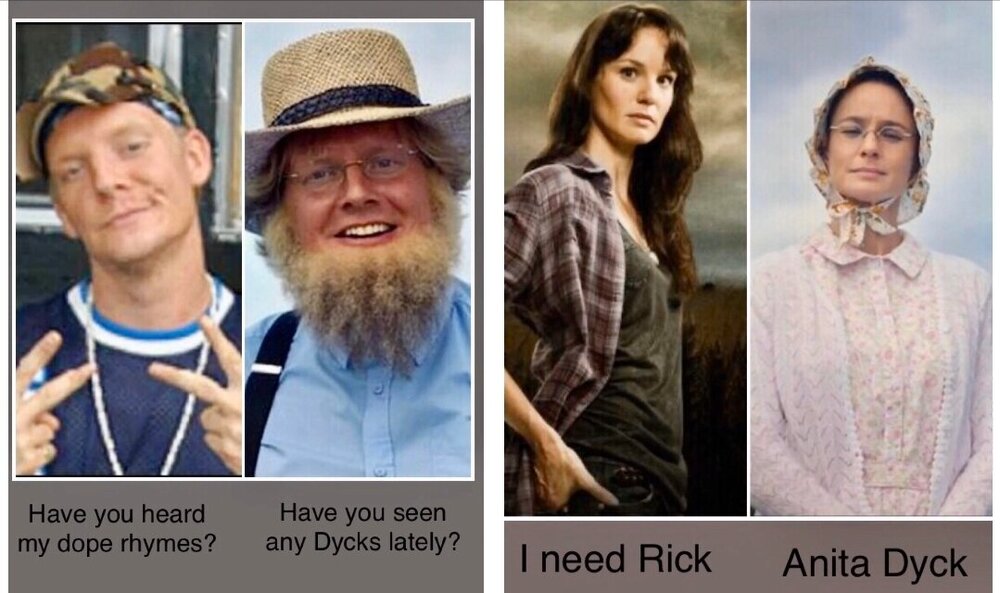 https://www.instagram.com/reel/C3_cM9SLvnw/?igsh=N3p0bjhhc25sb2cx
https://www.instagram.com/reel/C1flZ_7SW4w/?igsh=MXhuNGYyazZ4a3V0dw==
https://www.instagram.com/reel/C1Z3uPqrSnf/?igsh=MTVrbXE4dDlwNWxiYg==
https://www.instagram.com/reel/C3xyYMARuSf/?igsh=MWJ2c3p6cTlkNmZlNg==
Watching The Expanse again and this is probably my favorite. https://youtu.be/pzuu8U-ge7I?si=wuOJvMSWppM7t4fc When it comes to embedding videos, I'm not that guy.
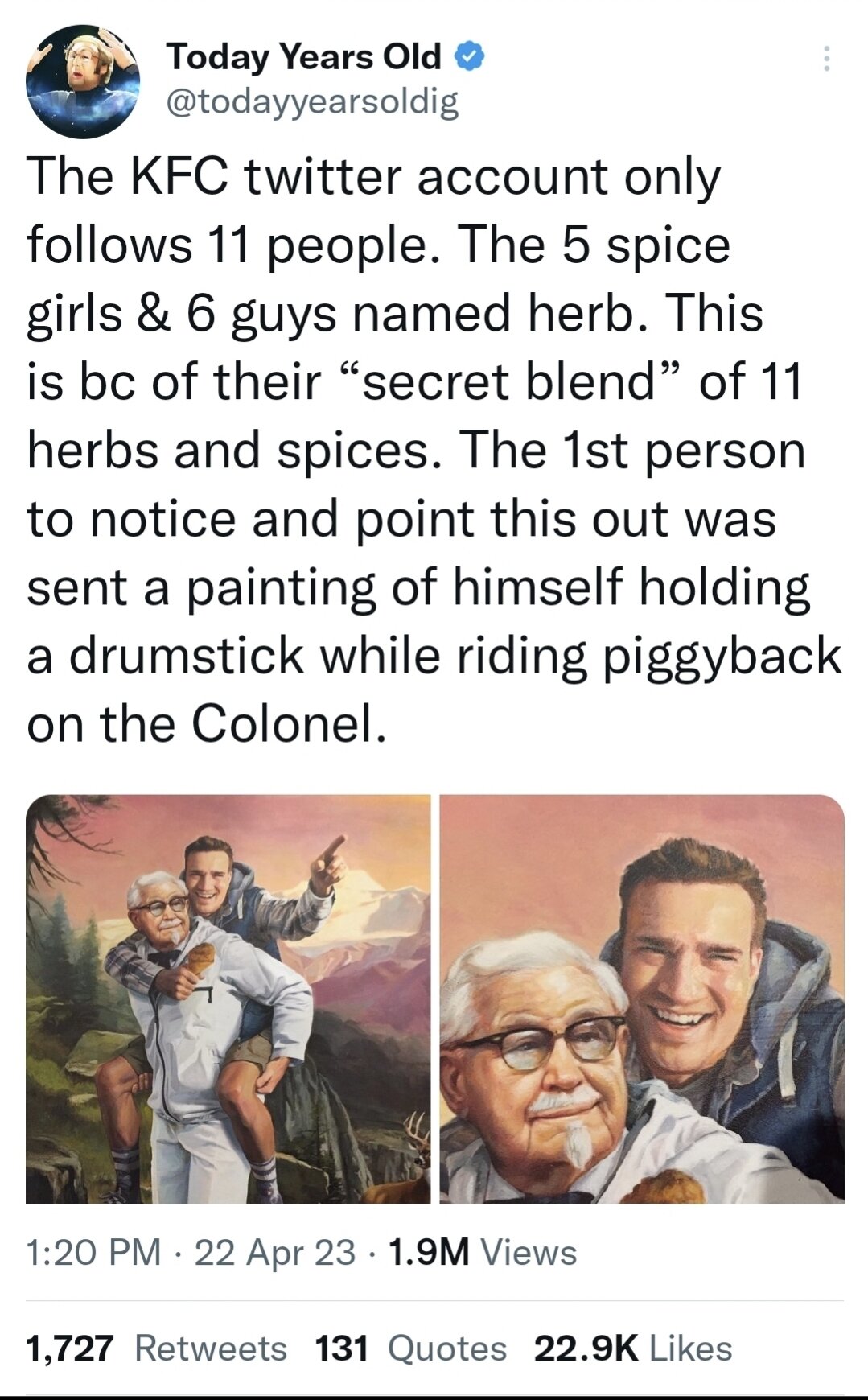
Speaking of KFC
https://www.instagram.com/reel/C3_cM9SLvnw/?igsh=N3p0bjhhc25sb2cx
https://www.instagram.com/reel/C1flZ_7SW4w/?igsh=MXhuNGYyazZ4a3V0dw==
https://www.instagram.com/reel/C1Z3uPqrSnf/?igsh=MTVrbXE4dDlwNWxiYg==
https://www.instagram.com/reel/C3xyYMARuSf/?igsh=MWJ2c3p6cTlkNmZlNg==
Watching The Expanse again and this is probably my favorite. https://youtu.be/pzuu8U-ge7I?si=wuOJvMSWppM7t4fc When it comes to embedding videos, I'm not that guy.
Speaking of KFC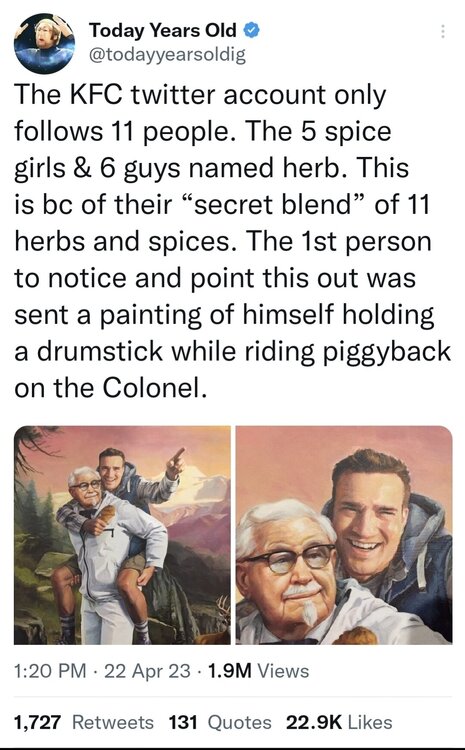 Football ... Basketball ... Baseball ... Other Sports ... Futbol ... 🤫995🤫 ... Gambling ... Movies & TV ... Music ... Hobbies ... Lulz ... Food & Travel ... Daily Texan ... Business & Markets ... Cloak Room ... Help ... For Sale ... Board Discussion ... Advertise... Tailgate Donations
Account
Search
Configure browser push notifications
Chrome (Android)
- Tap the lock icon next to the address bar.
- Tap Permissions → Notifications.
- Adjust your preference.
Chrome (Desktop)
- Click the padlock icon in the address bar.
- Select Site settings.
- Find Notifications and adjust your preference.
Safari (iOS 16.4+)
- Ensure the site is installed via Add to Home Screen.
- Open Settings App → Notifications.
- Find your app name and adjust your preference.
Safari (macOS)
- Go to Safari → Preferences.
- Click the Websites tab.
- Select Notifications in the sidebar.
- Find this website and adjust your preference.
Edge (Android)
- Tap the lock icon next to the address bar.
- Tap Permissions.
- Find Notifications and adjust your preference.
Edge (Desktop)
- Click the padlock icon in the address bar.
- Click Permissions for this site.
- Find Notifications and adjust your preference.
Firefox (Android)
- Go to Settings → Site permissions.
- Tap Notifications.
- Find this site in the list and adjust your preference.
Firefox (Desktop)
- Open Firefox Settings.
- Search for Notifications.
- Find this site in the list and adjust your preference.