Alex Karev
Legacy Members
-
Joined
-
Last visited
Everything posted by Alex Karev
-
 Sounds like some sheep got their brains fucked out.
It's still going strong. Has a little noise from time to time. It has been a with horse though.
Just here to say FUCK OU!!!! Damn this is a great day. Now back to drinking and laughing my ass off every play!!!
My Family also ate at Garcia's in Matamoros when we were in Harlingen and Brownsville. We went Fishing at Boca Chica once and got the stuck during low tide. Brings back lots of memories.
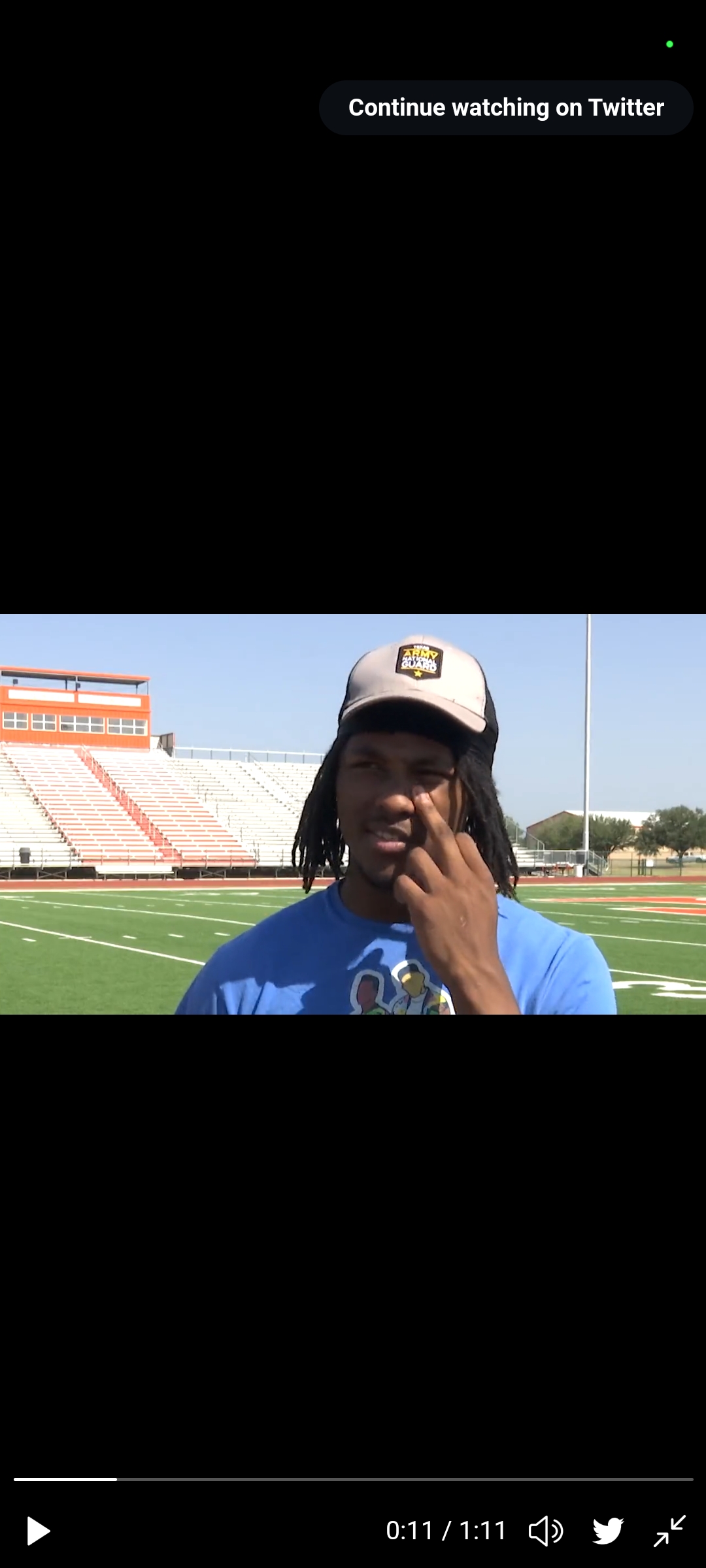
I was watching Derion Gullette's video and when he metioned his aggie visit he made a gesture while scratching his nose. Hook'em
Sounds like some sheep got their brains fucked out.
It's still going strong. Has a little noise from time to time. It has been a with horse though.
Just here to say FUCK OU!!!! Damn this is a great day. Now back to drinking and laughing my ass off every play!!!
My Family also ate at Garcia's in Matamoros when we were in Harlingen and Brownsville. We went Fishing at Boca Chica once and got the stuck during low tide. Brings back lots of memories.
I was watching Derion Gullette's video and when he metioned his aggie visit he made a gesture while scratching his nose. Hook'em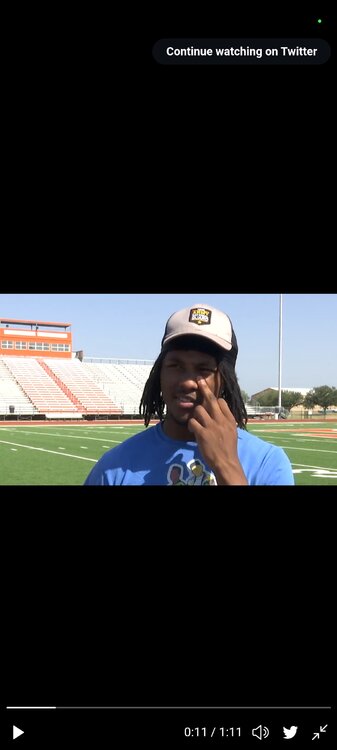 Mom!!! Someone said Fuck the Brakes
 Hell Yes! Hook'em!
 No. Baby Surly
Football ... Basketball ... Baseball ... Other Sports ... Futbol ... 🤫995🤫 ... Gambling ... Movies & TV ... Music ... Hobbies ... Lulz ... Food & Travel ... Daily Texan ... Business & Markets ... Cloak Room ... Help ... For Sale ... Board Discussion ... Advertise... Tailgate Donations
No. Baby Surly
Football ... Basketball ... Baseball ... Other Sports ... Futbol ... 🤫995🤫 ... Gambling ... Movies & TV ... Music ... Hobbies ... Lulz ... Food & Travel ... Daily Texan ... Business & Markets ... Cloak Room ... Help ... For Sale ... Board Discussion ... Advertise... Tailgate DonationsAccount
Search
Configure browser push notifications
Chrome (Android)
- Tap the lock icon next to the address bar.
- Tap Permissions → Notifications.
- Adjust your preference.
Chrome (Desktop)
- Click the padlock icon in the address bar.
- Select Site settings.
- Find Notifications and adjust your preference.
Safari (iOS 16.4+)
- Ensure the site is installed via Add to Home Screen.
- Open Settings App → Notifications.
- Find your app name and adjust your preference.
Safari (macOS)
- Go to Safari → Preferences.
- Click the Websites tab.
- Select Notifications in the sidebar.
- Find this website and adjust your preference.
Edge (Android)
- Tap the lock icon next to the address bar.
- Tap Permissions.
- Find Notifications and adjust your preference.
Edge (Desktop)
- Click the padlock icon in the address bar.
- Click Permissions for this site.
- Find Notifications and adjust your preference.
Firefox (Android)
- Go to Settings → Site permissions.
- Tap Notifications.
- Find this site in the list and adjust your preference.
Firefox (Desktop)
- Open Firefox Settings.
- Search for Notifications.
- Find this site in the list and adjust your preference.