
Gut Wagon
-
Joined
-
Last visited
Posts posted by Gut Wagon
-
-
Abe vs. Eddie was some epic stuff. Arky had talent, and they usually won. That was bad enough, but Sutton was simply insufferable. As a result, I hated him and his program with the fury of a thousand suns. So really, nothing's changed.
Abe going ballistic after one of those heated battles still ranks as a total classic. Augie had nothing on him.
-
-
-
Perhaps the remaining B12 ADs need to convince Nebraska to bolt for a reborn Big 8. Then the Huskers could again be the biggest fish in the football pond, and the other members could at least point to having a (former) powerhouse among their ranks. Maybe from Nebraska's perspective the perceived competitive advantage would offset enough of the revenue loss. Although I doubt it....
-
-
 1
1
-
 2
2
-
 7
7
-
-
-
Edited by Gut Wagon
6 minutes ago, Bevo14 said:"The best part of the rivalry was running away from it with our tail tucked between our legs and talking shit from under Bama's skirt for a decade."
Massive truth bomb
-
1
-
-
Talk about playing with house money. We got aggy to again soil themselves in public, lashing out at all their formerly beloved kissing cousins in the SEC, without Texas so much as having to make one announcement about anything. Just wait until things actually start to happen officially.
-
2
-
2
-
-
-
-
Under our former SEAL team leader, with this many good players we'd for sure see a lack of team chemistry. It would result in a bunch of guys counting the days until they could vacate Austin for any school where they could improve their stats.
I trust that won't be as much of an issue with Beard. I mean, unless he goes so far as to demand an extra pat of butter.
-
-
2
-
-
-
1
-
-
3 hours ago, fellside said:
I'm ignorant on Carr. What makes him elite despite the 38% shooting?
What do you mean, 38%? I watched his tape, and the dude literally made every shot. Crazy good.
-
1
-
1
-
4
-
-
40 minutes ago, Lobo said:
The Shampoo Deity?
Hope this visit ends with us head and shoulders out front.
-
3
-
1
-
-
-
-
On 7/4/2021 at 1:10 AM, Napoleon said:
6’8”
170 lbs
I am 5’9”, look somewhat slim, and have just recently dropped under 180 lbs. Holy crap, 170 lbs, at a listed 6’8”, is skinny!
Has to stand up twice to make a shadow.
-
1
-
-
8 minutes ago, UtBlaw said:
Fun fact:
Oregon’s statute also doesn’t prohibit tobacco, alcohol, guns, or sexually oriented businesses like Texas’ does.
Just don't try to pump your own gas, bro.
-
1
-
1
-
 1
1
-
-
3 minutes ago, UtBlaw said:
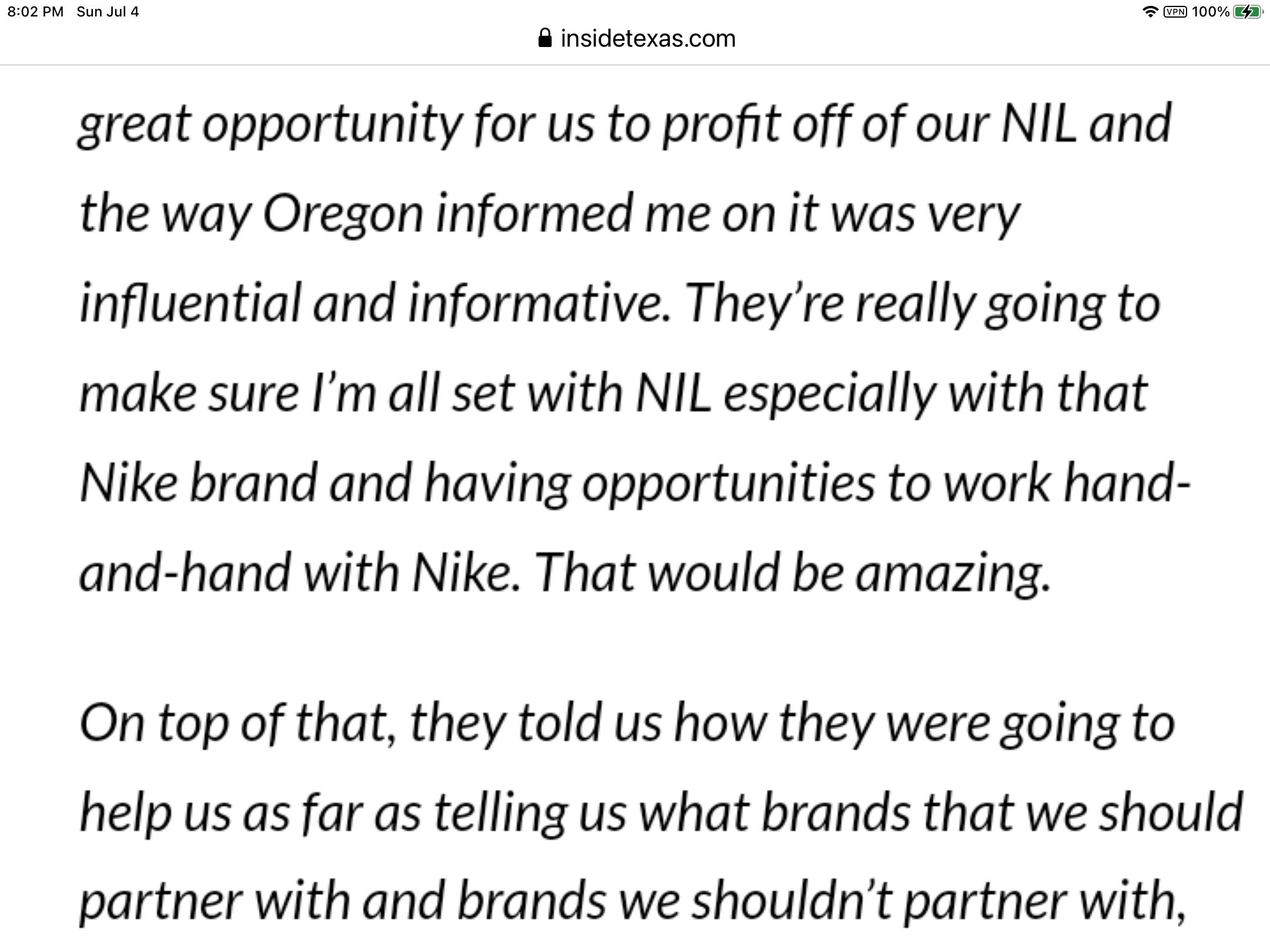
What do y’all think bout this quote from an Oregon recruit? Seems very suggestive of NIL violations to me. I can read one possible violation as ambiguous but not another. Any Opinions?
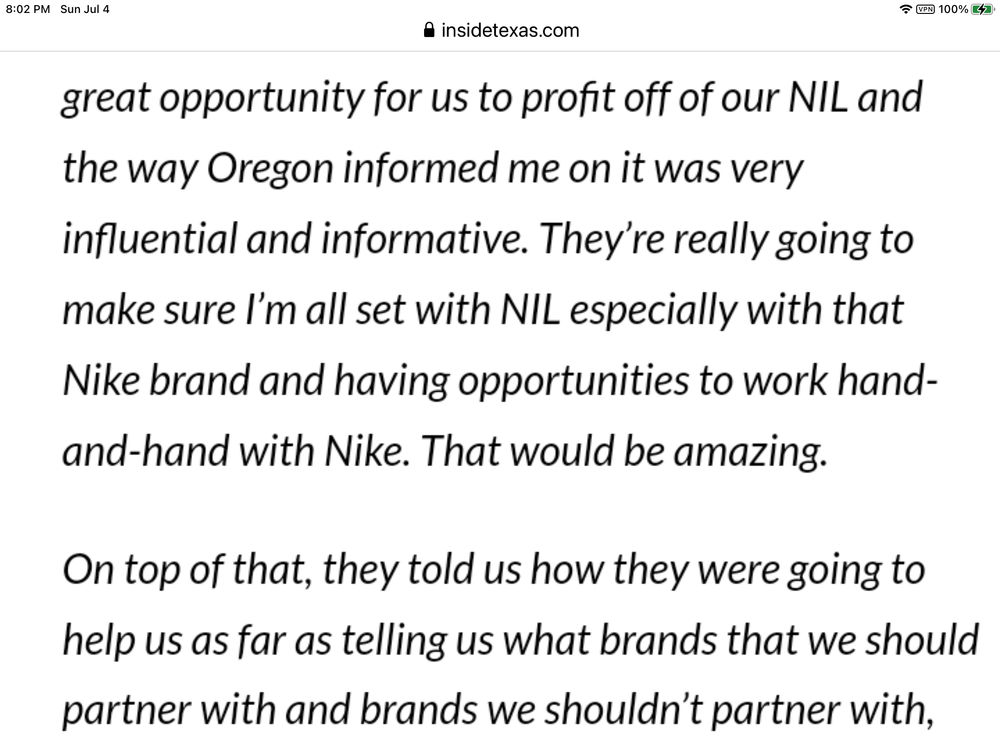
Translation:
-
3
-
-
If likability is now key to making money off recruiting, the Hammster is in a world of hurt. (See: Ketchum, Geoff.)
-
1
-
-
-
-
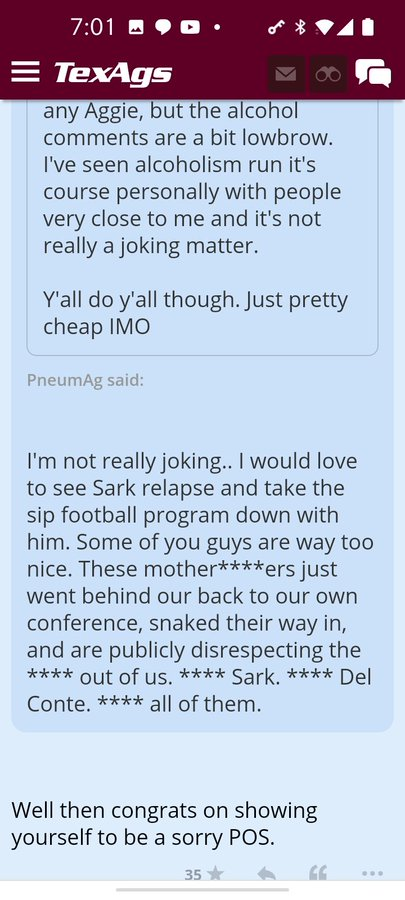
Texas Recruiting Notes 2022 - Idiotic Slapfights Unrelated To 2022 Recruiting
in 🤫$9.95🤫
She instead promotes sports full of toxic femininity. Wait...that's redundant.