
Beau Vine
Certifiably Surly
-
Joined
-
Last visited
Everything posted by Beau Vine
-
 Stupid review
 -
Was that supposed to be a screen pass?
-
Fuck. Your. Actual. Face. Tessitore.
-
Eat a dick, Bert!
-
Lulz, lots of booing...
-
Always go with the other side of the trade.
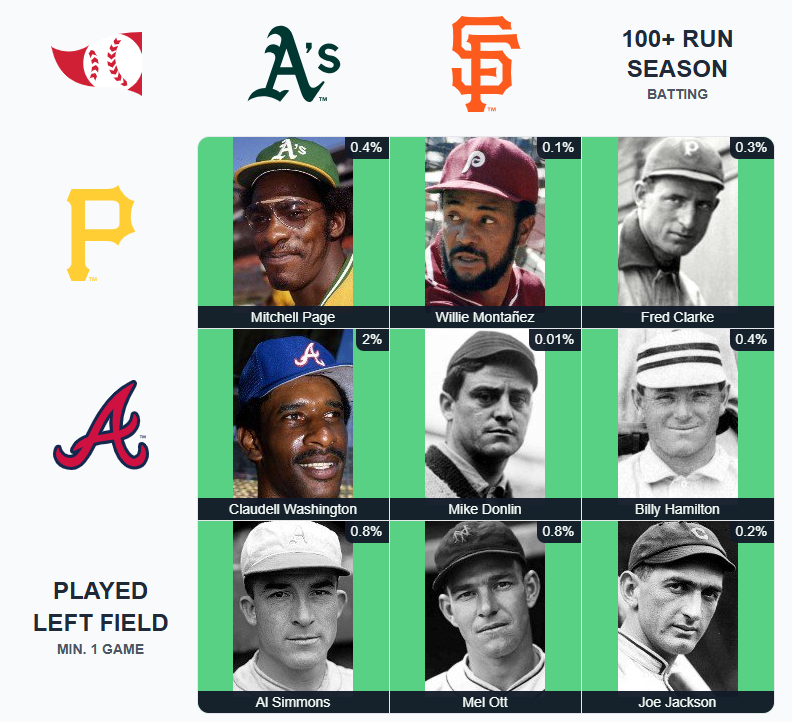 Worse, she grew up in Sanger.
Tosh Lupoi would be a worse hire than Deshaun Foster. That dude's one talent was cheating. What UCLA needs before they hire a football coach is a new AD.
Is Bevo trolling?
username checks out
This had real potential to ruin my day:
Worse, she grew up in Sanger.
Tosh Lupoi would be a worse hire than Deshaun Foster. That dude's one talent was cheating. What UCLA needs before they hire a football coach is a new AD.
Is Bevo trolling?
username checks out
This had real potential to ruin my day: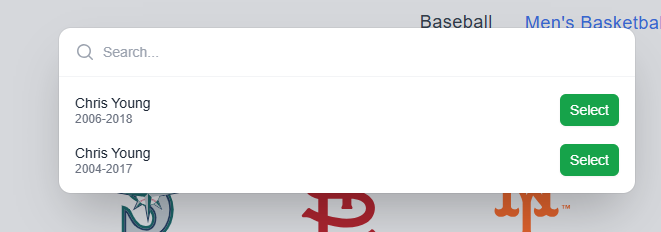
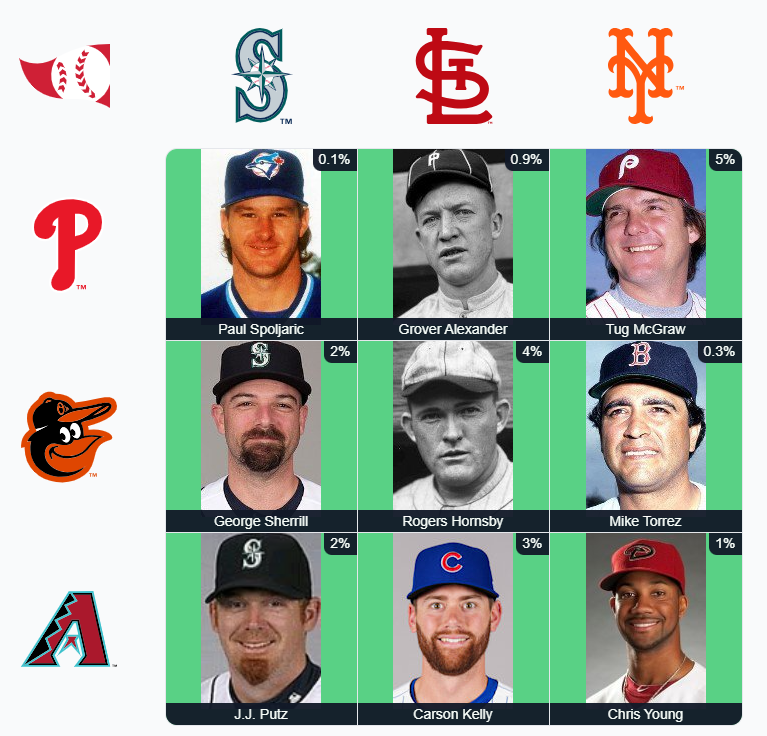 I honestly can't remember the last time I've bought beef. Definitely over two years ago.
Football ... Basketball ... Baseball ... Other Sports ... Futbol ... 🤫995🤫 ... Gambling ... Movies & TV ... Music ... Hobbies ... Lulz ... Food & Travel ... Daily Texan ... Business & Markets ... Cloak Room ... Help ... For Sale ... Board Discussion ... Advertise... Tailgate Donations
I honestly can't remember the last time I've bought beef. Definitely over two years ago.
Football ... Basketball ... Baseball ... Other Sports ... Futbol ... 🤫995🤫 ... Gambling ... Movies & TV ... Music ... Hobbies ... Lulz ... Food & Travel ... Daily Texan ... Business & Markets ... Cloak Room ... Help ... For Sale ... Board Discussion ... Advertise... Tailgate DonationsAccount
Search
Configure browser push notifications
Chrome (Android)
- Tap the lock icon next to the address bar.
- Tap Permissions → Notifications.
- Adjust your preference.
Chrome (Desktop)
- Click the padlock icon in the address bar.
- Select Site settings.
- Find Notifications and adjust your preference.
Safari (iOS 16.4+)
- Ensure the site is installed via Add to Home Screen.
- Open Settings App → Notifications.
- Find your app name and adjust your preference.
Safari (macOS)
- Go to Safari → Preferences.
- Click the Websites tab.
- Select Notifications in the sidebar.
- Find this website and adjust your preference.
Edge (Android)
- Tap the lock icon next to the address bar.
- Tap Permissions.
- Find Notifications and adjust your preference.
Edge (Desktop)
- Click the padlock icon in the address bar.
- Click Permissions for this site.
- Find Notifications and adjust your preference.
Firefox (Android)
- Go to Settings → Site permissions.
- Tap Notifications.
- Find this site in the list and adjust your preference.
Firefox (Desktop)
- Open Firefox Settings.
- Search for Notifications.
- Find this site in the list and adjust your preference.