

Bullneck
Certifiably Surly
-
Joined
-
Last visited
Everything posted by Bullneck
-
 I have no idea what Bozo is trying to say. He's approaching an Anastasis-level Amoeba of Confusion in this thread.
 -
You didn't do what I asked and thus you convinced me you don't know (posting a meme doesn't count). I'll be brief here: Market Rate - a developer has a site, raises money based on expected demand, hires engineers and architects to design for it, hires construction company to build it, leases up and either holds onto it or sells it, Affordable Housing - same as above but some of the money comes from the sale of tax credits or direct investment from the government. There are strings attached, typically either age-restricted or income restricted where residents have to make a certain percentage less than a average county income but enough to pay the rent. Frankly, it's a genius program for a lot of reasons I can point out to anyone interested, Public Housing -- AFAIK we don't build this anymore but there are still lots of them around (it's been replaced by the success of Affordable Housing). Don't confuse this with Section 8, which relates to rent funding for qualified individuals for existing housing. It doesn't build anything new. As stated earlier Rent Control goes back a long way. It helps people stay in their homes when a new landlord buys their building and would love to kick them out and make a huge profit. What kind of asshole would do this? You guessed it: Now I'll ask you an easy question: have you been to NYC lately?
-
This. If Tech is ever #1 in football it won't happen until the end of the last game of the year. Their big money boosters have been throwing around a lot of NIL money and the expectations are pretty high. Lots of new stadium construction, too.
-
Per my previous post, so do you understand the difference between market rate and affordable (and supportive) housing? Simple "yes" or "no" will do. I'm assuming you don't. No one gives a shit about St. Paul or San Francisco. We're talking about NYC here, right? Also, the "C" in CEQA for California, right? Please don't litter this discussion with sound bite-sounding things like "You cannot spend your way out of the housing crisis." How would you know? You need to make a pass at the bolded part above before we can discuss further. Thanks for your attention to this matter.
-
NGL: I first read this as "Amon Carter." Yeah, that's stupid and all. And implausible. But what do I know? What kind of guy was he, anyway. Other than he hated Dallas.
-
OK, let's take a look: 1) doubling down on rent control, perhaps the most widely panned economic policy besides tariffs, As already pointed out, rent control is a long established thing in New York City. You say he's "doubling down." What does that mean? More of the status quo? (2) fully subsidized BMR housing (that’s going at around $1.3m per 1k sq ft unit in SF and DC - I’d assume NYC is the same and they need 1 million units in the next decade. The math doesn’t math.) Do you know how PPP affordable housing works? If you say "yes" give a brief synopsis (then I'll set you straight) (3) allowing market rate development only to the extent it is weighed down by interest group concessions to the point it isn’t economically feasible. Tell me what the 'interest group concessions' are. ************************************************ This below is all opinion or gibberish or both: My apologies, that was still too much in the weeds, but the upshot is that the progressive approach has a very low likelihood of success because it is simply not realistic regardless of any level of support. More fundamentally, it is not designed to succeed because it is based on a politics of scarcity that favors incumbent residents at the expense of future ones, which is a fair summation of blue city progressive politics overall. I don’t think this scarcity mindset is necessary, so I vote against it. To his credit, Zohran is a very positive guy who, unlike most DSA types, tries to avoid the zero sum class warfare game when it comes to affordability.
-
For a happily married woman Faith is putting dem titties out there for admiration. I added the "happily" part myself.
-
FUCK YOU VINCE MACKEY. I DON'T SEE ANY ENCHIRITO IN THAT PHOTO. HERE'S A REFRESHER COURSE IN THE LANGUAGE OF TACO BELL. IT'S SPELLED: ENCHIRITO.

-
I'd be interested in reading this post, enough that I went back a month but didn't find it. Did you post it here or Daily Texan?
I don't know how old Mandami is but it doesn't look like he invented rent control in NYC. Maybe you sit this one out. Maybe take a couple of plays off.
Used to live in L.A. College football began at 9am with the noon EST kickoffs and ended with the some crazy late WAC kick off at 10pm. Every weekend was like New Year's Day.
He is? How do you figure?
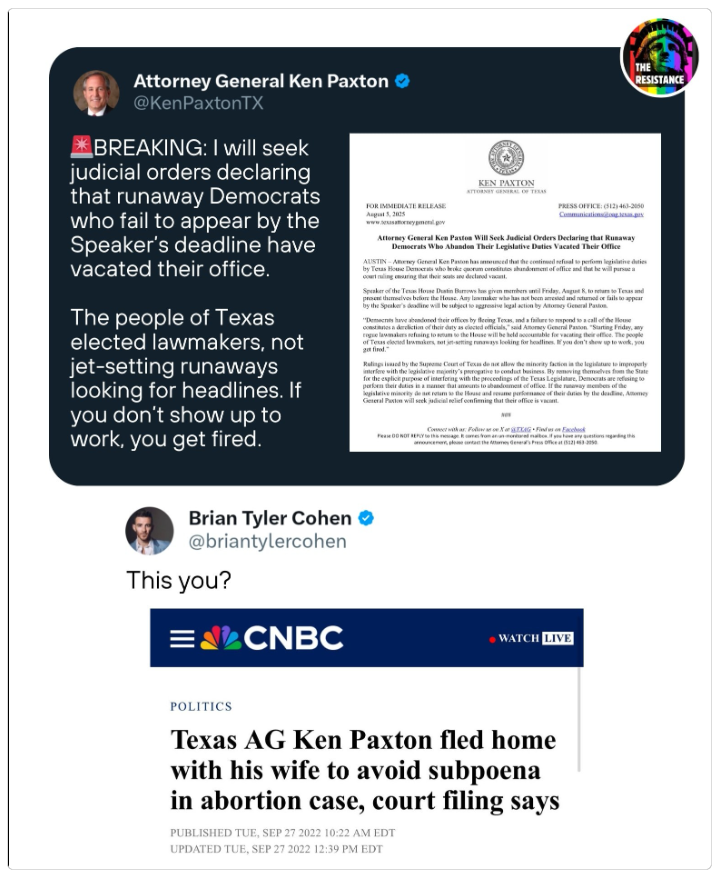
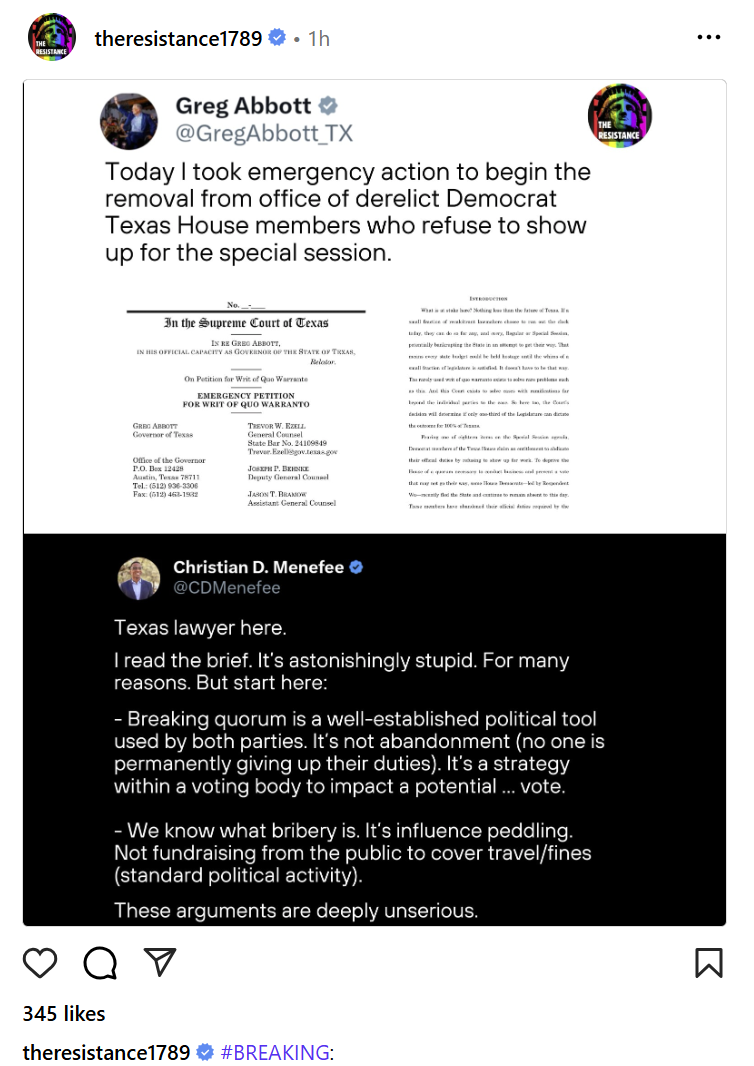
https://www.instagram.com/stories/mermaidmamamaggie/3694949505272855250/?hl=en Newsom says Abbot doesn't have the courage but I think he was going to say "spine."
I thought about just leaving this really odd but telling post alone, but . . . @Elvis What would possess you to open a thread about the decline of America and the destruction of our democracy and post a sales video about a multi-million dollar yacht for billionaires? Weren't you trying to sell your used Chevy Avalanche a couple of years ago? There's a bumpsticker around these days that says "You're closer to being homeless than to being a billionaire." I've seen your house, dude. You better hope to God for some of that good old fashioned Biden stability, because if things keep up you're going to wish you had that Avalanche so you could put a camper on the back. (Edit: found it)
https://www.instagram.com/p/DLIuFZUx84-/?hl=en
This guy is running for governor of Iowa.
Football ... Basketball ... Baseball ... Other Sports ... Futbol ... 🤫995🤫 ... Gambling ... Movies & TV ... Music ... Hobbies ... Lulz ... Food & Travel ... Daily Texan ... Business & Markets ... Cloak Room ... Help ... For Sale ... Board Discussion ... Advertise... Tailgate Donations









Account
Search
Configure browser push notifications
Chrome (Android)
- Tap the lock icon next to the address bar.
- Tap Permissions → Notifications.
- Adjust your preference.
Chrome (Desktop)
- Click the padlock icon in the address bar.
- Select Site settings.
- Find Notifications and adjust your preference.
Safari (iOS 16.4+)
- Ensure the site is installed via Add to Home Screen.
- Open Settings App → Notifications.
- Find your app name and adjust your preference.
Safari (macOS)
- Go to Safari → Preferences.
- Click the Websites tab.
- Select Notifications in the sidebar.
- Find this website and adjust your preference.
Edge (Android)
- Tap the lock icon next to the address bar.
- Tap Permissions.
- Find Notifications and adjust your preference.
Edge (Desktop)
- Click the padlock icon in the address bar.
- Click Permissions for this site.
- Find Notifications and adjust your preference.
Firefox (Android)
- Go to Settings → Site permissions.
- Tap Notifications.
- Find this site in the list and adjust your preference.
Firefox (Desktop)
- Open Firefox Settings.
- Search for Notifications.
- Find this site in the list and adjust your preference.