

Daichee Bell
Certifiably Surly
-
Joined
-
Last visited
Everything posted by Daichee Bell
-
 Who are you, Vic Mackey?
 -
I don’t trust any of the Carls.
Selling 2 Saddle up 2 day passes. $950 each. Turnpike, Colter Wall, Ryan Bingham, Hank Jr., Cody Johnson. Good lineup. https://www.twostepinn.com/
Look, I’ll take the high ground on this. Motte seems rock solid. Bailey is only gonna hold up if the line is a wall. If there’s any holes in it, he’s screwed.
You’re giving off a weird NowThis vibe.
The only sequel Burton directed.
I’m not 100 percent sure, but isn’t Batman Returns his only sequel? I’m one of the weirdos that actually likes that more. Got high hopes here.
No agenda. Obviously, he's good at some aspects of the job. I felt the story was applicable, in light of the expected expanded role of a GM type (beyond a pencil pusher), and Sark seeming to be fine with letting him go. The guy just came off really poorly in how he spoke about some of the players to people he didn't know.
Yeah, I get that. Don’t disagree with you. But, I think there’s something to being being professional, especially when you’re hitting people up for millions of dollars. If it’s supposed to be run like a business, which it’s going to be to get and sustain high dollar donations, he didn’t present well. Maybe that was a one off. Dunno. Don’t know the guy. Harris was better in my opinion, but was obviously figuring things out. Correct.
Now that he’s leaving, I’ll address it an odd experience with Glasscock, where he was openly talking about players that he felt were good, bad, or replaceable to a bunch of donors without any real context as to who we were. Wholeheartedly understand how he was doing good work, but not the interaction one would have expected in that situation. The buddy I was with is tight with some of the family for a defensive lineman. Thankfully, Glasscock had good things to say, otherwise he would have been tracked right back to the family. My feeling was that there was a lot of in-house stuff discussed out of house. Onward and upward. Hook ‘em.
That’s funny. I’m starting to like it.
Learn from the past and from rock puns.
 While you’re at it, read Blood and Thunder by Hampton Sides.
In honor of UGA dying.....
While you’re at it, read Blood and Thunder by Hampton Sides.
In honor of UGA dying.....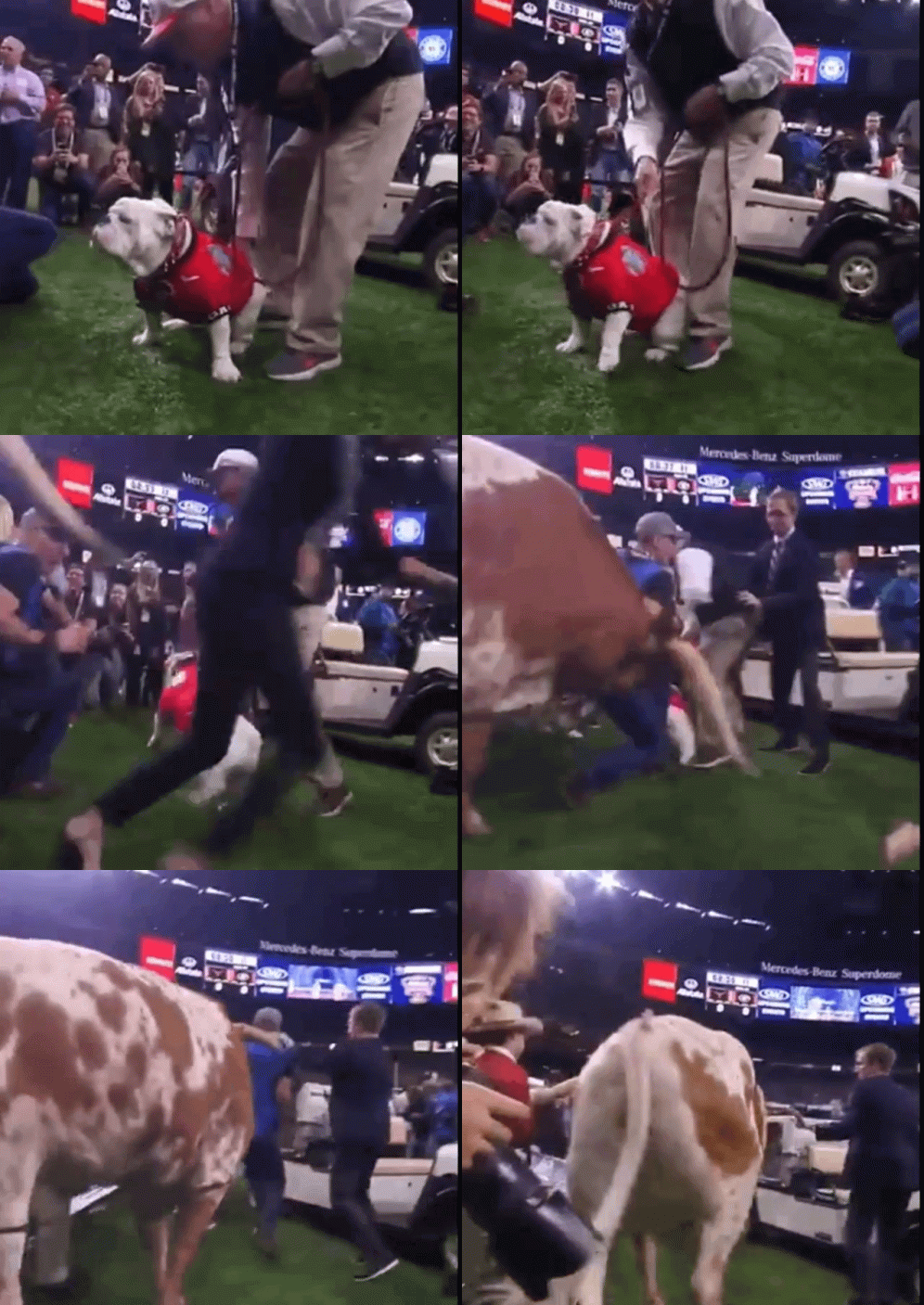 And Michelle.....
 Per the staff, they are just waiting on the light bulb here. if a couple guys step up, same as last year, we will be fine. The talent is there. Personally, I’m more concerned with the coaching hire than the players right now.
I’m guessing you were more Neo-Maxi Zoom Dweebie.Football ... Basketball ... Baseball ... Other Sports ... Futbol ... 🤫995🤫 ... Gambling ... Movies & TV ... Music ... Hobbies ... Lulz ... Food & Travel ... Daily Texan ... Business & Markets ... Cloak Room ... Help ... For Sale ... Board Discussion ... Advertise... Tailgate Donations
Per the staff, they are just waiting on the light bulb here. if a couple guys step up, same as last year, we will be fine. The talent is there. Personally, I’m more concerned with the coaching hire than the players right now.
I’m guessing you were more Neo-Maxi Zoom Dweebie.Football ... Basketball ... Baseball ... Other Sports ... Futbol ... 🤫995🤫 ... Gambling ... Movies & TV ... Music ... Hobbies ... Lulz ... Food & Travel ... Daily Texan ... Business & Markets ... Cloak Room ... Help ... For Sale ... Board Discussion ... Advertise... Tailgate Donations











Account
Search
Configure browser push notifications
Chrome (Android)
- Tap the lock icon next to the address bar.
- Tap Permissions → Notifications.
- Adjust your preference.
Chrome (Desktop)
- Click the padlock icon in the address bar.
- Select Site settings.
- Find Notifications and adjust your preference.
Safari (iOS 16.4+)
- Ensure the site is installed via Add to Home Screen.
- Open Settings App → Notifications.
- Find your app name and adjust your preference.
Safari (macOS)
- Go to Safari → Preferences.
- Click the Websites tab.
- Select Notifications in the sidebar.
- Find this website and adjust your preference.
Edge (Android)
- Tap the lock icon next to the address bar.
- Tap Permissions.
- Find Notifications and adjust your preference.
Edge (Desktop)
- Click the padlock icon in the address bar.
- Click Permissions for this site.
- Find Notifications and adjust your preference.
Firefox (Android)
- Go to Settings → Site permissions.
- Tap Notifications.
- Find this site in the list and adjust your preference.
Firefox (Desktop)
- Open Firefox Settings.
- Search for Notifications.
- Find this site in the list and adjust your preference.