


Alex Karev
Legacy Members
-
Joined
-
Last visited
Everything posted by Alex Karev
-
 It was so damn hot this week the hogs didn't even come to feeders at night. 110° Monday
 -
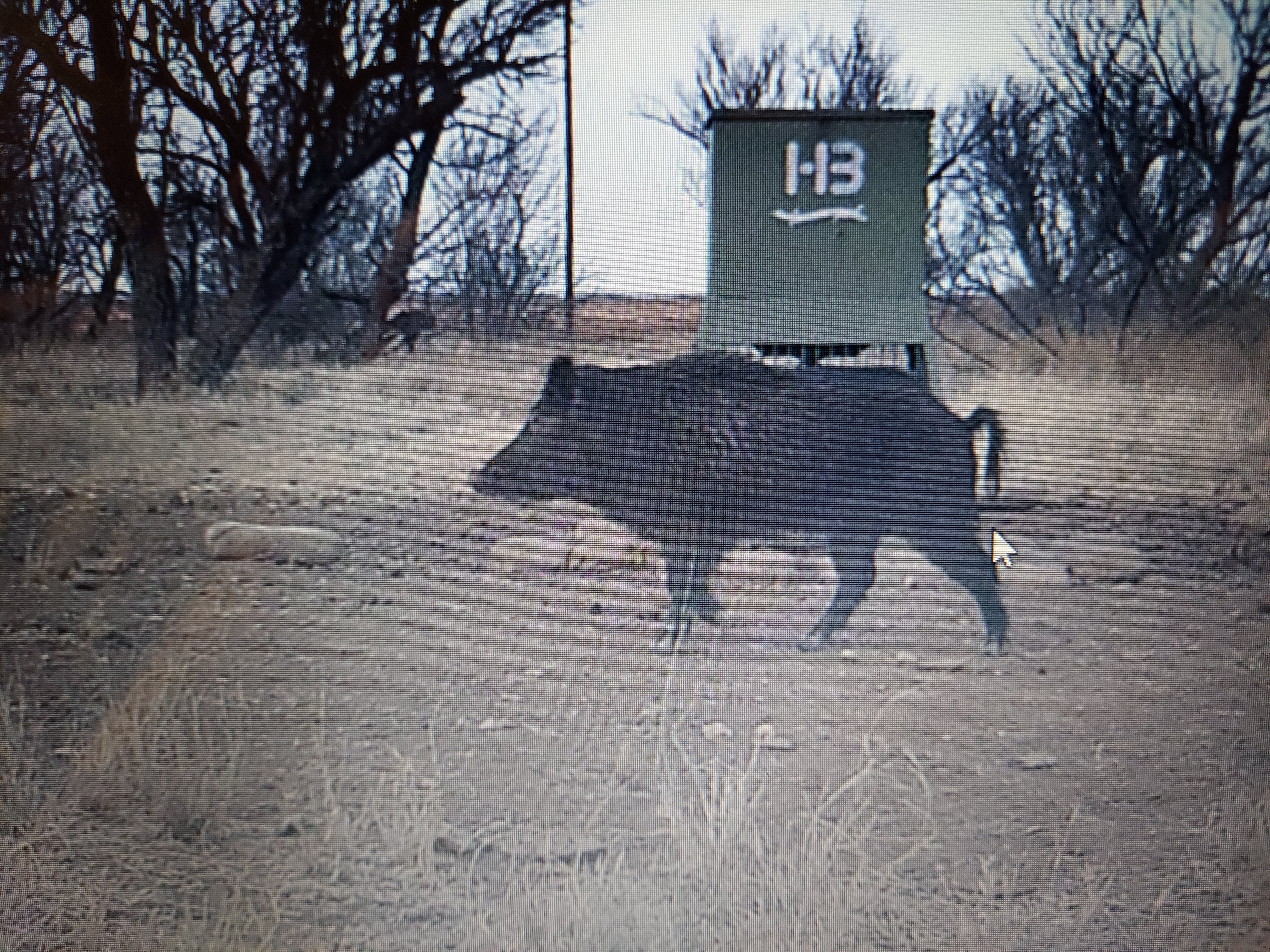
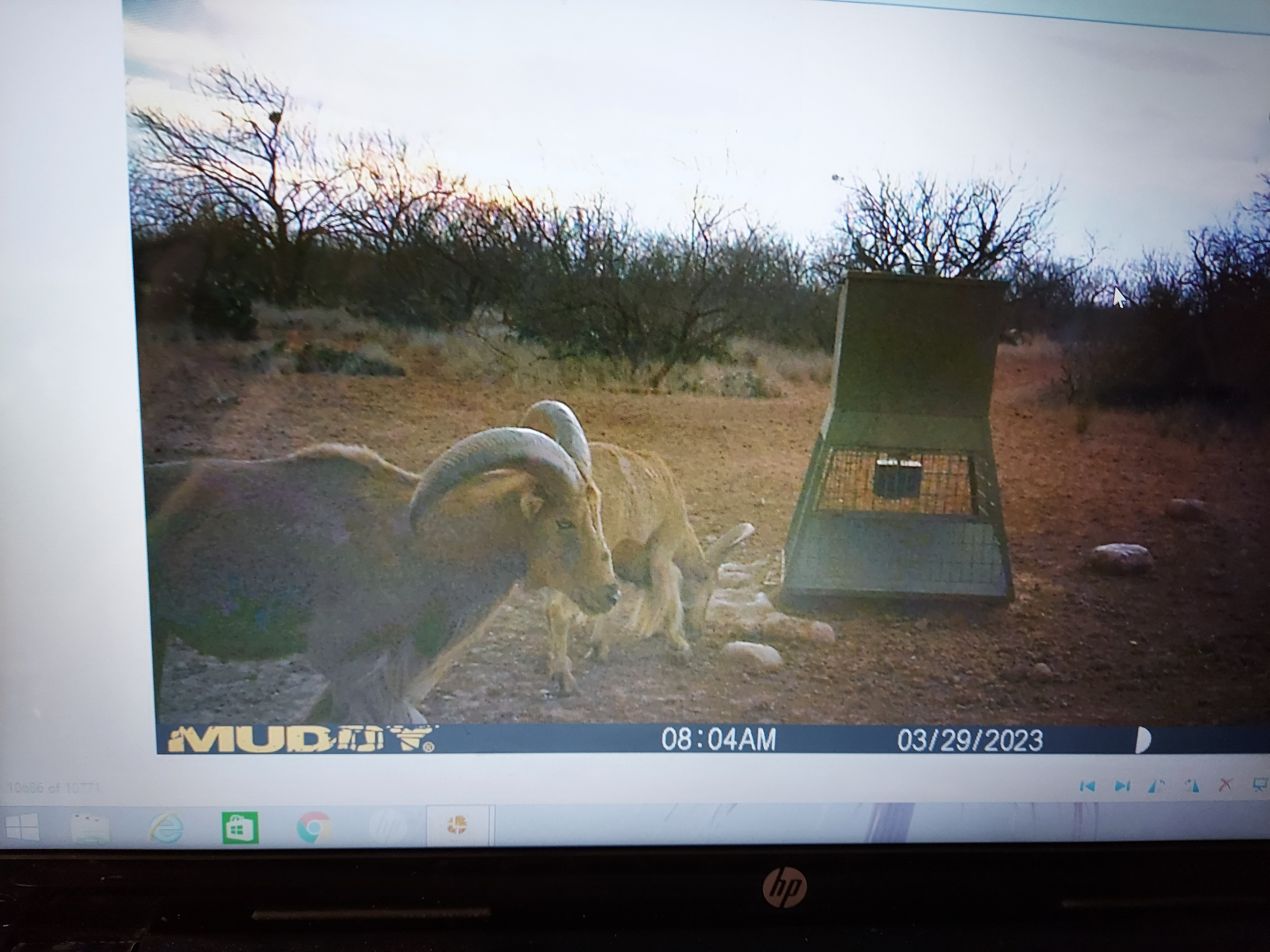
Anyone having any luck calling in the long beards this spring. Going next week on upper Colorado on family ranch. Dry as hell this year. We have all kinds of critters coming in this year. I think they are following the river looking for something green. I took out a few hogs a couple weeks back. Hundreds of deer starving to death. Its a damn shame. Hogs all look healthy though. Several long beards. A neighbor said they took 9 last week.
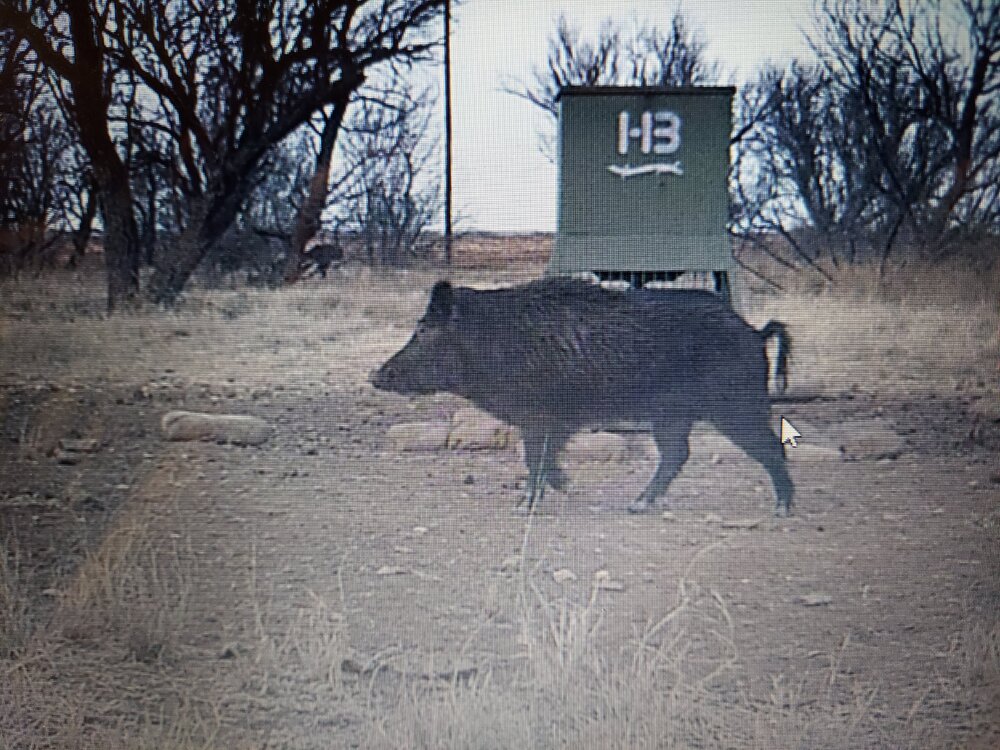
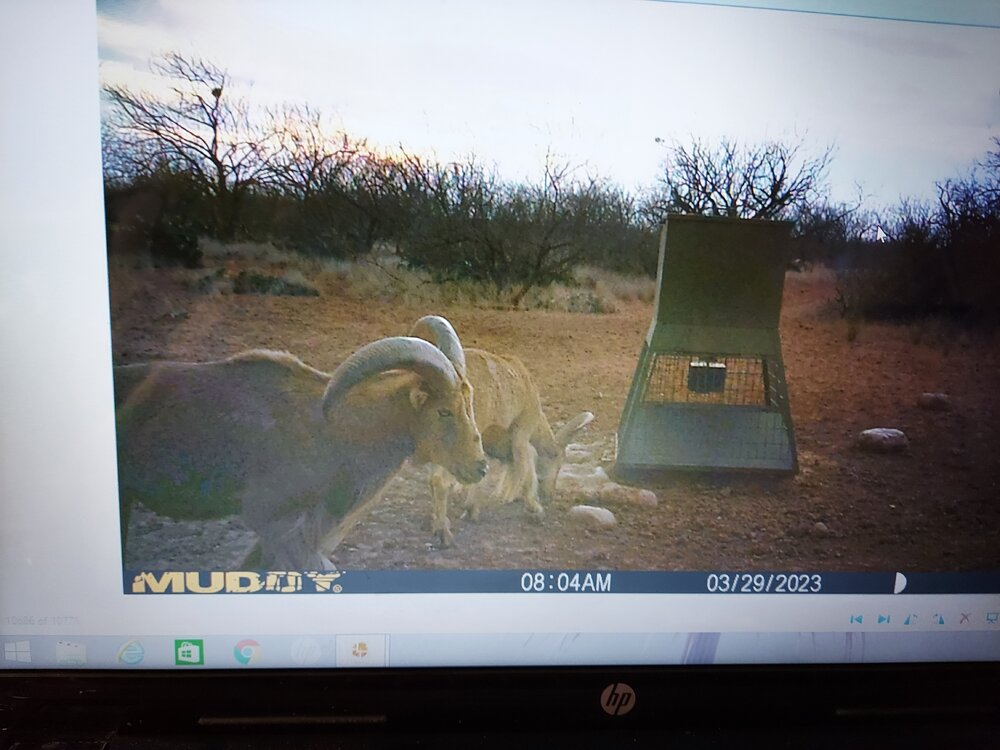 Wow! Just noticed this. A little surprised!
 Hook'em!
 Hook'em! The Eye of Texas are upon You.
 Hook'em!
 That was an old fashion ass whipping!
I'm watching through the ABC app. Have you tried a friends credentials?
The Personal foul was just dumb
Yep, 995 thread. 2022 coaching topic
SOC Game should be interesting
Present
Today is a Great day! Hook'em
Ewers. I hope.
That was an old fashion ass whipping!
I'm watching through the ABC app. Have you tried a friends credentials?
The Personal foul was just dumb
Yep, 995 thread. 2022 coaching topic
SOC Game should be interesting
Present
Today is a Great day! Hook'em
Ewers. I hope.













Football ...
Basketball ...
Baseball ...
Other Sports ...
Futbol ...
🤫995🤫 ...
Gambling ...
Movies & TV ...
Music ...
Hobbies ...
Lulz ...
Food & Travel
...
Daily Texan ...
Business & Markets ...
Cloak Room ...
Help ...
For Sale ...
Board Discussion ...
Advertise...
Tailgate Donations
Account
Search
Configure browser push notifications
Chrome (Android)
- Tap the lock icon next to the address bar.
- Tap Permissions → Notifications.
- Adjust your preference.
Chrome (Desktop)
- Click the padlock icon in the address bar.
- Select Site settings.
- Find Notifications and adjust your preference.
Safari (iOS 16.4+)
- Ensure the site is installed via Add to Home Screen.
- Open Settings App → Notifications.
- Find your app name and adjust your preference.
Safari (macOS)
- Go to Safari → Preferences.
- Click the Websites tab.
- Select Notifications in the sidebar.
- Find this website and adjust your preference.
Edge (Android)
- Tap the lock icon next to the address bar.
- Tap Permissions.
- Find Notifications and adjust your preference.
Edge (Desktop)
- Click the padlock icon in the address bar.
- Click Permissions for this site.
- Find Notifications and adjust your preference.
Firefox (Android)
- Go to Settings → Site permissions.
- Tap Notifications.
- Find this site in the list and adjust your preference.
Firefox (Desktop)
- Open Firefox Settings.
- Search for Notifications.
- Find this site in the list and adjust your preference.