
All Activity
- Past hour
-

-
 well yeah but not on this politics board bc we are not aggy and they really can't handle being bitchslapped by the cabal.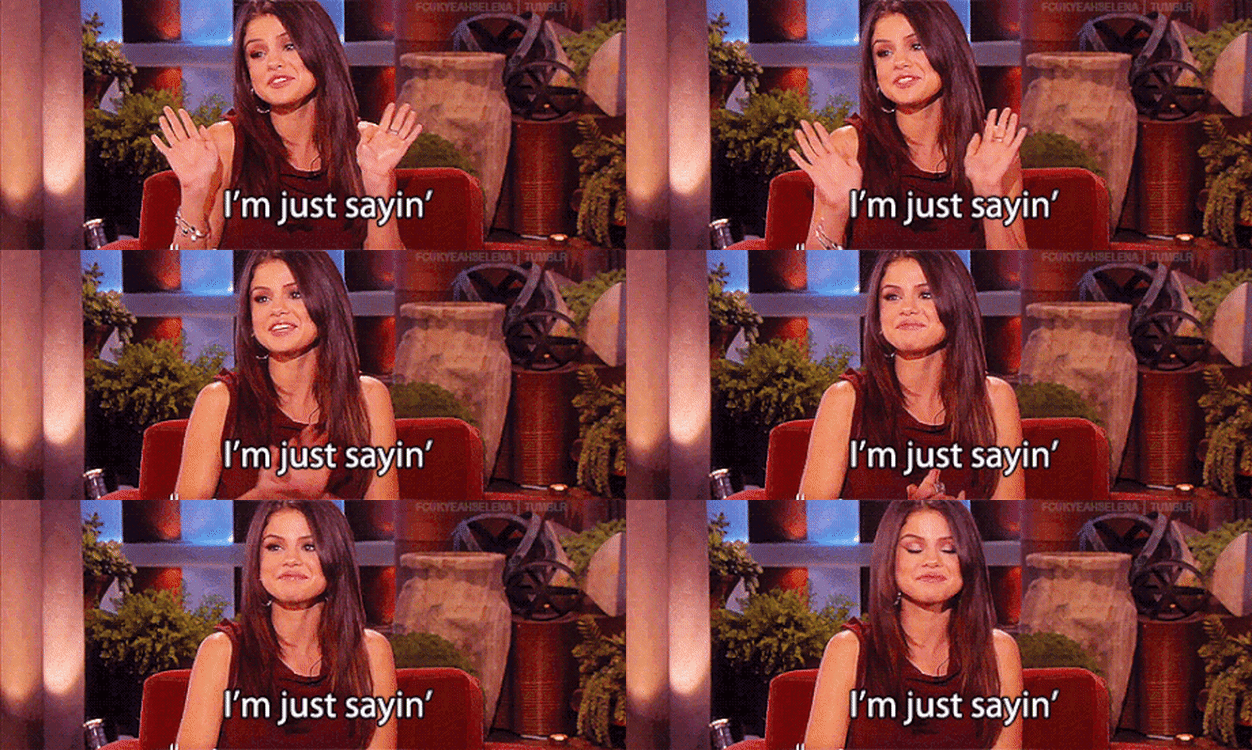
-

 You're not paying attention. We're putting all of our money into 50-70 scholarship kids. With the new SEC rules, we can do 100+ scholarships(?). That means you have 30+ freebies who will take up none, or hardly any of the "money share".
 So… you want us to follow the Aggie plan of portal recruiting. Got it
 WTF. We have like 40 scholarships left to use. USE THEM. Go grab all the biggest retard 2* O-line FBS & nicely rated FCS guys you can find and see if any of them break out during spring training. This is our concern, dude. So, make it the thing we are unconcerned about.
A significant portion of Oregons 2nd and 3rd string D has portaled. A large number of them are headed for Berkeley
WTF. We have like 40 scholarships left to use. USE THEM. Go grab all the biggest retard 2* O-line FBS & nicely rated FCS guys you can find and see if any of them break out during spring training. This is our concern, dude. So, make it the thing we are unconcerned about.
A significant portion of Oregons 2nd and 3rd string D has portaled. A large number of them are headed for Berkeley Somehow it ended up on the OU 2026 thread and I was too stressed about transfers at the time to even mention it. I came here looking for it first. I think it was a good hire for them with or without his kid because they could literally do no worse than the dumpster fire they had last year. At least this guy was one of the greatest in Cowboys history. Whether he can coach or not, that will help him recruit. OU is going to mess around and be stuck with BV for over a decade. They keep doing just enough. I’m fine with it.
 I’ll settle for a Phil Pozderac and Brian Baldinger
 They’re all over this board, too!
my prediction - it gets thrown out
They’re all over this board, too!
my prediction - it gets thrown out This is a fantastic post and you won’t regret just following it, @Lurch. I will say, you have a lot to learn. Meaning, every one of these things has a learning curve associated with it. So I would recommend starting small, leverage things that you have and already know that will suffice for now (like your PA for monitors to start), and throttle the number of deep wells you have to explore before actually getting to making music. Which, imo, is the most important thing for you to do. Just start making your music. Not 3 months from now after accruing and deep diving on a lot of things. I mean next week with an interface, your PA, a DAW and stock plugins. You’ll encounter obstacles and feel pain in the process. Bring them here for ideas on how to mitigate them through various means. Let the problems you encounter making your personal music be your guide as to what more you need.
 This needs to be shoved in the face of all of those MAGA types who claim to be Christian and ask them if this is what Jesus would do. They'll try to justify it because most of them aren't really Christians. They can call themselves Christian, just like I can call myself a lottery winner even if I don't buy a fucking lottery ticket.
 Definitely a bad episode, but… “This is the strangest fucking neighborhood I’ve ever lived in” was pretty funny. Now I want a gator po’ boy. Cooper’s hand gonna hurt. On to next week.
 And you seem like a guy who doesn't know what's going on with his team. We have one center. One! No depth there at all. We have no idea who will play left or right guard. The transfer will have to take one of them. The other? Who knows. Stroh was our depth there. Imagine that. The other two guards on the roster are freshmen who've never played a snap. If either starting tackle goes down the guy behind him will be a significant dropoff. I'm not sure you understand the situation. Flood is going to have to do the coaching job of his career and still hope and pray nobody gets injured.
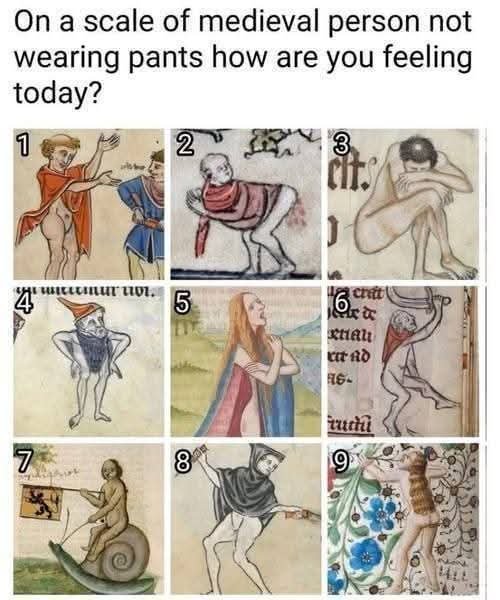
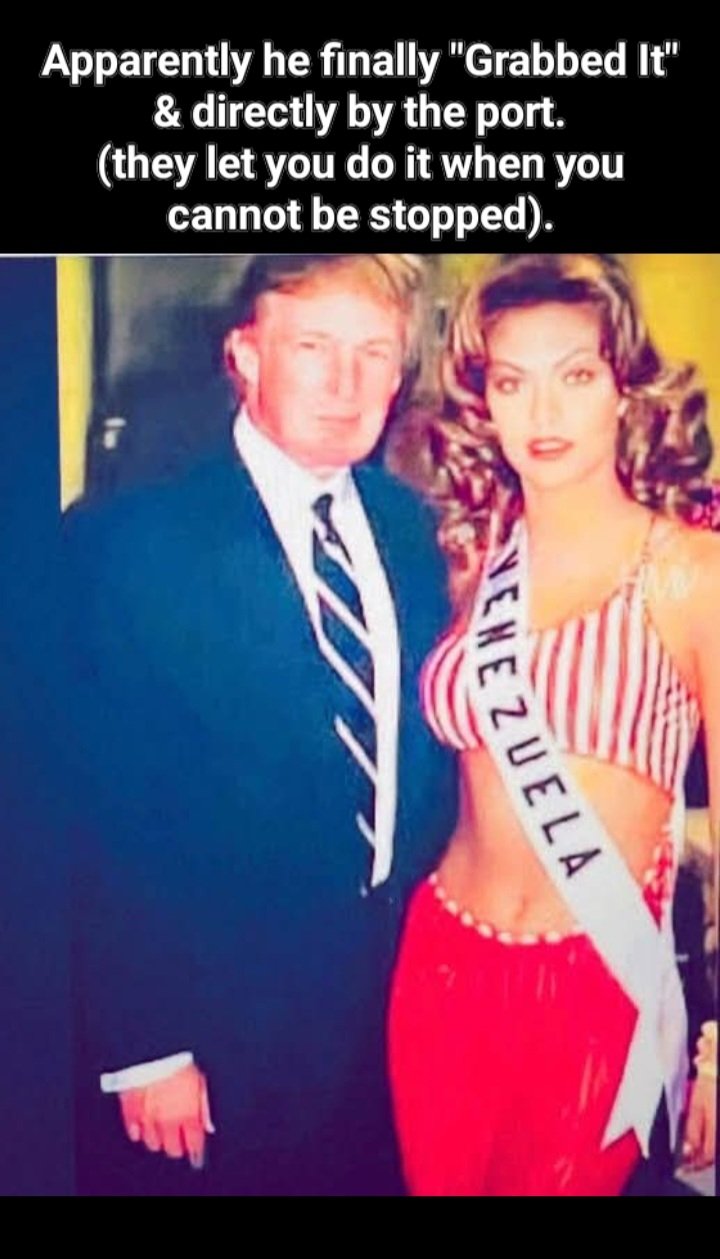
 He is just SOOOO ridiculously stupid. It is incredible how dumb and uneducated TFG is. The oil companies know he wants a cut to let them into Venezuela. Some will wait it out or negotiate directly with the next president there to do an end around on this moron.
 It depends on the situation really. I can be pretty shy about asking for photos. Some of my street stuff is up close, but I think most of it is more like an observer from afar. So, I typically only ask when doing street portraits. These train travelers most of the time are the people you see asking for money at corners. They call it “flying a sign”. However, this last interaction he refused my money (I think I offended him at first) and just asked if I could grab him a couple of drinks from the corner store. While I find some of Bruce Gilden’s work interesting, I am not a big fan of that style or approach. As for how much…also depends. If all I have is a buck, no one turns that down.
 It was talked about earlier in the thread, and then Gerry/Bobby discussed it, Baker knows ultimately his NFL position is at OG and he is willing to move there if Texas is able to bring in another OT.
 They are down a bit in after-hours trading. Here's hoping they tank tomorrow and Trump loses his shit again.
Greenland...
They are down a bit in after-hours trading. Here's hoping they tank tomorrow and Trump loses his shit again.
Greenland... interesting I assumed Baker would want to stay at tackle as more money in that position in the NFL...




Football ...
Basketball ...
Baseball ...
Other Sports ...
Futbol ...
🤫995🤫 ...
Gambling ...
Movies & TV ...
Music ...
Hobbies ...
Lulz ...
Food & Travel
...
Daily Texan ...
Business & Markets ...
Cloak Room ...
Help ...
For Sale ...
Board Discussion ...
Advertise...
Tailgate Donations
Account
Search
Configure browser push notifications
Chrome (Android)
- Tap the lock icon next to the address bar.
- Tap Permissions → Notifications.
- Adjust your preference.
Chrome (Desktop)
- Click the padlock icon in the address bar.
- Select Site settings.
- Find Notifications and adjust your preference.
Safari (iOS 16.4+)
- Ensure the site is installed via Add to Home Screen.
- Open Settings App → Notifications.
- Find your app name and adjust your preference.
Safari (macOS)
- Go to Safari → Preferences.
- Click the Websites tab.
- Select Notifications in the sidebar.
- Find this website and adjust your preference.
Edge (Android)
- Tap the lock icon next to the address bar.
- Tap Permissions.
- Find Notifications and adjust your preference.
Edge (Desktop)
- Click the padlock icon in the address bar.
- Click Permissions for this site.
- Find Notifications and adjust your preference.
Firefox (Android)
- Go to Settings → Site permissions.
- Tap Notifications.
- Find this site in the list and adjust your preference.
Firefox (Desktop)
- Open Firefox Settings.
- Search for Notifications.
- Find this site in the list and adjust your preference.