

All Activity
- Past hour
-
 K heard.
 -

 We had to play Florida. We chose to play Ohio State. Just like this season. Another mistake.
 WHAT IN THE FUCKING FUCK! GOT DAMMIT!
 If we could get Midnight back too, cool. But definitely the nav bar first.
 I've learned two things since 2023. I'm too old to do 10k burpees in a year. I'm too old NOT to attempt to do burpees. I'm using running as my main exercise, but I need to do something else for that upper body strength. Absolutely no way in hell I can do 10k, but count me in for, say, 1k. What's more, I'm doing half burpees on em; I won't do the jump, but my core could use the work, too. I figure I'm good for 10 of those, twice a week, every week.
What in the fucking fuck, this new whatever is terrible and what the fucking fuck.
I've learned two things since 2023. I'm too old to do 10k burpees in a year. I'm too old NOT to attempt to do burpees. I'm using running as my main exercise, but I need to do something else for that upper body strength. Absolutely no way in hell I can do 10k, but count me in for, say, 1k. What's more, I'm doing half burpees on em; I won't do the jump, but my core could use the work, too. I figure I'm good for 10 of those, twice a week, every week.
What in the fucking fuck, this new whatever is terrible and what the fucking fuck. Enjoy those moments man. Not that I need to say that to you, but you know.
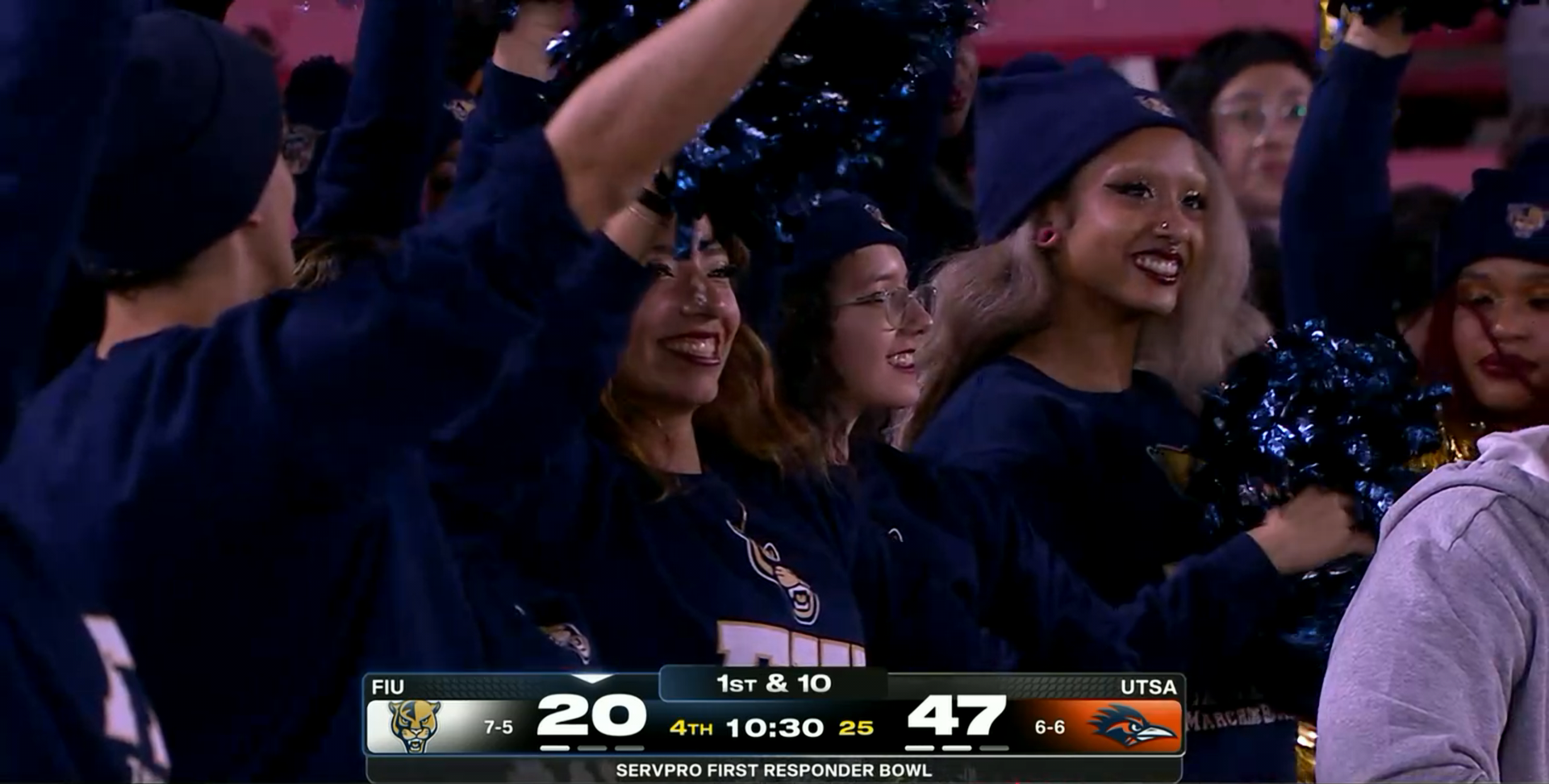
 maybe next year Jaguars Buenas Noches.
 I dont know if that's how Utah saw things going. Gonna have to push back that field naming ceremony...
I dig it. All my preferences from before were retained, which is a super cool touch. Thanks, @immamac ! Here's yer tree fiddy
I dont know if that's how Utah saw things going. Gonna have to push back that field naming ceremony...
I dig it. All my preferences from before were retained, which is a super cool touch. Thanks, @immamac ! Here's yer tree fiddy Very impressed with the quick & painless transition Hah, right! I took my dogs for a walk and when we got back, boom.... new software fully working and no issues.
 imma is a fucking wizard for pulling off a hot migration that only has minor hiccups way to go dude
So far, so good. Thanks! I love that pics can be resized. Kinda wish they defaulted to max-width but that's okay. One request is, wait... two requests are... 1) Pic sizes default to match page-width 2) Can you add the down button? Not sure if your software offers it but it's a quick click-to-add in Xenforo. I use the up button all the time, shown below. On other forums, I use the down button too. To take me to the bottom of a 50-post page.
imma is a fucking wizard for pulling off a hot migration that only has minor hiccups way to go dude
So far, so good. Thanks! I love that pics can be resized. Kinda wish they defaulted to max-width but that's okay. One request is, wait... two requests are... 1) Pic sizes default to match page-width 2) Can you add the down button? Not sure if your software offers it but it's a quick click-to-add in Xenforo. I use the up button all the time, shown below. On other forums, I use the down button too. To take me to the bottom of a 50-post page.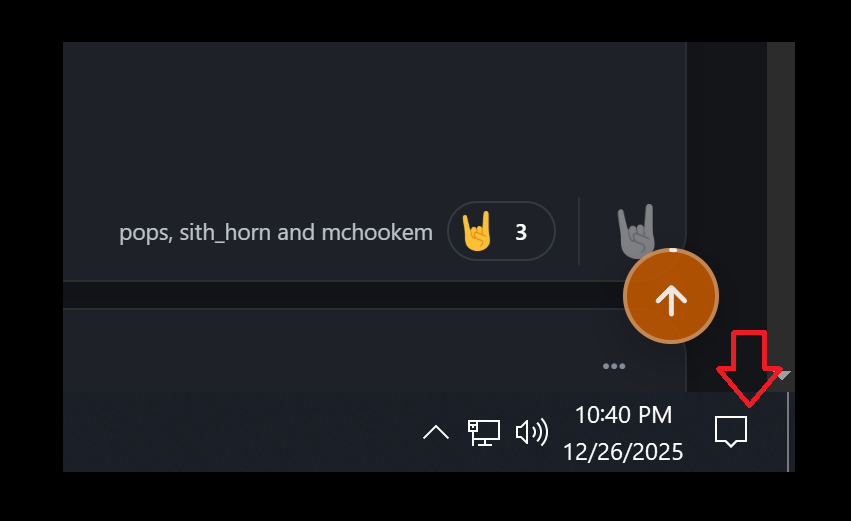
 Yea it’s regressed big time, or they were always terrible but when they were legitimate children it didn’t matter. The Wynona dialogue is painful. Unnecessary monologues all over the place. I’ll watch every second of it tho. Hope we get Els side quest to find big ass lip fillers during a quarantine.
 Correct.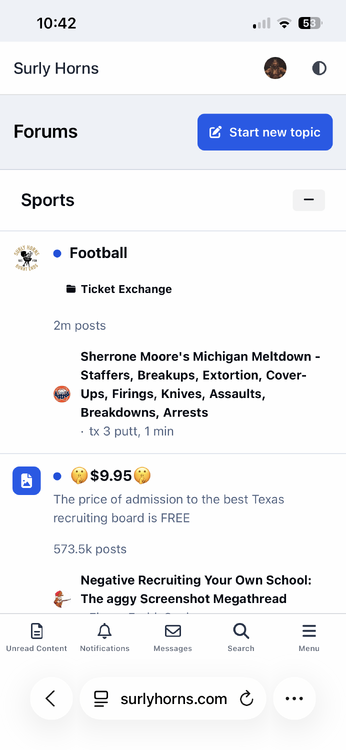
 Dave Chappelle the last 15 years.
fluid does NOT solve the "latest news" feed which is further down
Dave Chappelle the last 15 years.
fluid does NOT solve the "latest news" feed which is further down This is the mobile navigation bar, very few want it. On the previous format, if you clicked the Customizer tab at the top of the page, you simply toggled it off. We need that option back badly.
 I worked in Kazakhstan from ‘18-23 and a lot of the 30+ y/o crew was listening to a shit ton of 80s euro synth pop. Like below…. https://www.youtube.com/watch?v=eNvUS-6PTbs
fluid solves the white 'news' feed site supersonic mach 3 only thing i can't figure out is how to make default font size larger
New forum software?!? Wonder if screenshots show up normal sized now instead of downsized like before. Hey, you can resize pics now!
I worked in Kazakhstan from ‘18-23 and a lot of the 30+ y/o crew was listening to a shit ton of 80s euro synth pop. Like below…. https://www.youtube.com/watch?v=eNvUS-6PTbs
fluid solves the white 'news' feed site supersonic mach 3 only thing i can't figure out is how to make default font size larger
New forum software?!? Wonder if screenshots show up normal sized now instead of downsized like before. Hey, you can resize pics now!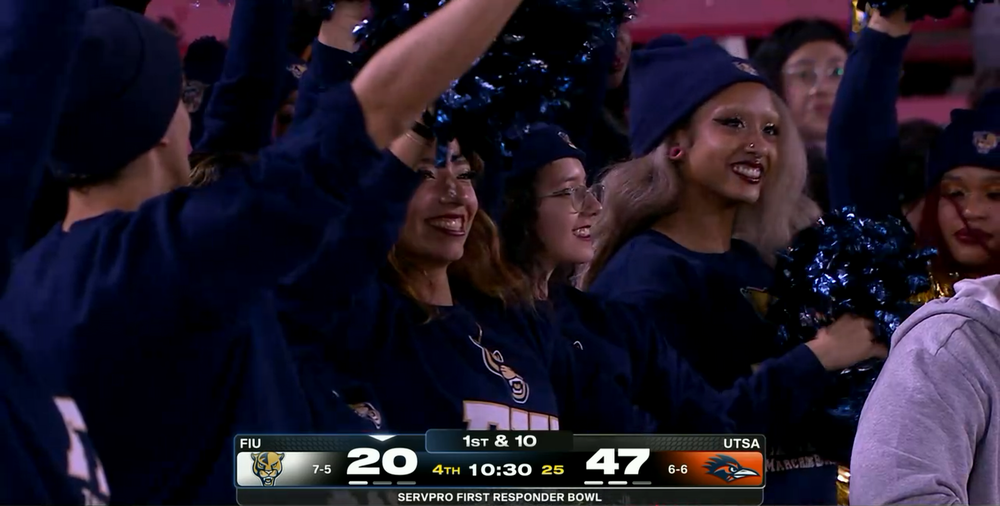
 reply to this topic button working

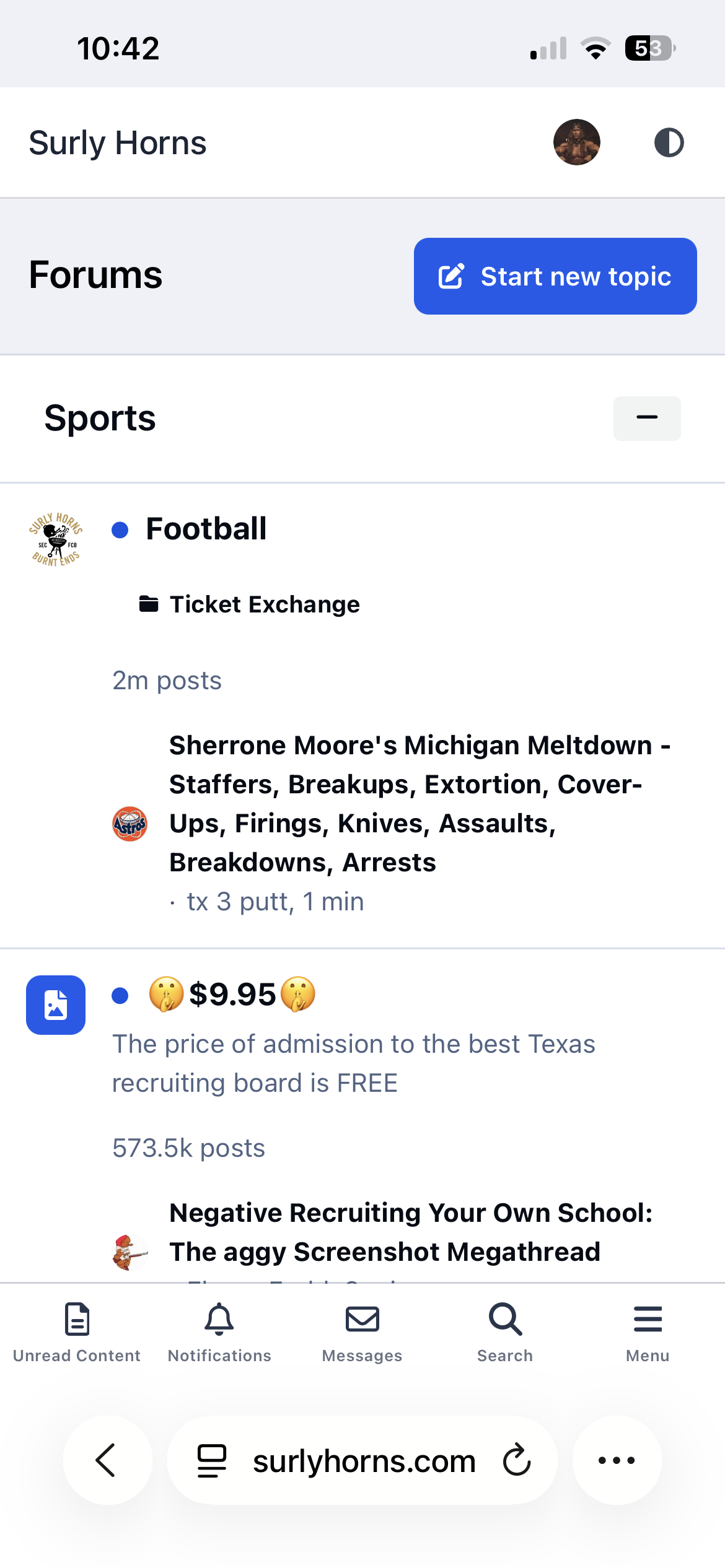
Football ...
Basketball ...
Baseball ...
Other Sports ...
Futbol ...
🤫995🤫 ...
Gambling ...
Movies & TV ...
Music ...
Hobbies ...
Lulz ...
Food & Travel
...
Daily Texan ...
Business & Markets ...
Cloak Room ...
Help ...
For Sale ...
Board Discussion ...
Advertise...
Tailgate Donations